To find today’s project, SCROLL DOWN the page until you see today’s date.
The Spring Craft Countdown runs from 11th – 24th April 2026.
Each day during the Countdown, at 9am Eastern time (EDT), a new project will automatically unlock further down this page.
The cut files are only available to download for free for 24 hours after they go live.
The tutorials and videos remain available to read/watch any time.
Worried about forgetting to check in every day? Register a free ticket to get a daily reminder email throughout the Countdown to make sure you don’t miss a single project!
If you’ve missed any of the downloads (or to download all projects right now), check out the Instant Access Bundle which gives immediate and ongoing access to all files from the Countdown PLUS 35 exclusive additional cut files.
I hope you enjoy the Spring Craft Countdown!
If you have any questions, please email [email protected]
Share photos of your finished projects, get your questions answered and chat with like-minded crafters in my Facebook group.
Happy crafting,
Sarah x
New to uploading SVGs or cutting cardstock with your cutting machine? Not sure how to use your machine’s software? Check out these machine-specific tutorials for step-by-step video guides.
You may also find the below links useful.
They teach some of the skills, techniques and tools that will feature in this Craft Countdown.
- How to make 3D layered Cricut projects
- The BEST way to frame papercraft projects
- How to mount multiple designs in the same frame with magic guides
- Hooks & stands to display papercrafts (or get extra fancy with easel stands!)
- How to score with a Cricut (even without scoring tools)
- Print then cut tutorial
- Design Space tools (Combine, Attach, Slice, Weld, Flatten, etc.)
- Pattern fill tutorial (for making backgrounds & cutting images to a specific shape/size)
- Free envelope SVGs that can be sized to fit any card, plus how to write the addresses with the Cricut
- Free presentation boxes for thicker greetings cards
- How to write inside cards with Cricut pens
- How to cut layered designs at a small size
- Design Space tips & tricks
- Cricut pens tutorial
If you are using a phone/tablet and seeing a blank white screen, “no internet” message or “link broken” message when you click the download buttons, this is most likely due to how phones and tablets access downloadable content when you are browsing the internet from within a different app (e.g. when you click a link from Facebook or from your email app).
—–
HOW TO FIX – OPTION 1
Look on your screen for three little dots OR an arrow icon (usually in the top-right or bottom-right of your screen), tab that and and then select “Open in Safari” or whatever your main internet browser is on your phone. That will re-load this Schedule page directly in your internet browser, and the links should then work.
—–
HOW TO FIX – OPTION 2
Alternatively, press-and-hold the following website address and copy it:
https://www.craftwithsarah.com/springcc26/
Then, open up your internet browser app directly and paste the link into the website address bar.
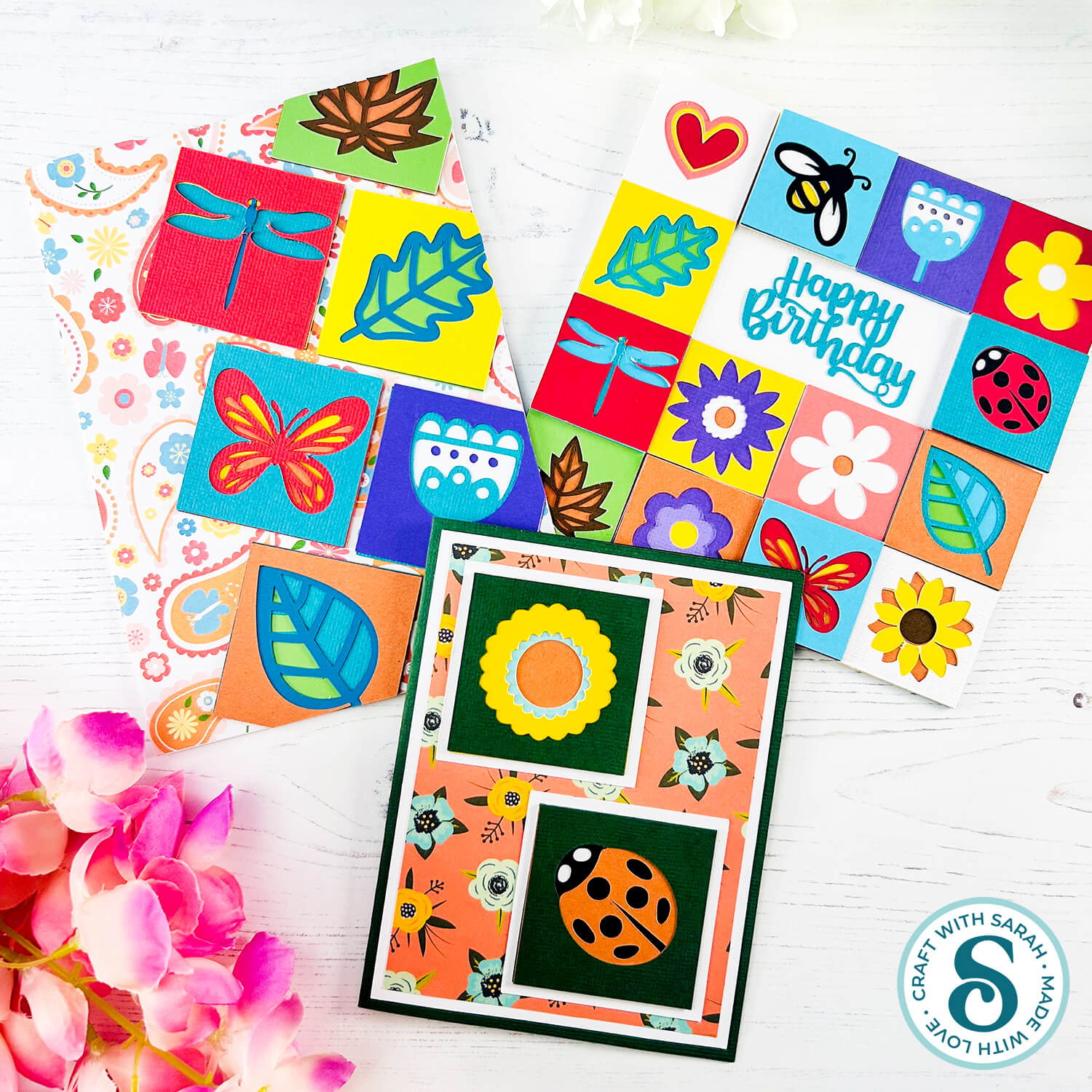
Block Builder Cards
The free cut files for this project have expired.
They can be purchased as part of the
Instant Access Bundle
Or, purchase just this design from my SVG shop
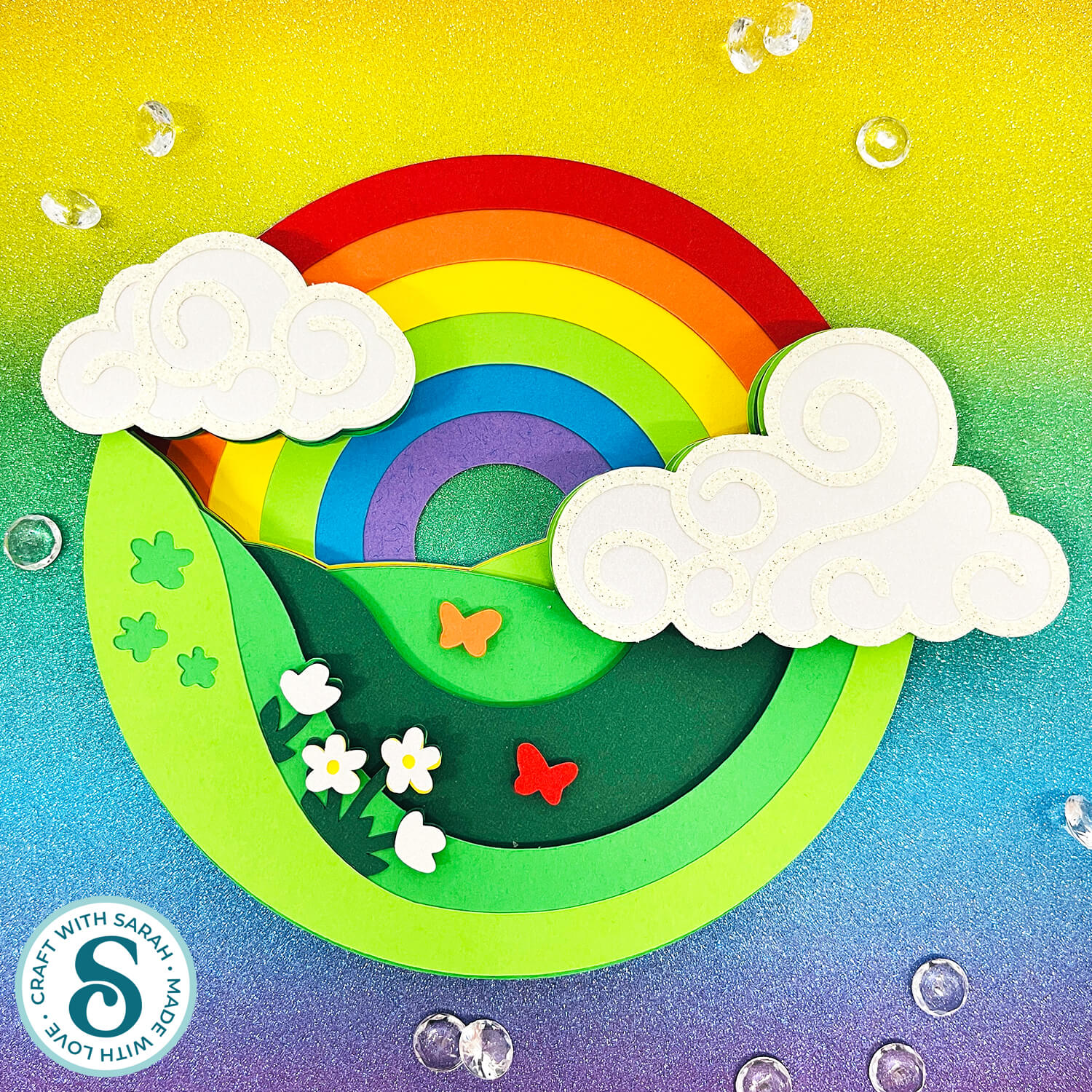
Rainbow Fields Layered Design
The free cut files for this project have expired.
They can be purchased as part of the
Instant Access Bundle
Or, purchase just this design from my SVG shop
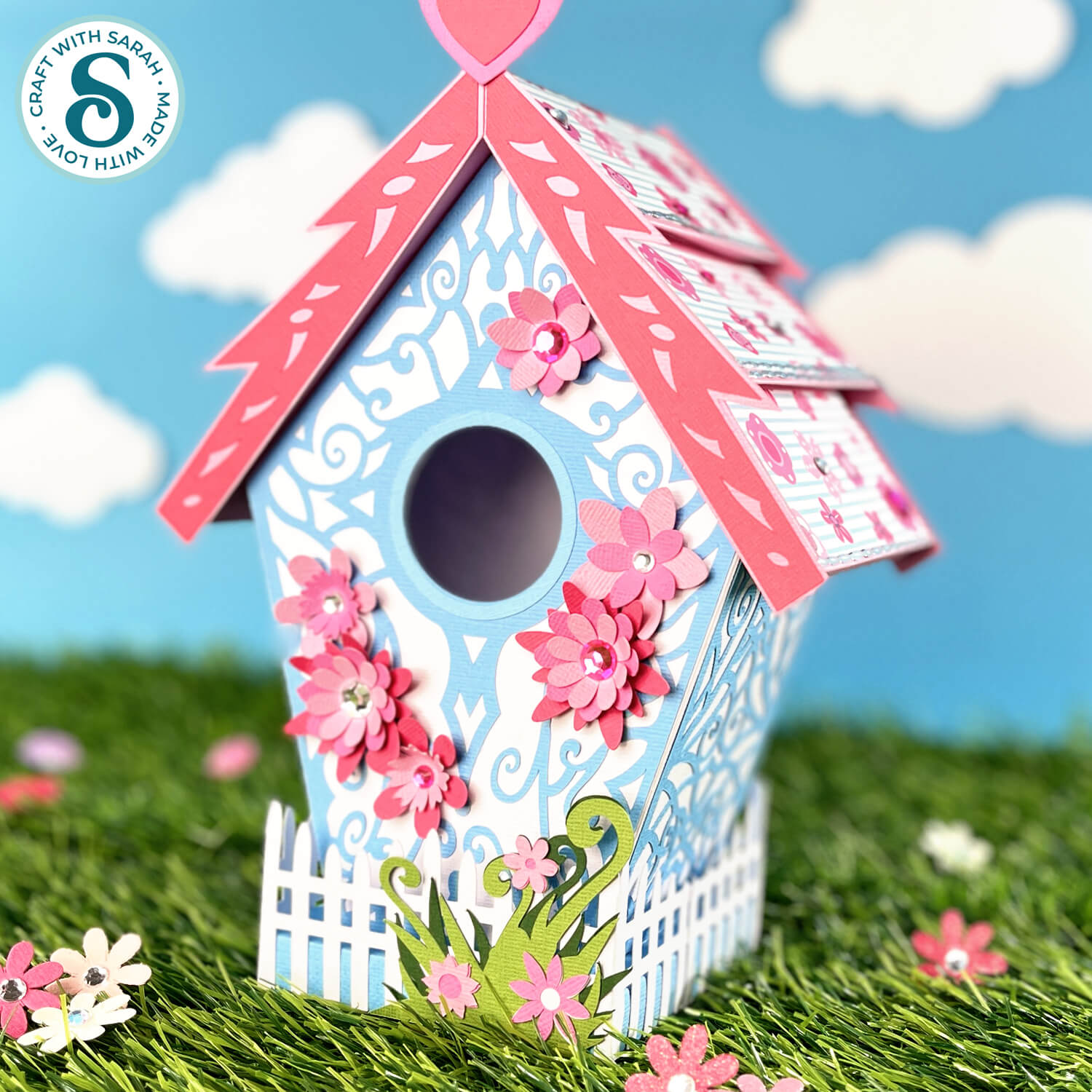
3D Birdhouse
The free cut files for this project have expired.
They can be purchased as part of the
Instant Access Bundle
Or, purchase just this design from my SVG shop
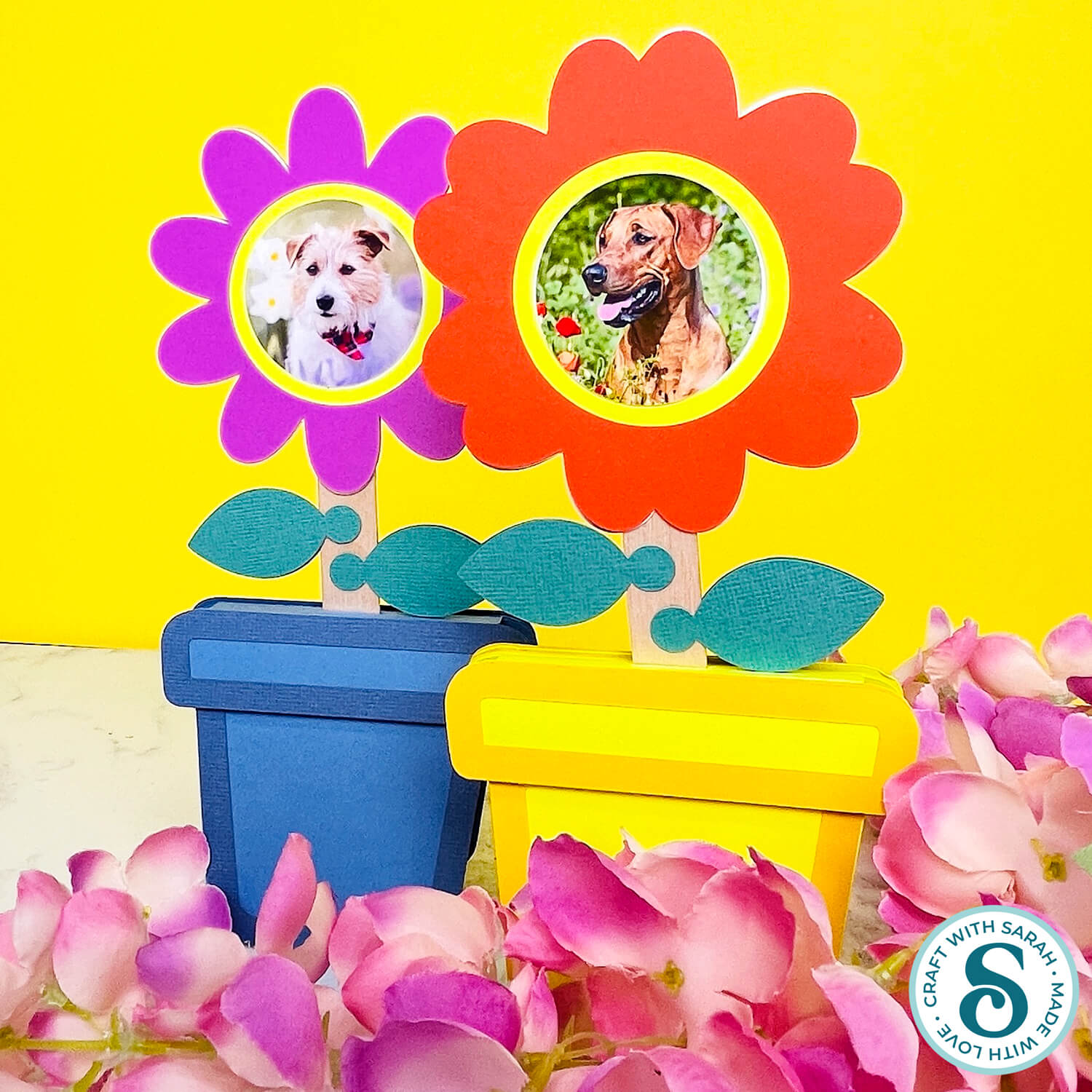
Flower Pot Photo Frames
The free cut files for this project have expired.
They can be purchased as part of the
Instant Access Bundle
Or, purchase just this design from my SVG shop
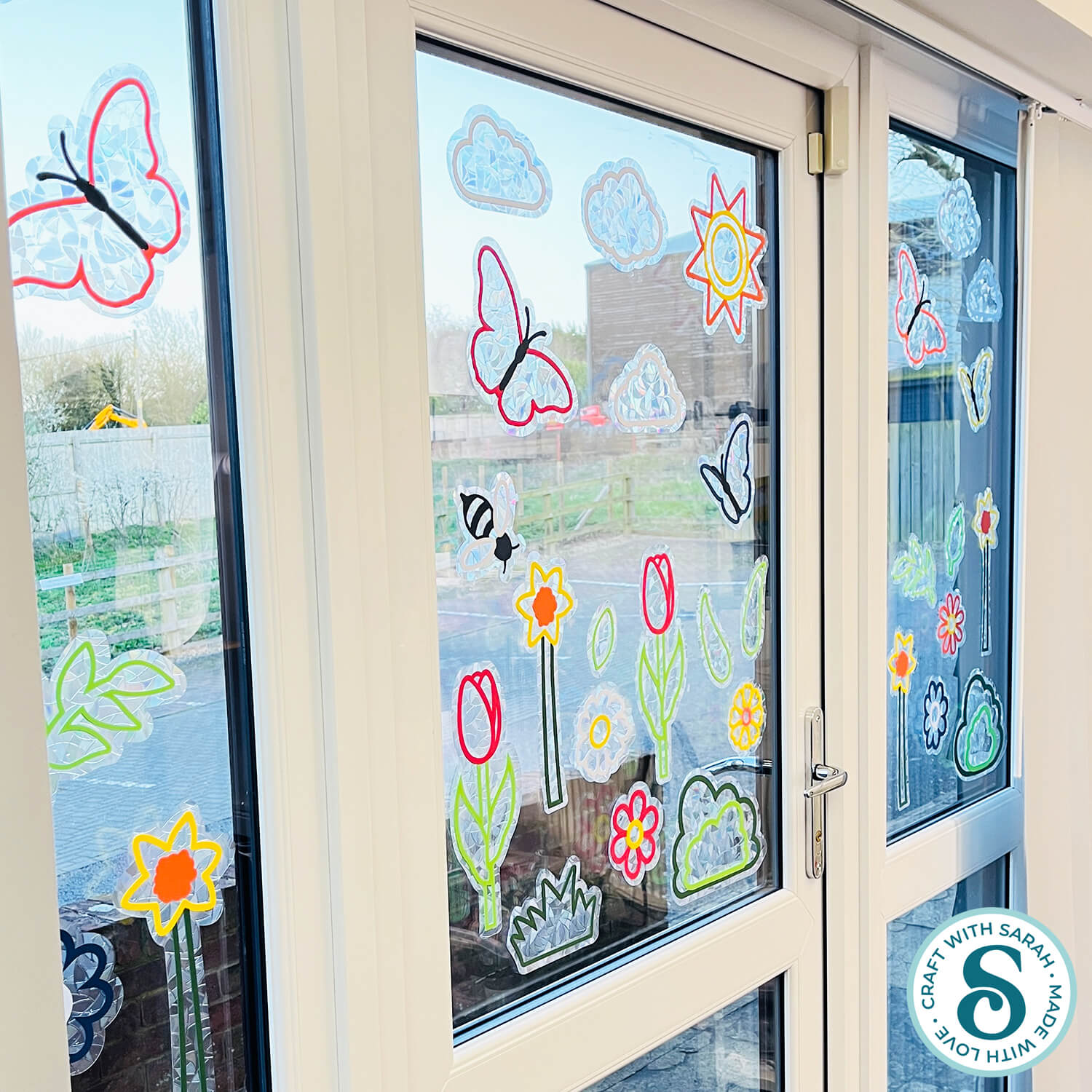
Spring Window Suncatchers
The free cut files for this project have expired.
They can be purchased as part of the
Instant Access Bundle
Or, purchase just this design from my SVG shop
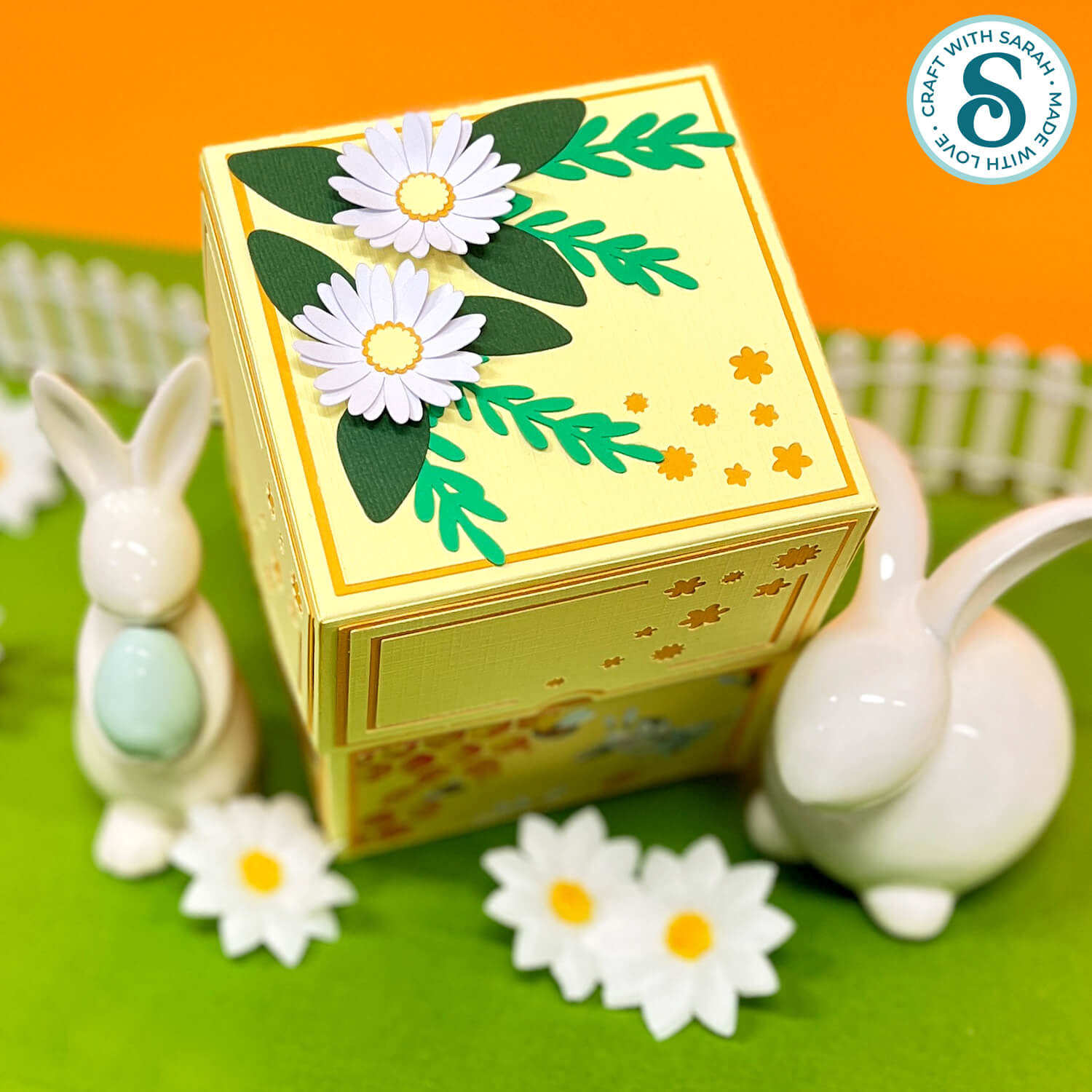
Daisy Gift Box
The free cut files for this project have expired.
They can be purchased as part of the
Instant Access Bundle
Or, purchase just this design from my SVG shop
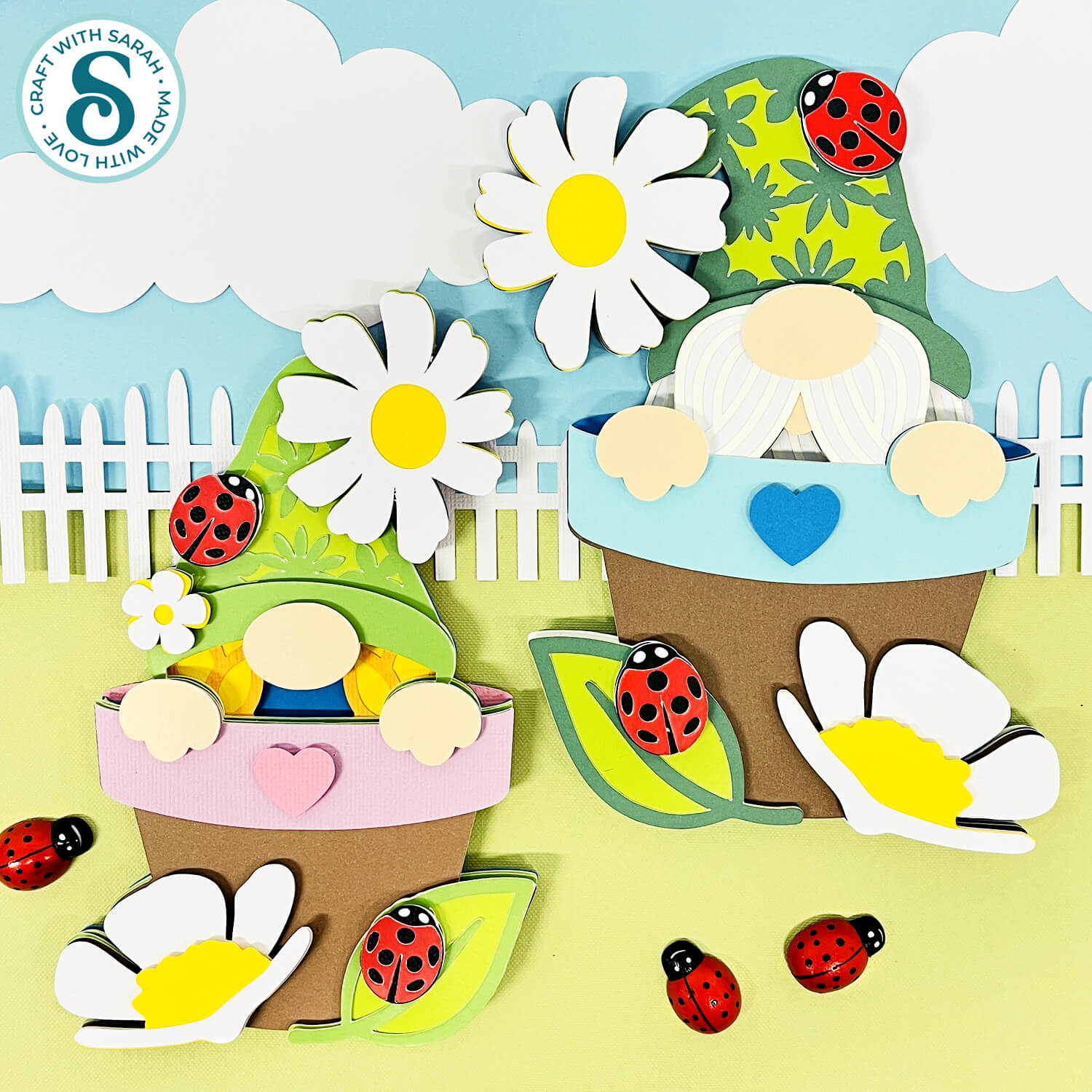
Flower Pot Gnomes
The free cut files for this project have expired.
They can be purchased as part of the
Instant Access Bundle
Or, purchase just this design from my SVG shop
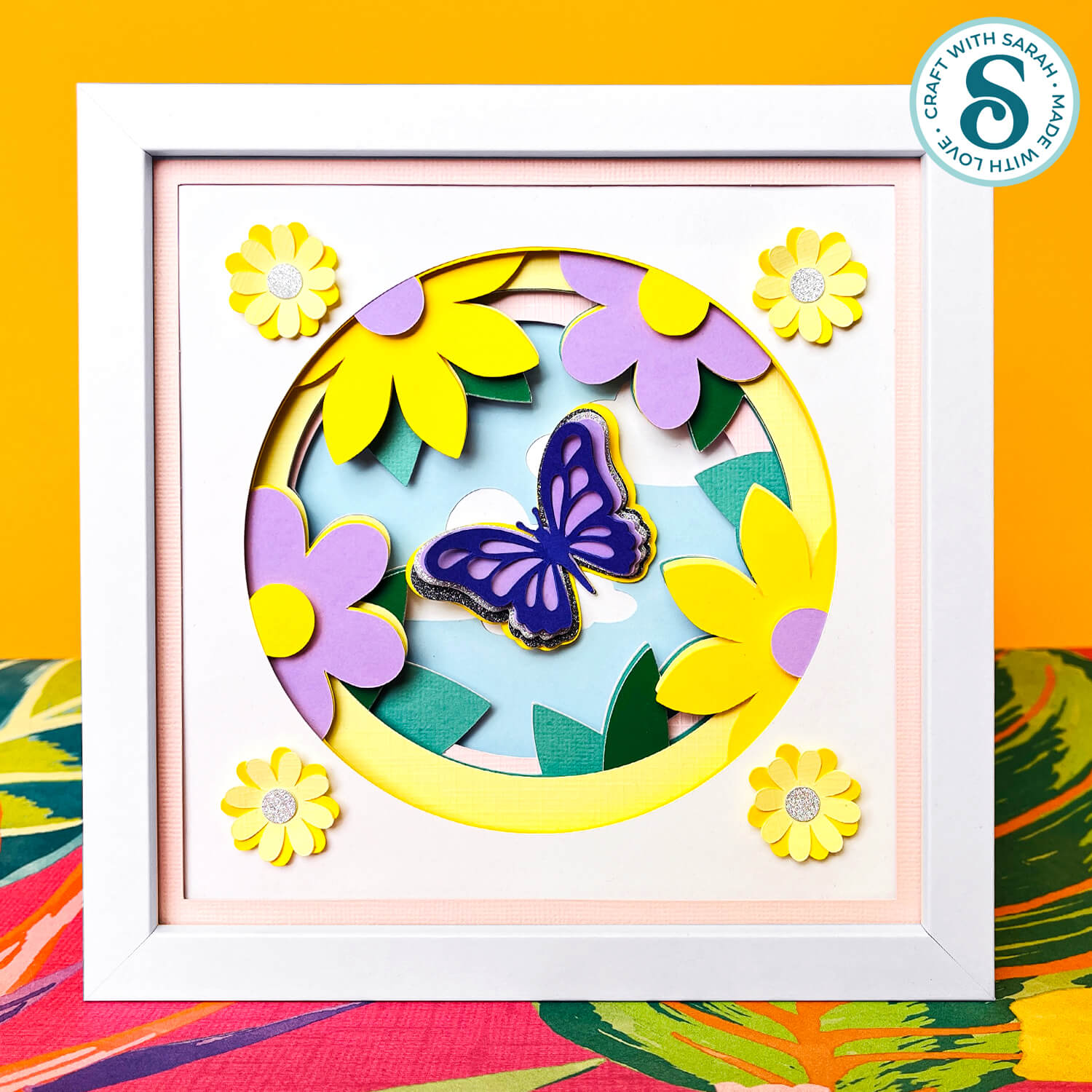
Flower Shadow Box
The free cut files for this project have expired.
They can be purchased as part of the
Instant Access Bundle
Or, purchase just this design from my SVG shop
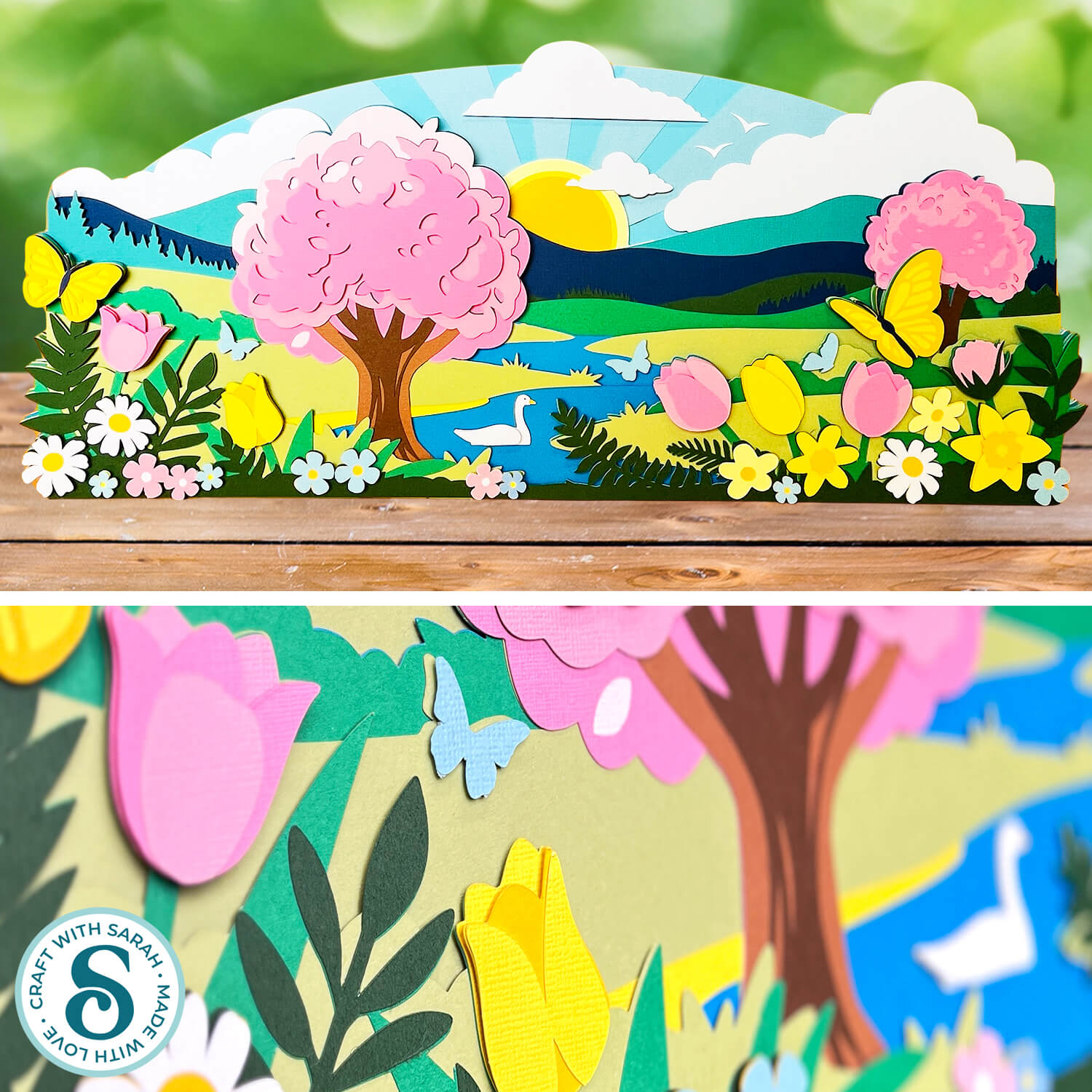
Spring Landscape Giant Sign
The free cut files for this project have expired.
They can be purchased as part of the
Instant Access Bundle
Or, purchase just this design from my SVG shop
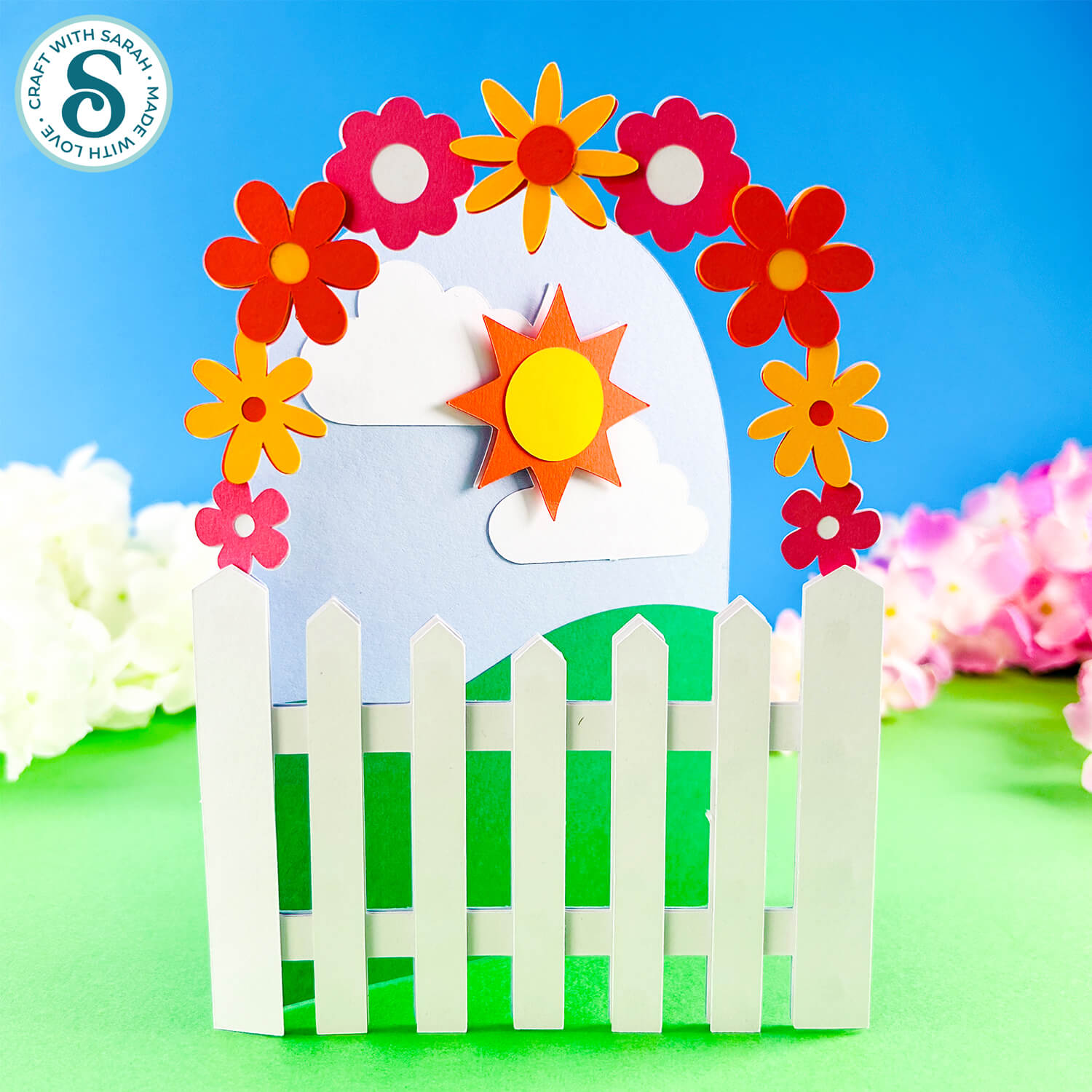
Picket Fence Cards
The free cut files for this project have expired.
They can be purchased as part of the
Instant Access Bundle
Or, purchase just this design from my SVG shop
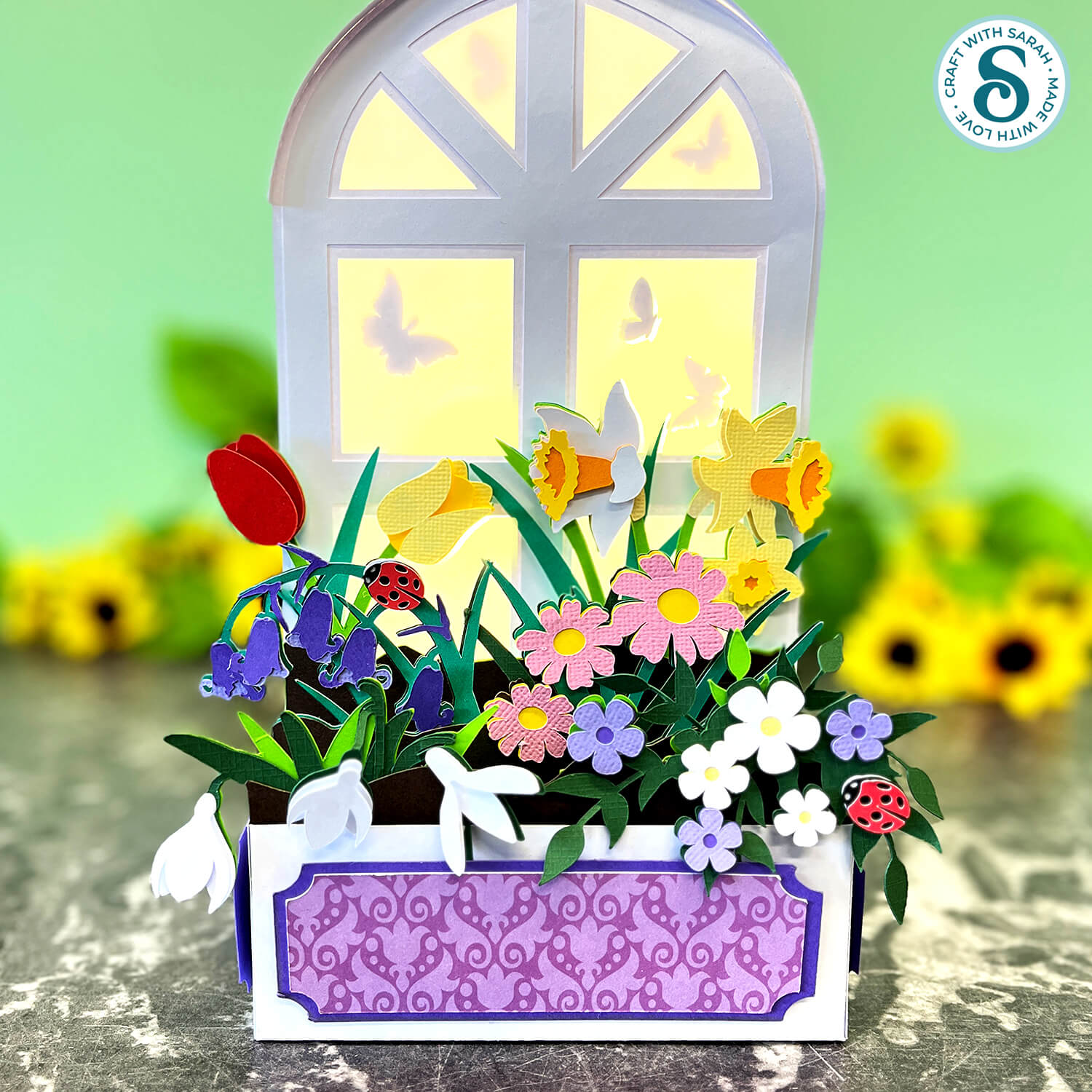
Window Box Lantern
The free cut files for this project have expired.
They can be purchased as part of the
Instant Access Bundle
Or, purchase just this design from my SVG shop
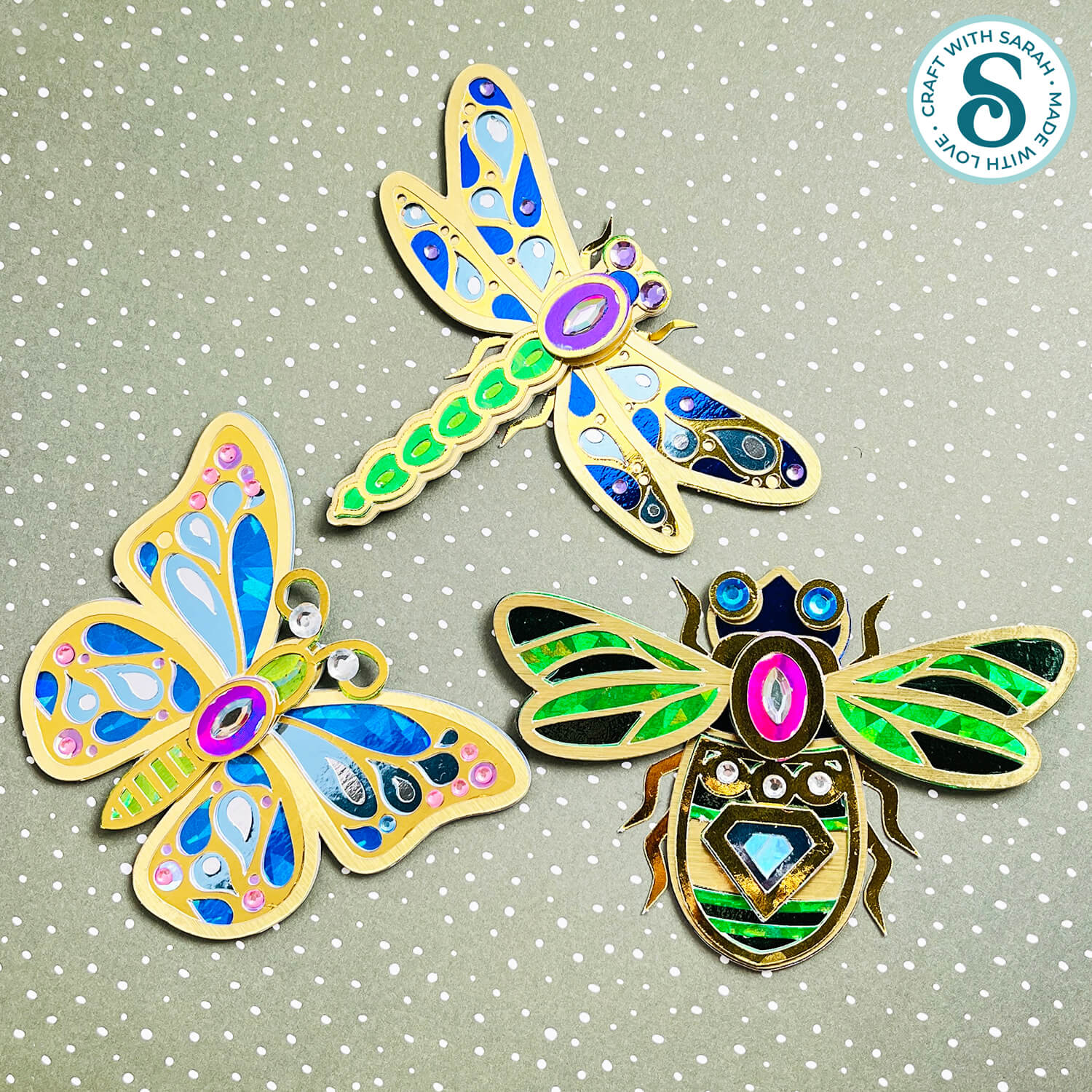
Insect "Jewellery"
The free cut files for this project have expired.
They can be purchased as part of the
Instant Access Bundle
Or, purchase just this design from my SVG shop
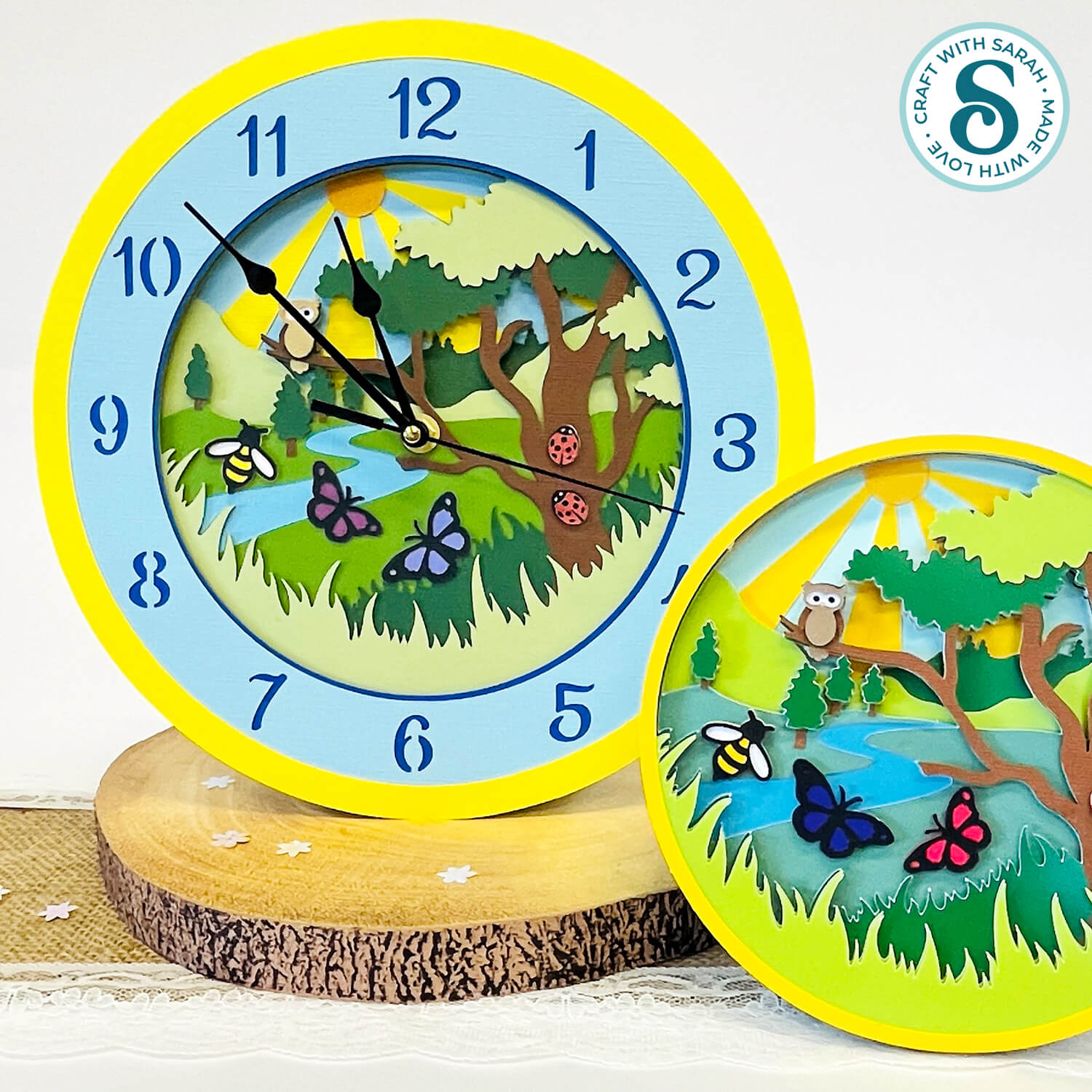
Spring Forest Clock
The free cut files for this project have expired.
They can be purchased as part of the
Instant Access Bundle
Or, purchase just this design from my SVG shop
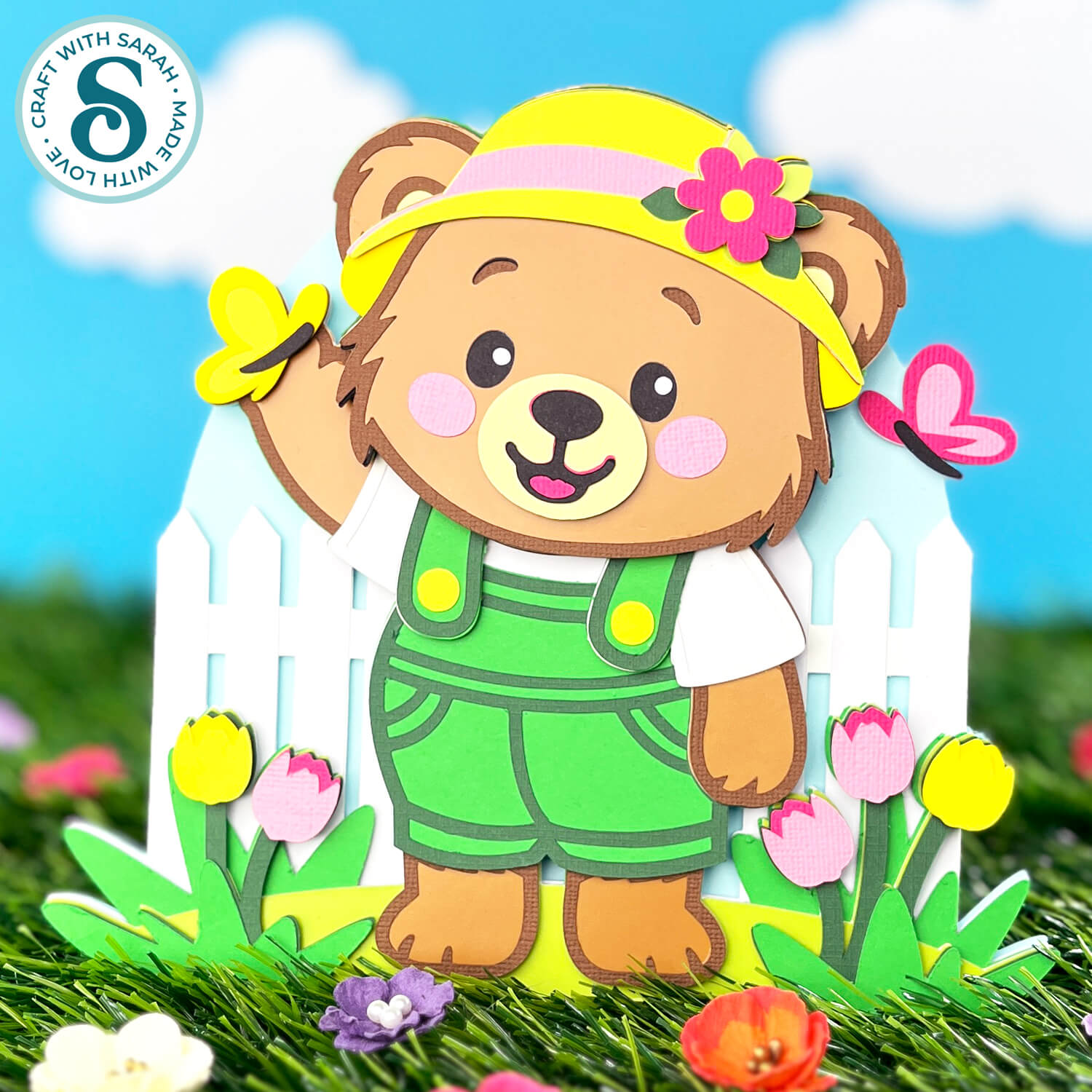
Gardening Teddy Bear
The free cut files for this project have expired.
They can be purchased as part of the
Instant Access Bundle