Cricut Tutorials
Got a Cricut machine and not sure how to use it? No problem!
These Cricut tutorials for beginners will take you through all the steps to start making beautiful papercraft projects with your machine.
If you’re looking for specific crafts to make rather than general machine and Design Space tutorials, check out this huge collection of Cricut project ideas instead.
Still need help with your Cricut? Get in touch and we’ll try our best to help. 🥰
Cricut help for beginners
Explore the following help guides to learn how to upload SVGs to Design Space, customize them, design projects with them and how to get your craft projects cut from cardstock using a Cricut machine.
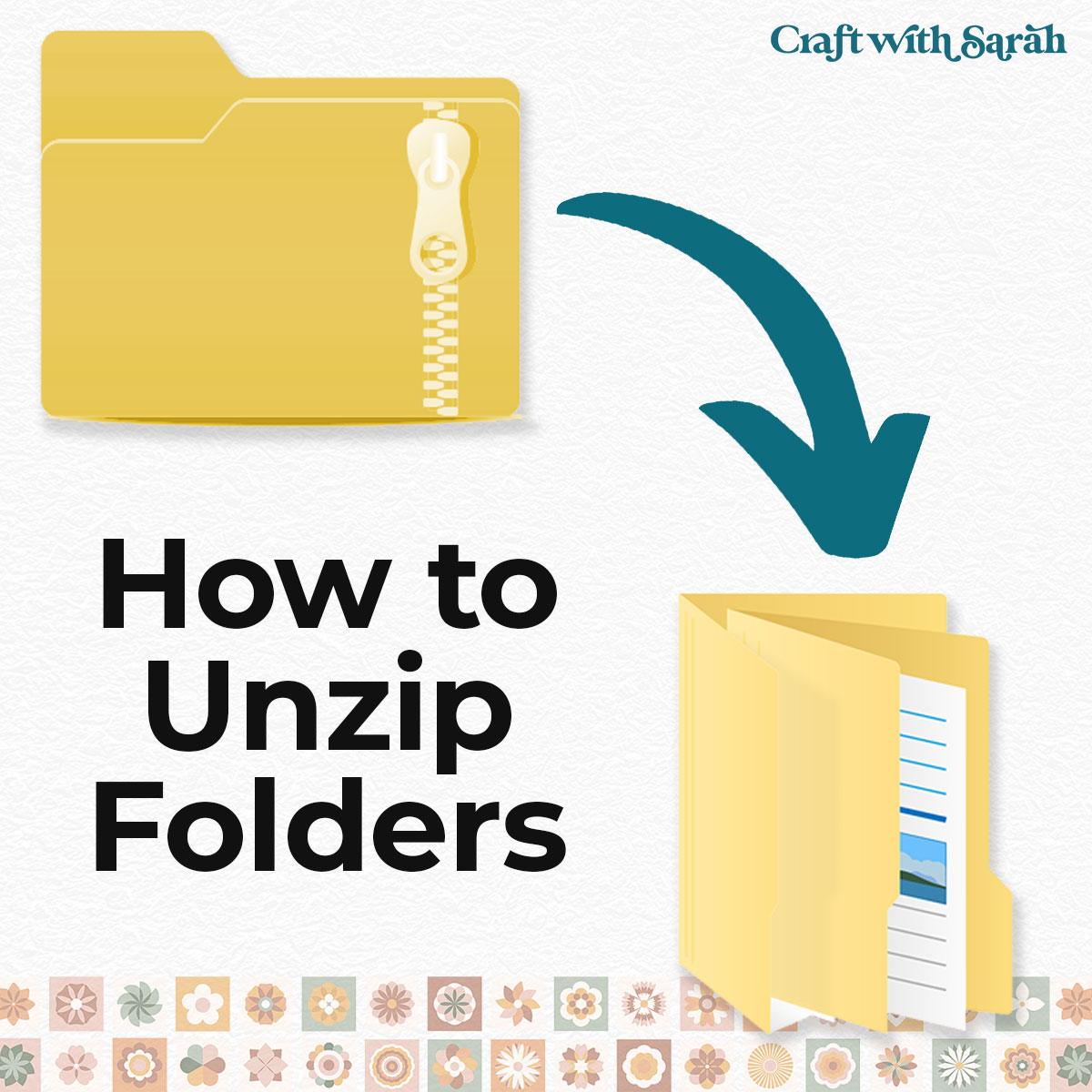
Unzipping Folders
How to open and extract "zip folders" on Windows computers, Macs, Android devices, iPhones and iPads.
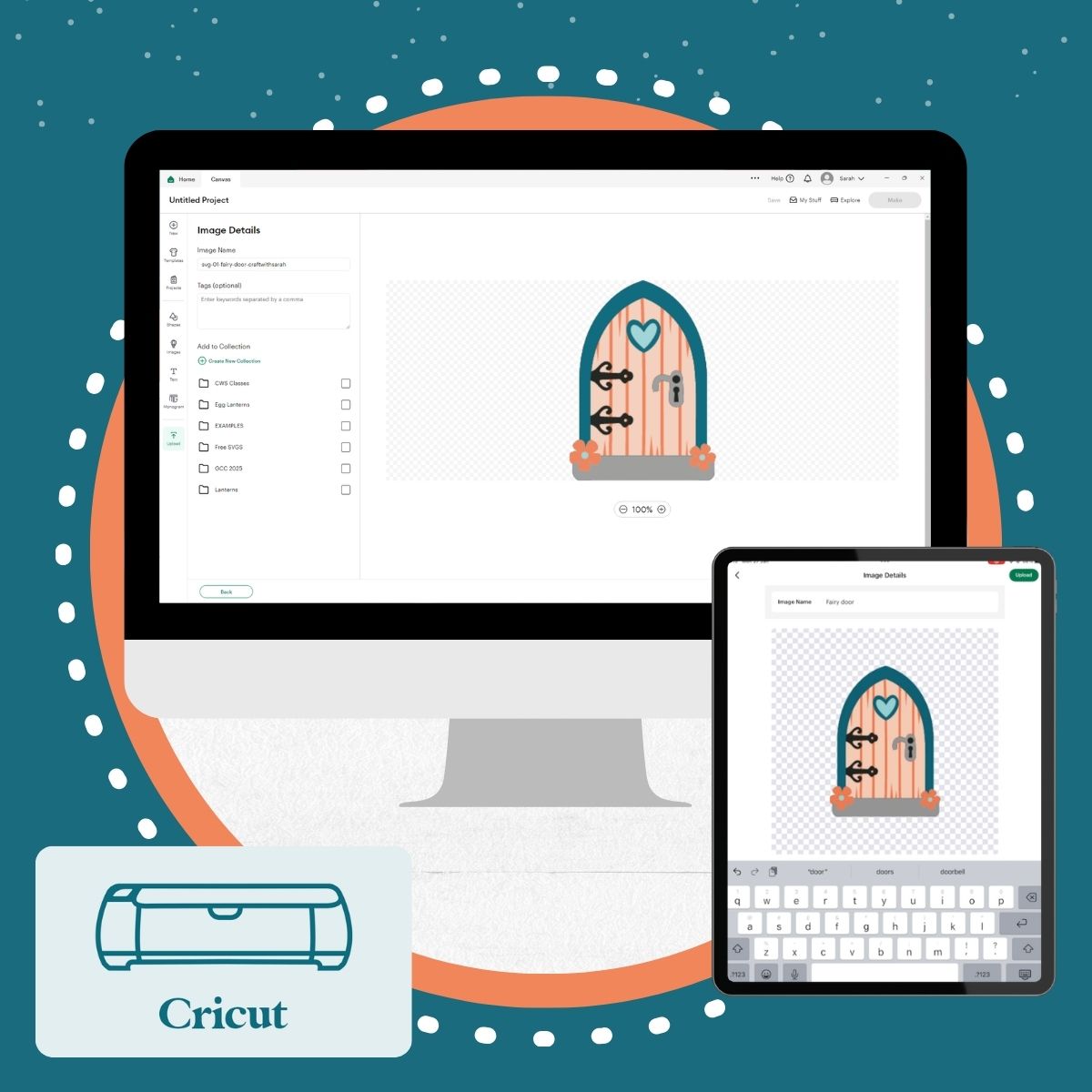
Uploading SVGS
How to upload SVG files into Cricut Design Space, on both the desktop and mobile versions of the software.
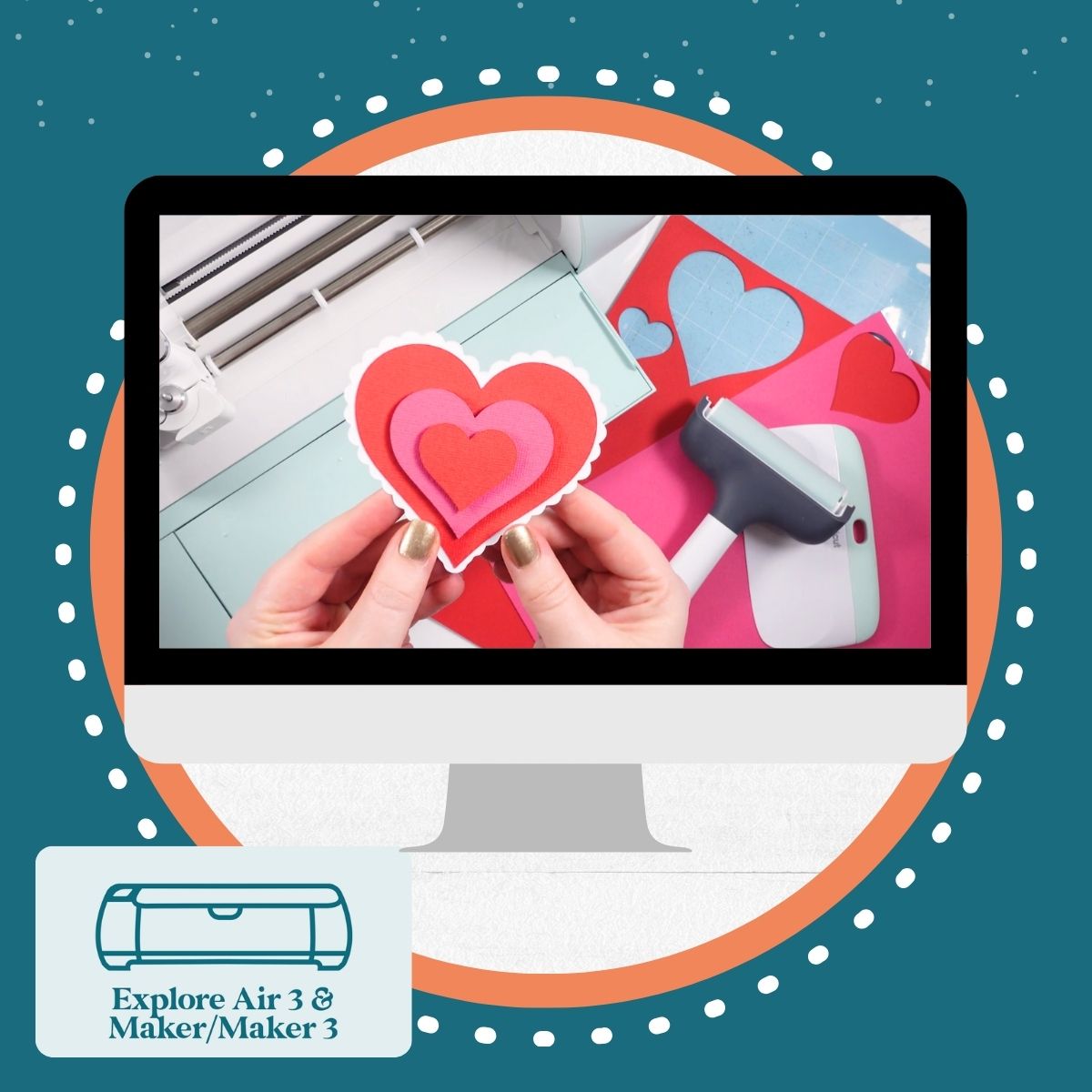
Cutting Cardstock: Explore Air 2/3/4 and Maker/3/4 Version
Cut your first cardstock project on your Cricut Explore Air 2, Explore 3 or 4, Maker, Maker 3 or Maker 4 with this simple heart design.
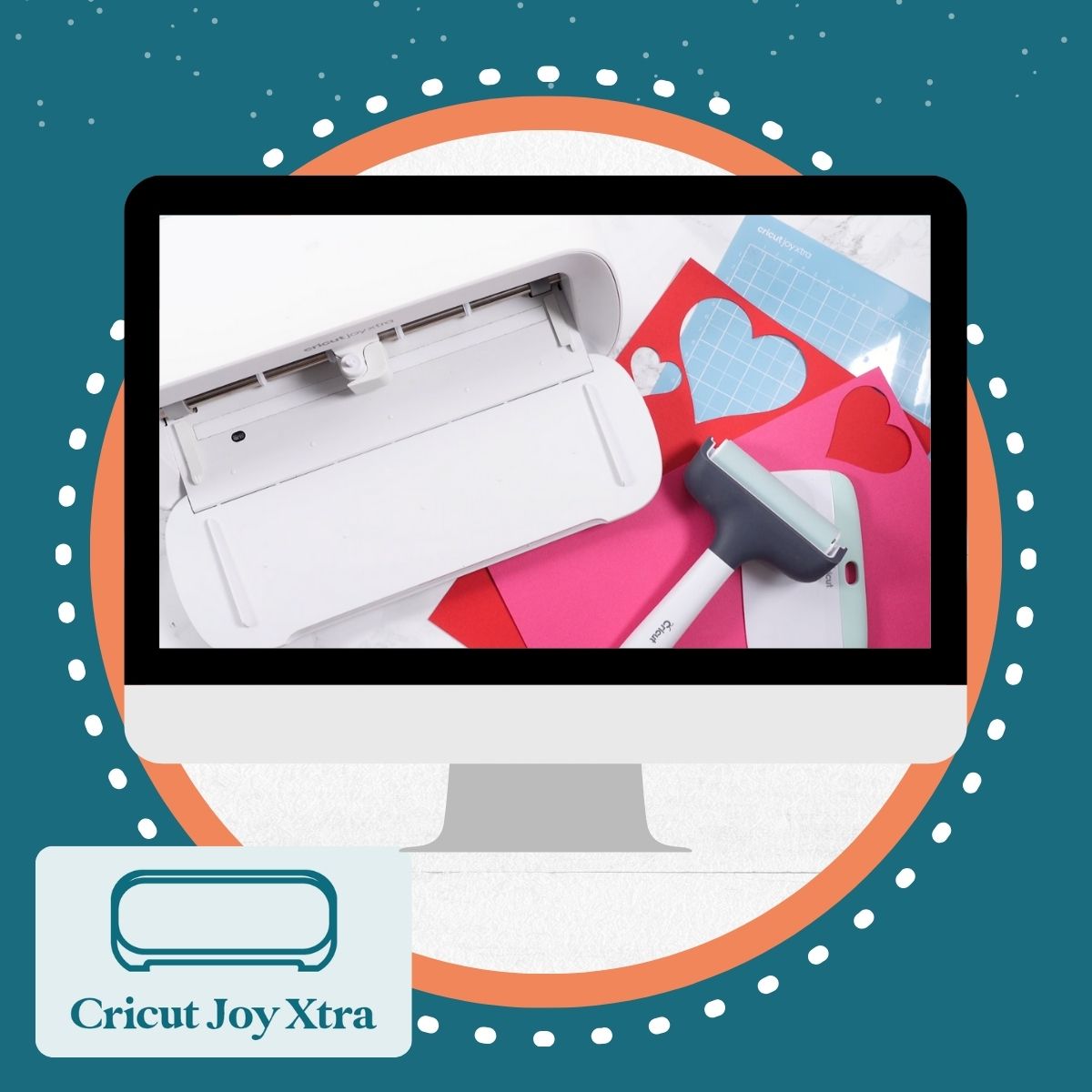
Cutting Cardstock: Joy Xtra Version
Cut your first cardstock project on your Cricut Joy Xtra machine with this simple heart design.
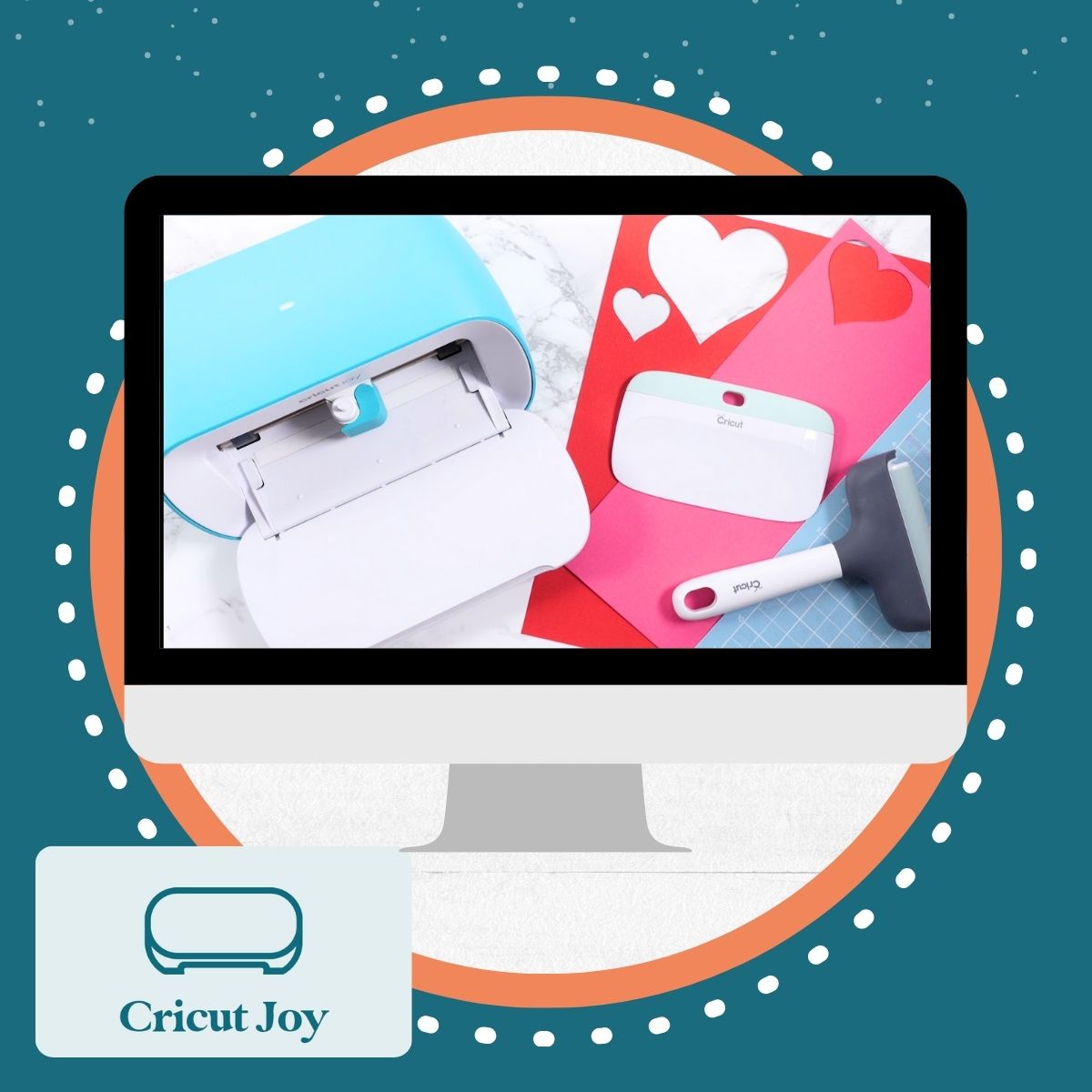
Cutting Cardstock: Cricut Joy Version
Cut your first cardstock project on your Cricut Joy machine with this simple heart design.
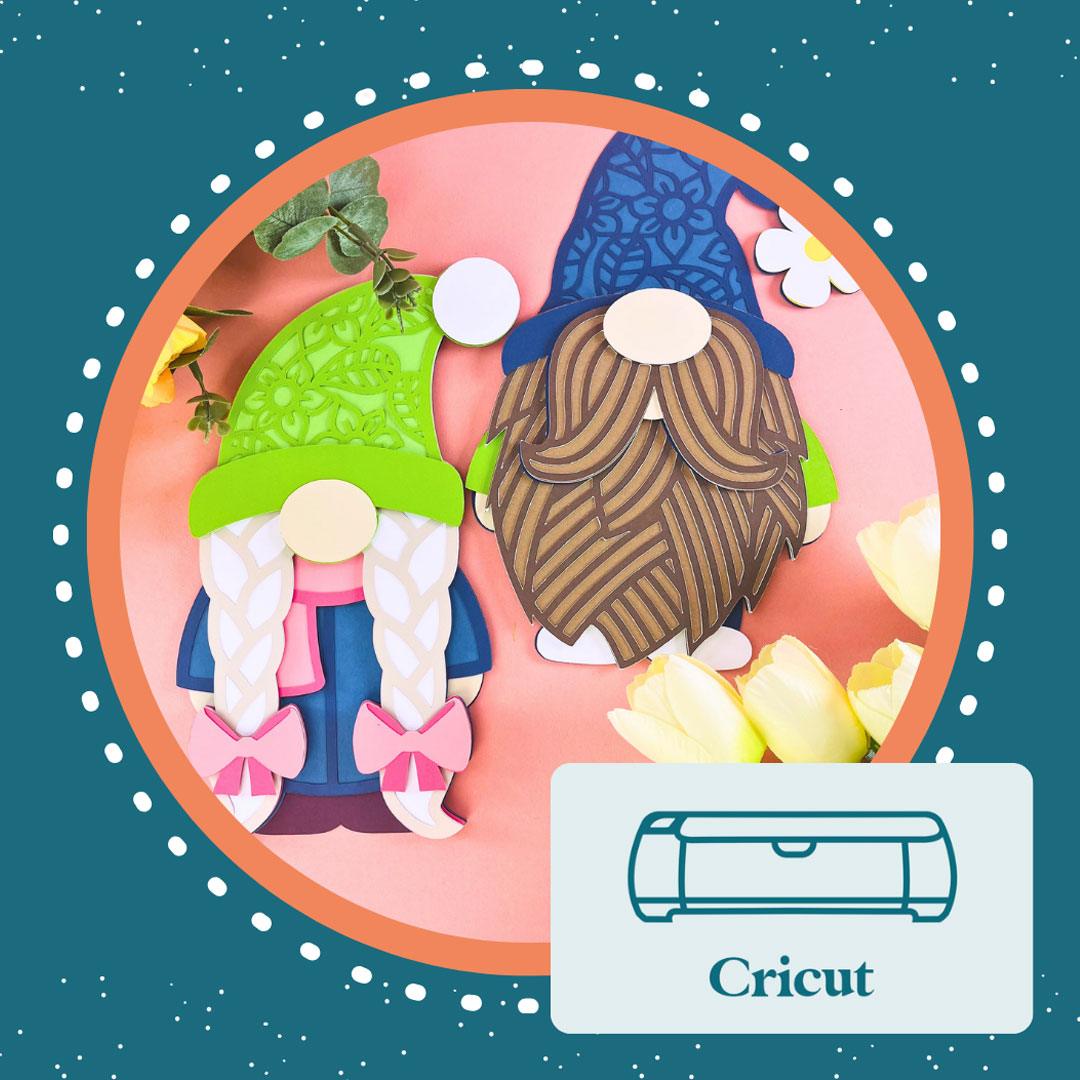
How to make layered cardstock projects with a Cricut machine
A full step-by-step guide to cutting and assembly layered SVGs with your Cricut.
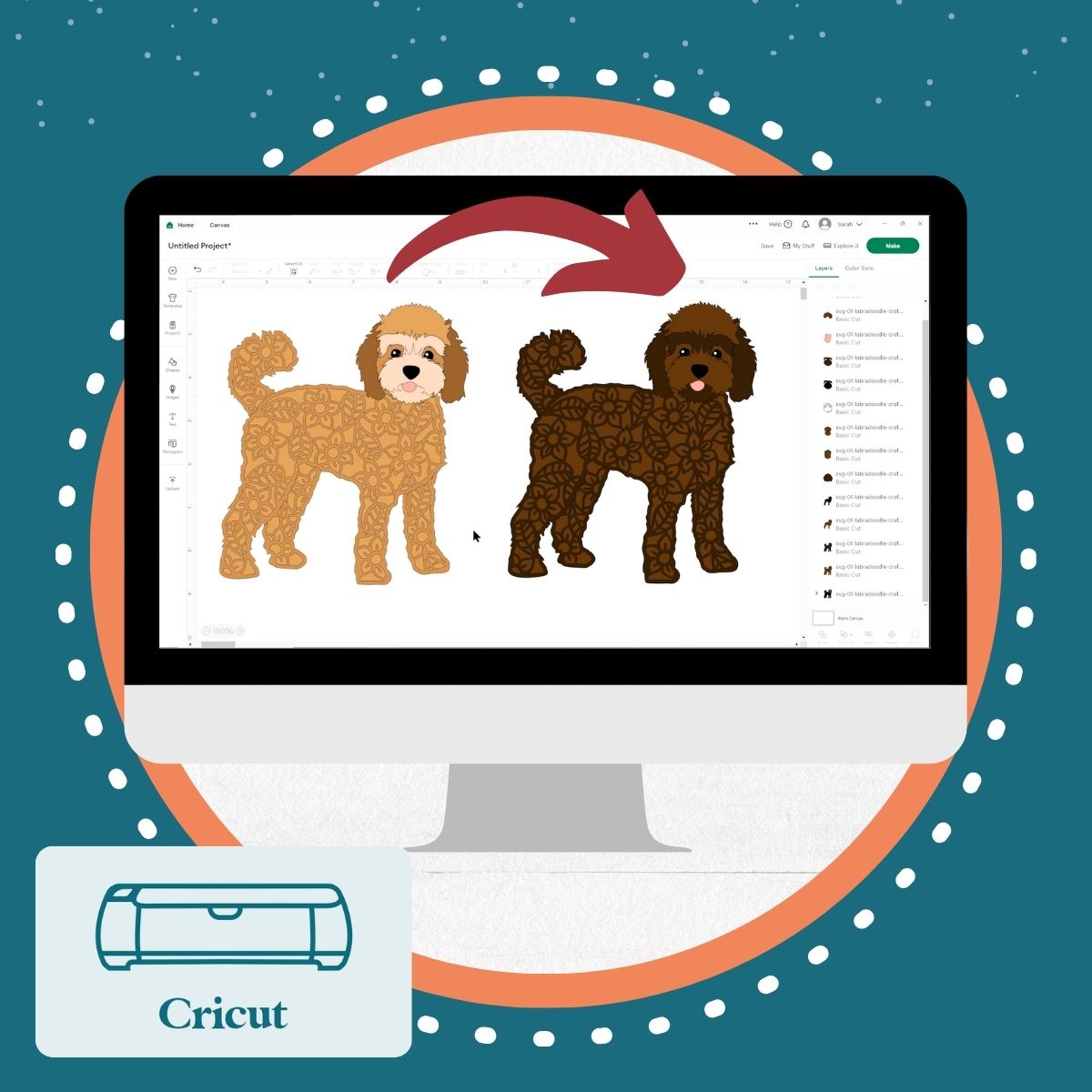
Recolor SVGs & Layers
How to change the colours of SVGs and layers within Cricut Design Space.
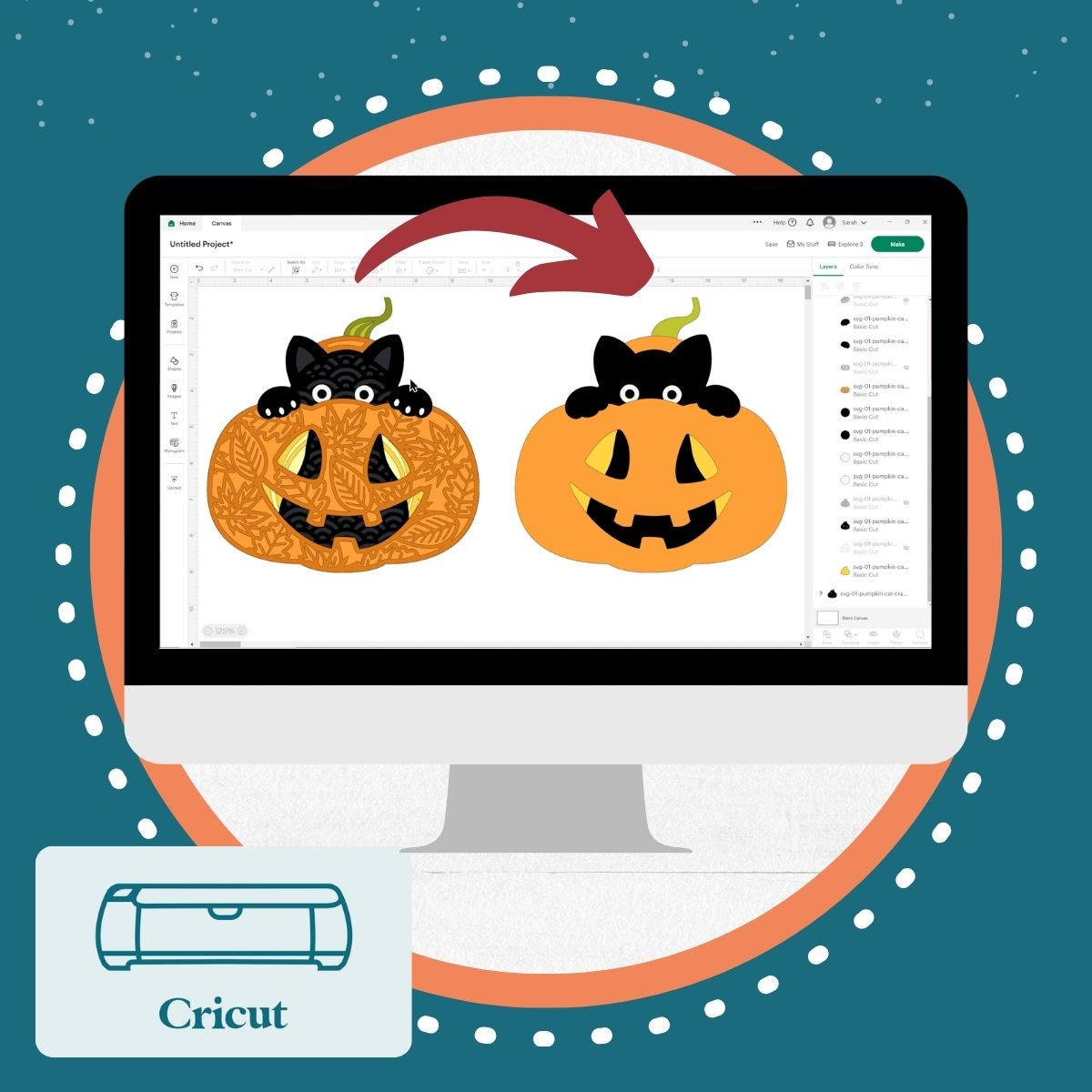
Modifying SVGs
How to edit SVGs in Design Space, for example to remove flower patterns or reduce the number of pieces or colours.
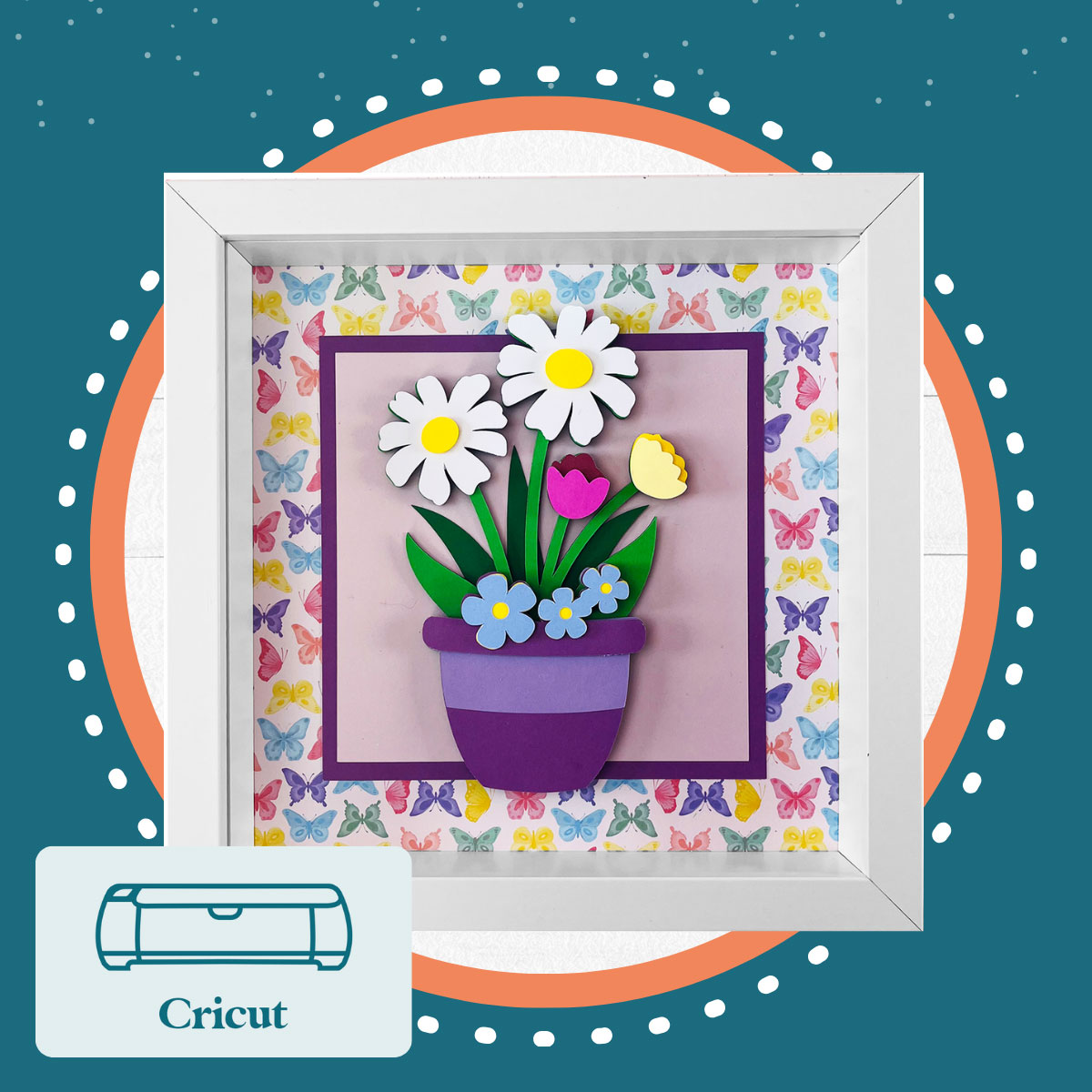
Framing Designs
Use Design Space to make sure your finished crafts will fit perfectly inside your shadow box frame, every time.