A second chance to download projects from previous years, for free!
I’ve chosen seven of my favourite Halloween Craft Countdown projects from 2022-2025 and I’m bringing them back for one week only.
To find today’s project, SCROLL DOWN the page until you see today’s date.
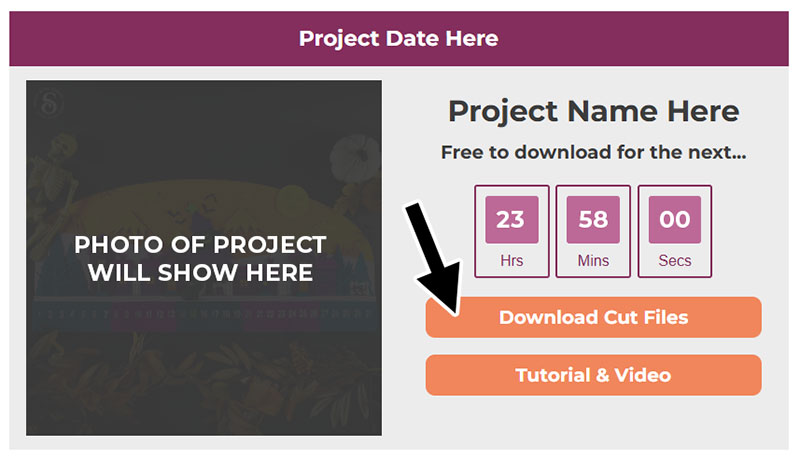
The download buttons look like this:
The Halloween Countdown Callback runs from 12th – 28th October 2026.
Each day during the Callback, at 9am Eastern time (EDT), a project from Halloween years gone by will automatically unlock further down this page.
The cut files are available to download for free for 24 hours after they go live. After that, they return to their normal price.
The tutorials/videos remain available to watch any time.
I hope you enjoy the Halloween Countdown Callback!
Enter my Craft Challenges to win some amazing prizes throughout the Countdown. Challenges for the Halloween Countdown Callback start on 12th October 2026 and close for entries at midnight UK time on Friday 23rd October.
Share photos of your finished projects, get your questions answered and chat with like-minded crafters in my Facebook group.
If you have any questions, please email [email protected]
Share photos of your finished projects, get your questions answered and chat with like-minded crafters in my Facebook group.
Happy crafting,
Sarah x
New to uploading SVGs or cutting cardstock with your cutting machine? Not sure how to use your machine’s software? Check out these machine-specific tutorials for step-by-step video guides.
You may also find the below links useful.
They teach some of the skills, techniques and tools that will feature in this Craft Countdown.
- How to upload SVG files into Design Space
- How to score with a Cricut (even without scoring tools)
- Print then cut tutorial
- Design Space tools (Combine, Attach, Slice, Weld, Flatten, etc.)
- Pattern fill tutorial (for making backgrounds & cutting images to a specific shape/size)
- Free envelope SVGs that can be sized to fit any card, plus how to write the addresses with the Cricut
- Free presentation boxes for thicker greetings cards
- How to write inside cards with Cricut pens
- How to cut layered designs at a small size
- Design Space tips & tricks
- Cricut pens tutorial
If you are using a phone/tablet and seeing a blank white screen, “no internet” message or “link broken” message when you click the download buttons, this is most likely due to how phones and tablets access downloadable content when you are browsing the internet from within a different app (e.g. when you click a link from Facebook or from your email app).
—–
HOW TO FIX – OPTION 1
Look on your screen for three little dots OR an arrow icon (usually in the top-right or bottom-right of your screen), tab that and and then select “Open in Safari” or whatever your main internet browser is on your phone. That will re-load this Schedule page directly in your internet browser, and the links should then work.
—–
HOW TO FIX – OPTION 2
Alternatively, press-and-hold the following website address and copy it:
https://www.craftwithsarah.com/halloween-callback/
Then, open up your internet browser app directly and paste the link into the website address bar.
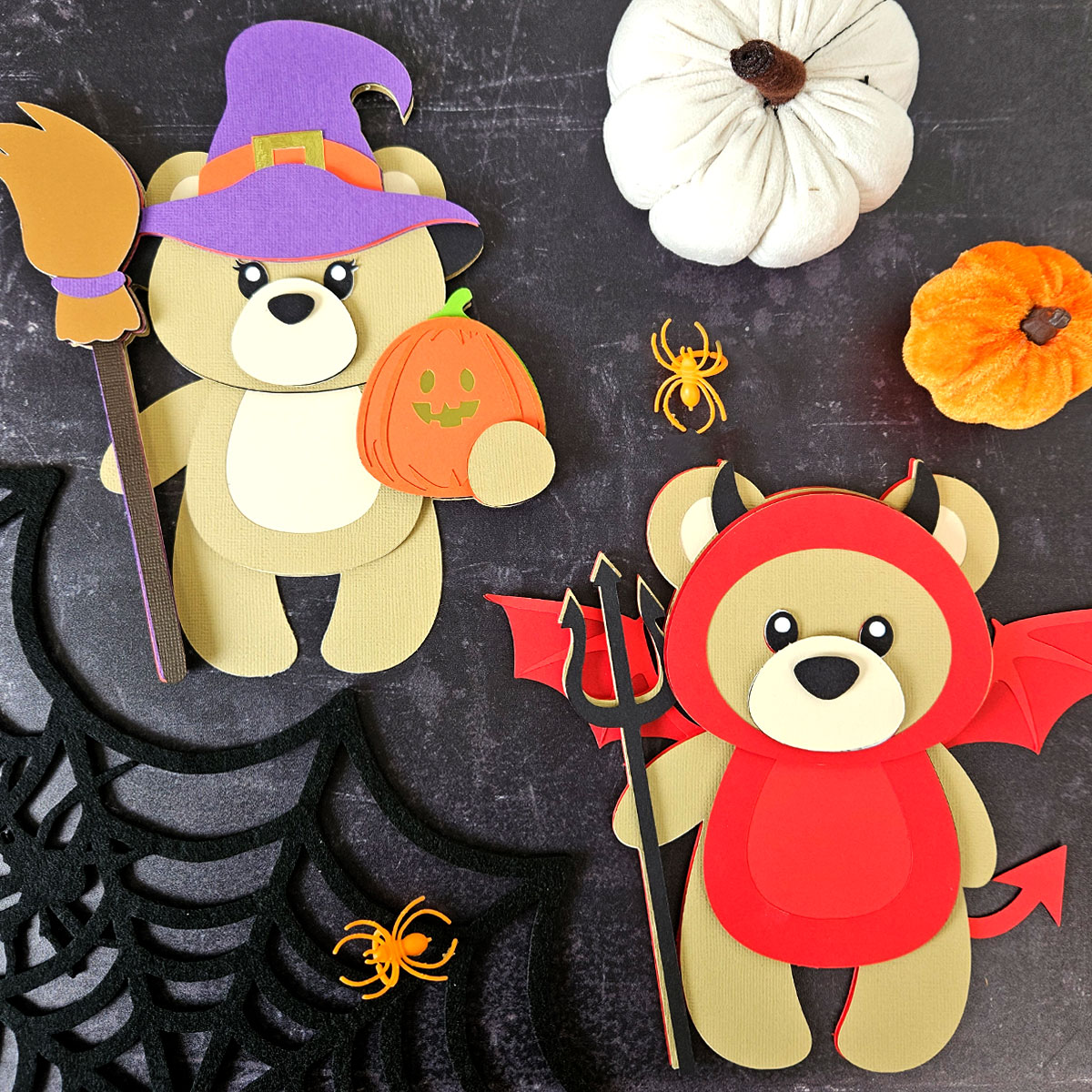
Trick or Treat Teddy Bears
Free to download for the next...