3D Birdhouse 🦋 Spring CC 2026
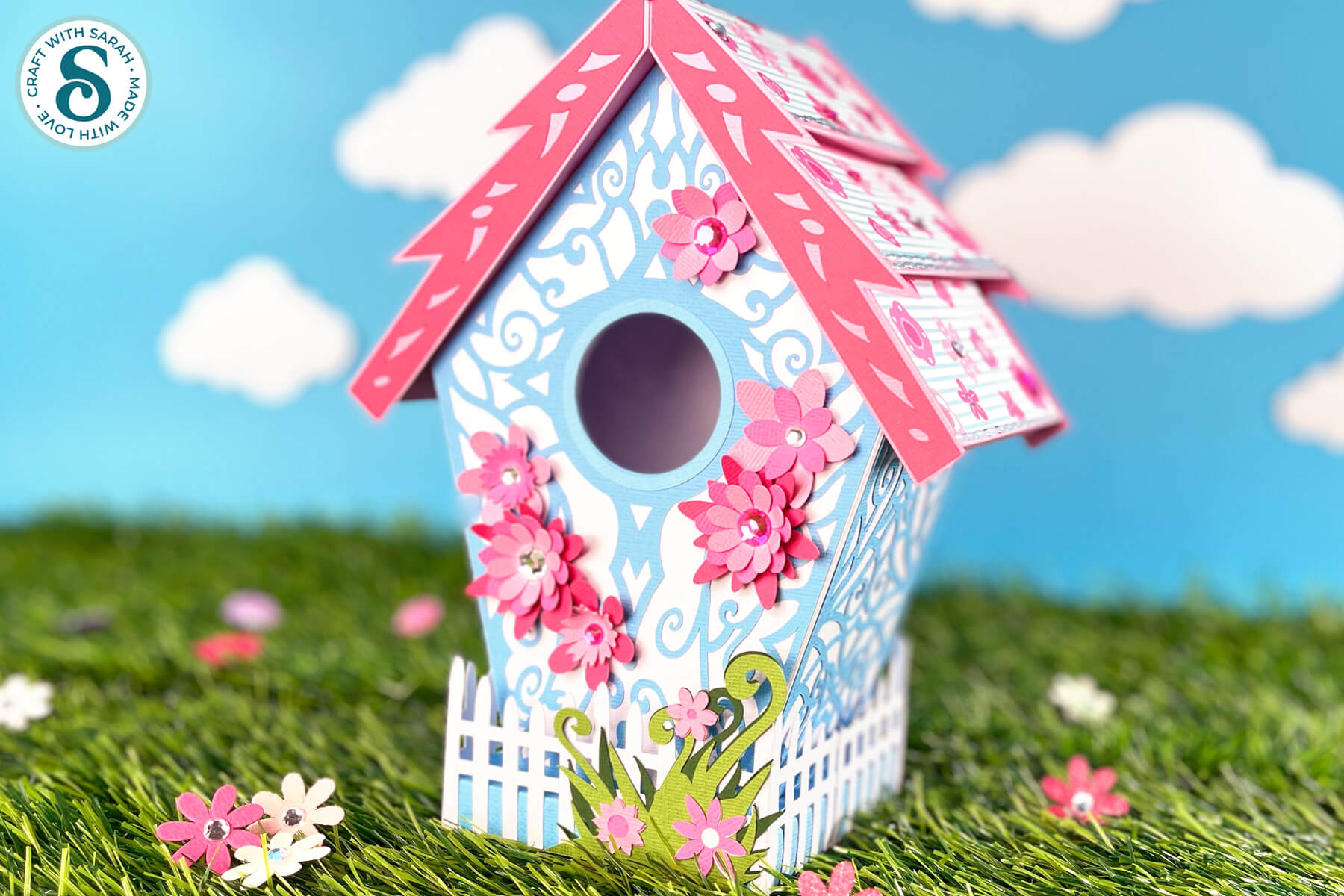
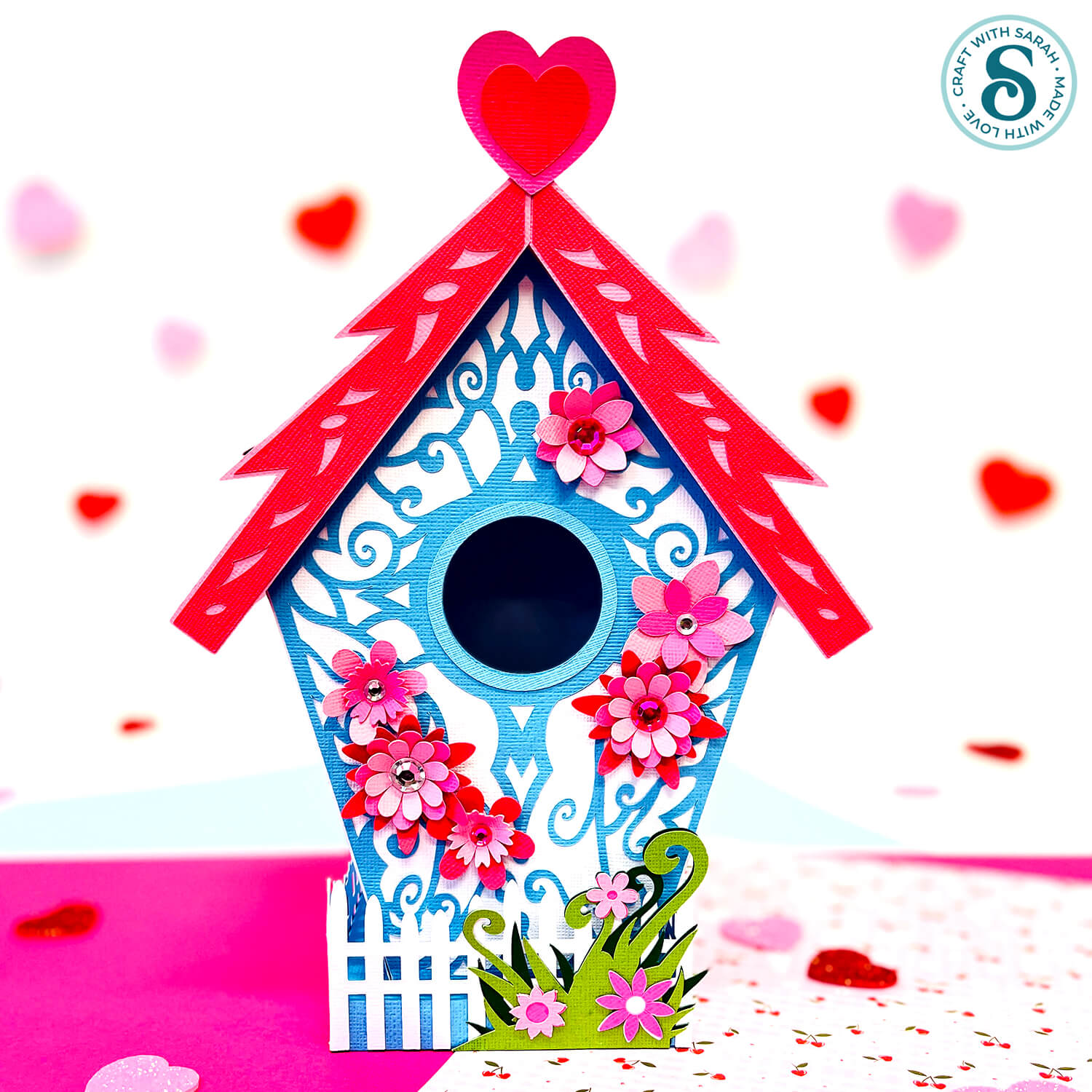
What is more perfect for spring than a beautiful flower-covered birdhouse to make with your Cricut.
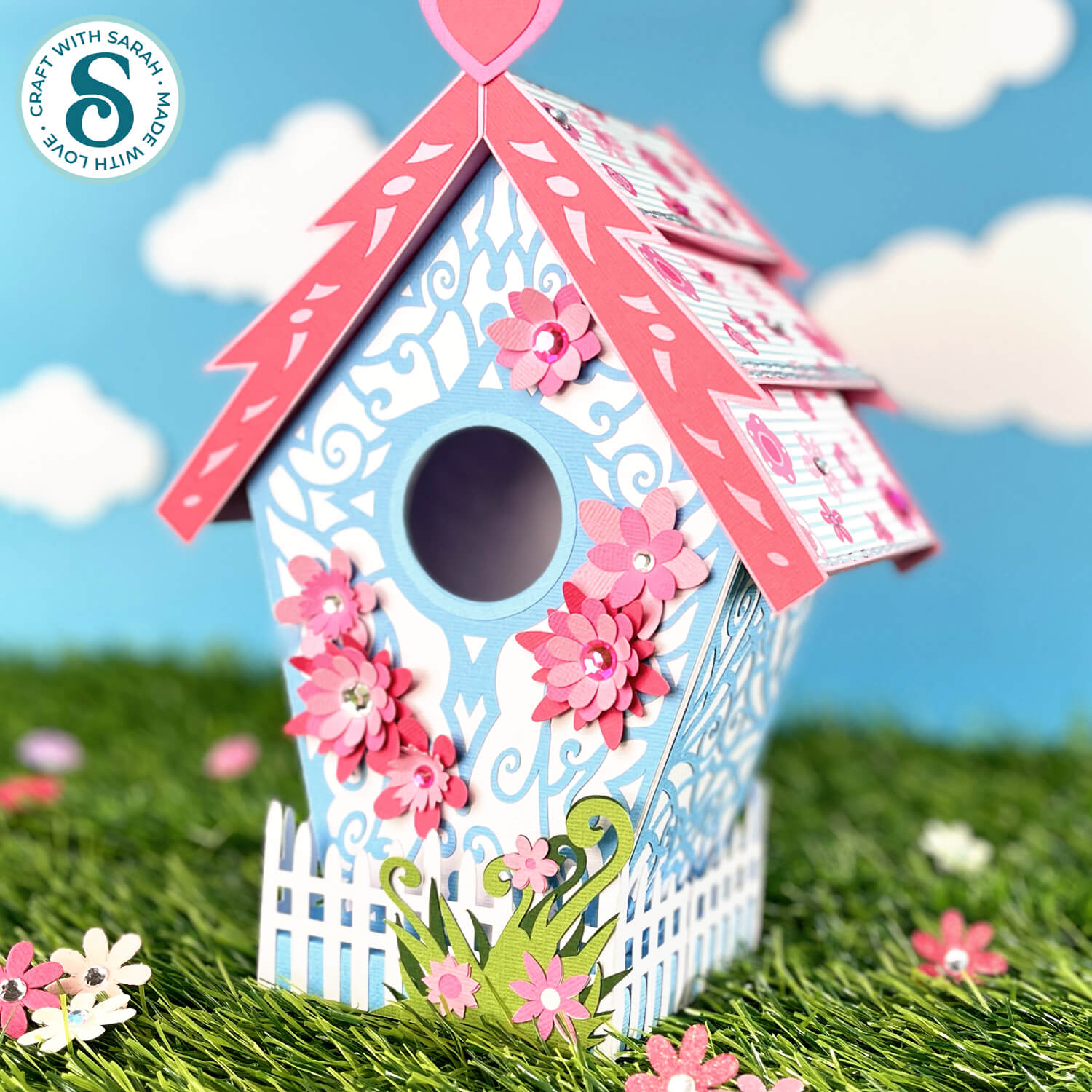
This impressive 3D paper project is lots of fun to make, and so pretty with the pink and blue colours.
A white picket fence runs around the base, with layered flower detailing.
All sides of the bird house are decorated, so it looks lovely from every angle!
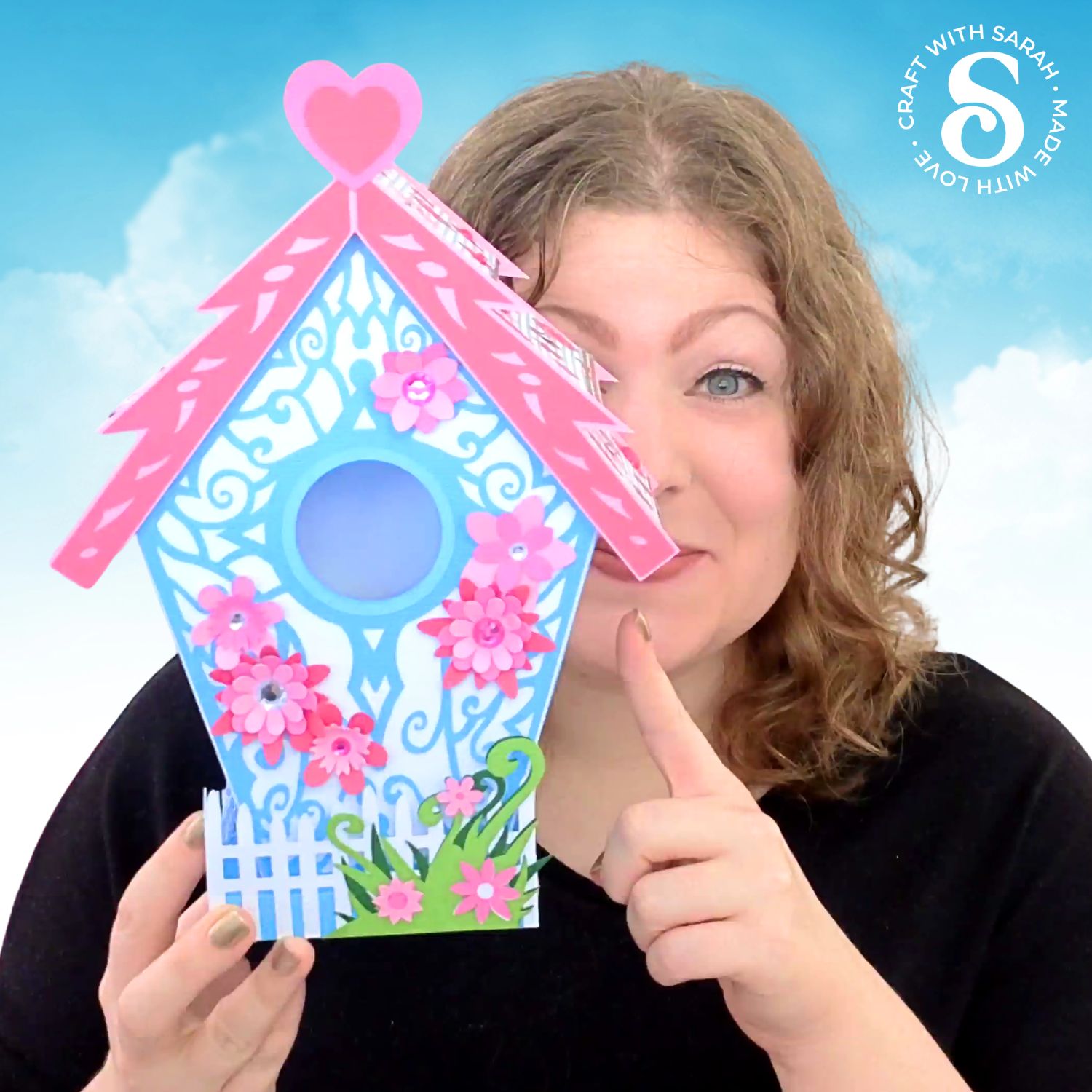
I like to include one “showstopper” craft project in each Craft Countdown event. There is a bit of debate within my team whether this bird house is the showstopper this time, or if it is the upcoming Day 9 project. 😉
Personally, I think they are BOTH showstoppers, but for different reasons. 🥰
The 3D flowers around the edge of the bird house give it extra detailing and dimension and it fits perfectly with the spring theme.
It would also look great cut in deep purples and black (without the flowers!) for a spooky Halloween birdhouse, or maybe in reds and greens with some poinsettias for a Christmas version.
This project was part of the 2026 Spring Craft Countdown
3D bird house materials supply list
Here is a list of the materials that I used to make this project.
Please note that some of the links included in this article are affiliate links, which means that if you click through and make a purchase I may receive a commission (at no additional cost to you). You can read my full disclosure at the bottom of the page.
- Cricut machine
- Light blue Cricut cutting mat
- Coloured Card (any thickness)
- Glue (I like Bearly Art Glue and Collall) or double-sided tape
- Double-sided tape (optional)
- Cricut scoring wheel or scoring stylus
- Patterned paper / scrapbook paper (optional)
- Flat-backed plastic gemstones (optional)
- Piece of foam (e.g. packaging foam) and a ball tool (optional)
- Peel-off stickers (optional)
This project is suitable for the following types of Cricut machines: Explore series, Maker series and Joy Xtra. It is too large to make with the Joy or Joy 2.
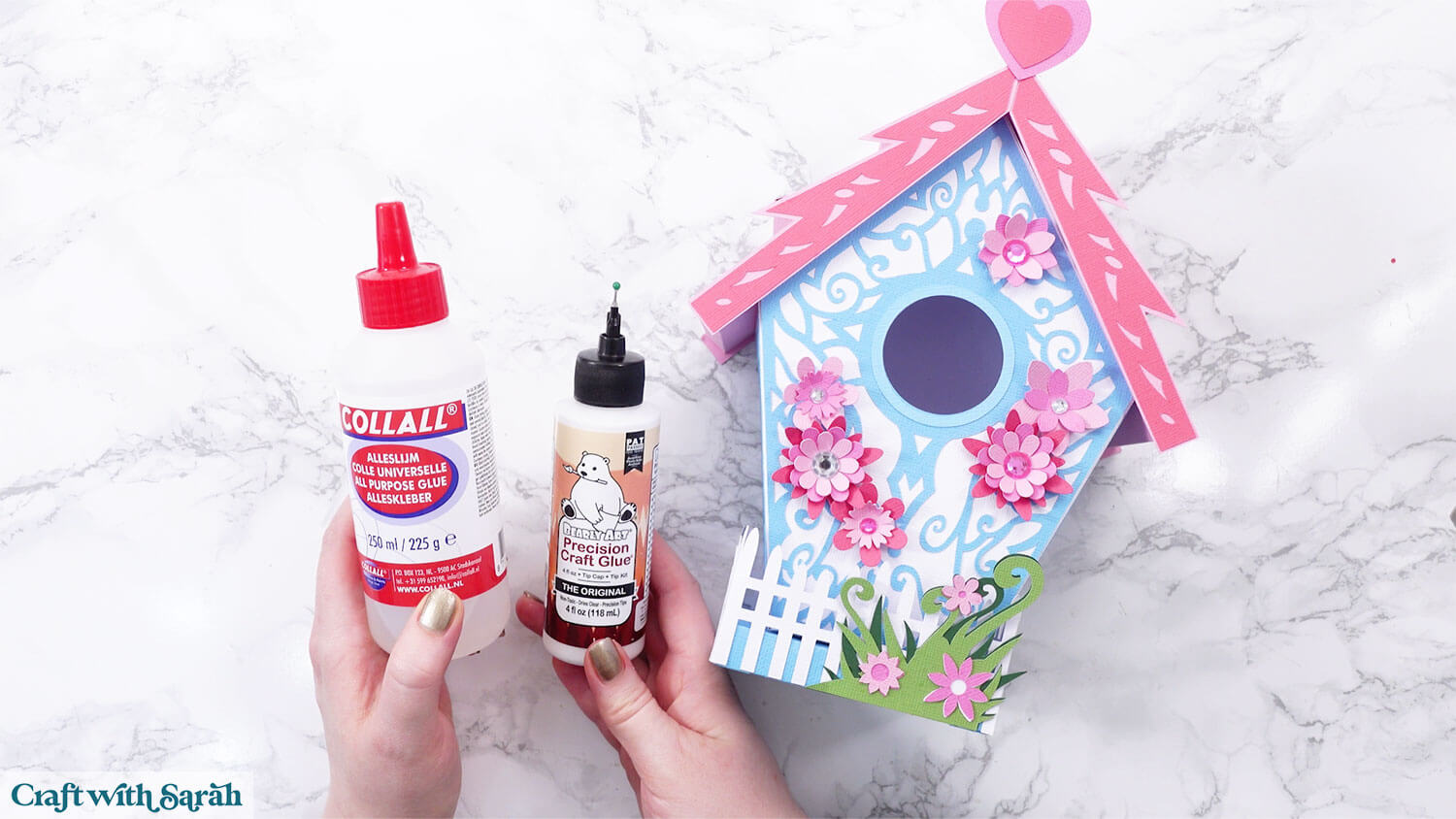
My favourite glues to use on papercraft projects are Bearly Art Glue and Collall All Purpose Glue.
These are great because they don’t “warp” or bend the cardstock like some glues do. You can use as much of it as you want and the card stays perfect – and it dries perfectly clear too!
Bearly Art Glue comes with a tiny nozzle to make it easy to apply glue to small areas of card. The Collall glue doesn’t come with this, so it’s easiest to decant it into needle tip applicator bottles so that you have more control.
Foundation learning
If you're new to making papercrafts with your cutting machine, check out these links to get you started.
They include videos on topics such as: which file to use with your type of cutting machine, how to load the files into your cutting machine's software, how to cut cardstock with your type of cutting machine, how to recolor and modify/customize the cut files and tips for displaying your projects.
- How to use zip folder downloads
- Help guides for Cricut machines
- Help guides for Silhouette machines
- Help guides for ScanNCut machines
The following tutorials are Cricut-specific, but many of the ideas will work similarly with a Silhouette or ScanNCut machine and any cut files that are shared in them are compatible with all types of cutting machine.
- How to score with a Cricut (even without scoring tools)
- Print then cut tutorial
- Design Space tools (Combine, Attach, Slice, Weld, Flatten, etc.)
- Pattern fill tutorial (for making backgrounds & cutting images to a specific shape/size)
- Free envelope SVGs that can be sized to fit any card
- Presentation boxes for handmade cards
- How to write inside cards with Cricut pens
- How to cut layered designs at a small size
- Design Space tips & tricks
- Cricut pens tutorial
- How to mount multiple designs in the same frame with magic guides
Cricut bird house craft video tutorial
Watch the video below to see how to make this project. Keep scrolling for a written tutorial.
Written tutorial (with photos!)
Here’s how to make 3D bird house using a Cricut machine.
Step 1) Download the cutting file & upload to Design Space
Get the files using the box below.
Purchase the File(s)
This cut file is available as part of the Instant Access Bundle.
Or, purchase this design individually here
Before you upload the SVGs to Design Space, you need to unzip the download folder that they come in.
Not sure how to do this? Click here for a tutorial that covers all the following types of computer and device:
- How to unzip a folder on a Windows computer
- How to unzip a folder on a Mac
- How to unzip a folder on an iPad
- How to unzip a folder on an iPhone
- How to unzip a folder on an Android device
After unzipping, upload the SVG file(s) into your cutting machine software.
Not sure how to use cut files with your type of machine? The following links lead to tutorials on how to use cut files in:
- Cricut Design Space
- Silhouette Studio
- CanvasWorkspace (for ScanNCut machines)
If you are using Cricut Design Space, start a new project and then click the “Upload” button on the left of the screen.
You can then either click “Browse” to find the file on your computer, or drag-and-drop it in.
Select the file in the “01 Cricut Version” subfolder called svg-birdhouse-craftwithsarah.svg
Press “Upload” on the next screen.
After uploading, the design should be automatically inserted onto your Canvas.
To hide the left sidebar (to give you more space for designing!), click the arrow that’s about half way down the page.
If the design doesn’t get inserted onto your Canvas, it will show under “Uploads” in your “Recently Uploaded Images”. Click on it and then press “Add to Canvas” to put it onto your Project.
Need help uploading SVGs? Get step-by-step instructions here in our detailed help guides for Cricut, Silhouette and ScanNCut.
Step 2) Check the size
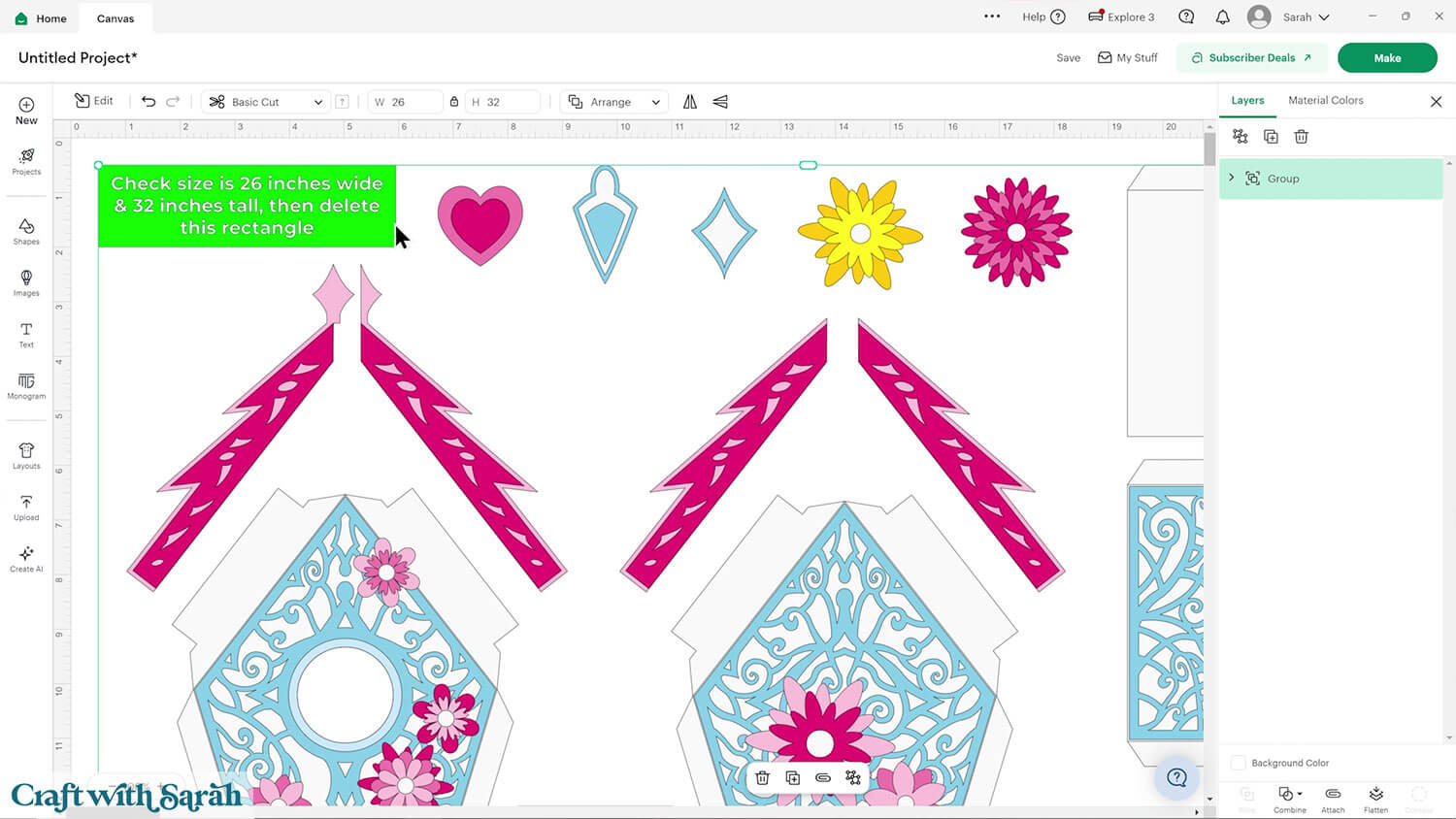
Check the size of the design is 26 inches wide and 31 inches tall.
If not, change the measurements to match.
TIP: Make sure the padlock icon above the width/height boxes is CLOSED before you resize. If it appears “open”, click it with your mouse to close it.
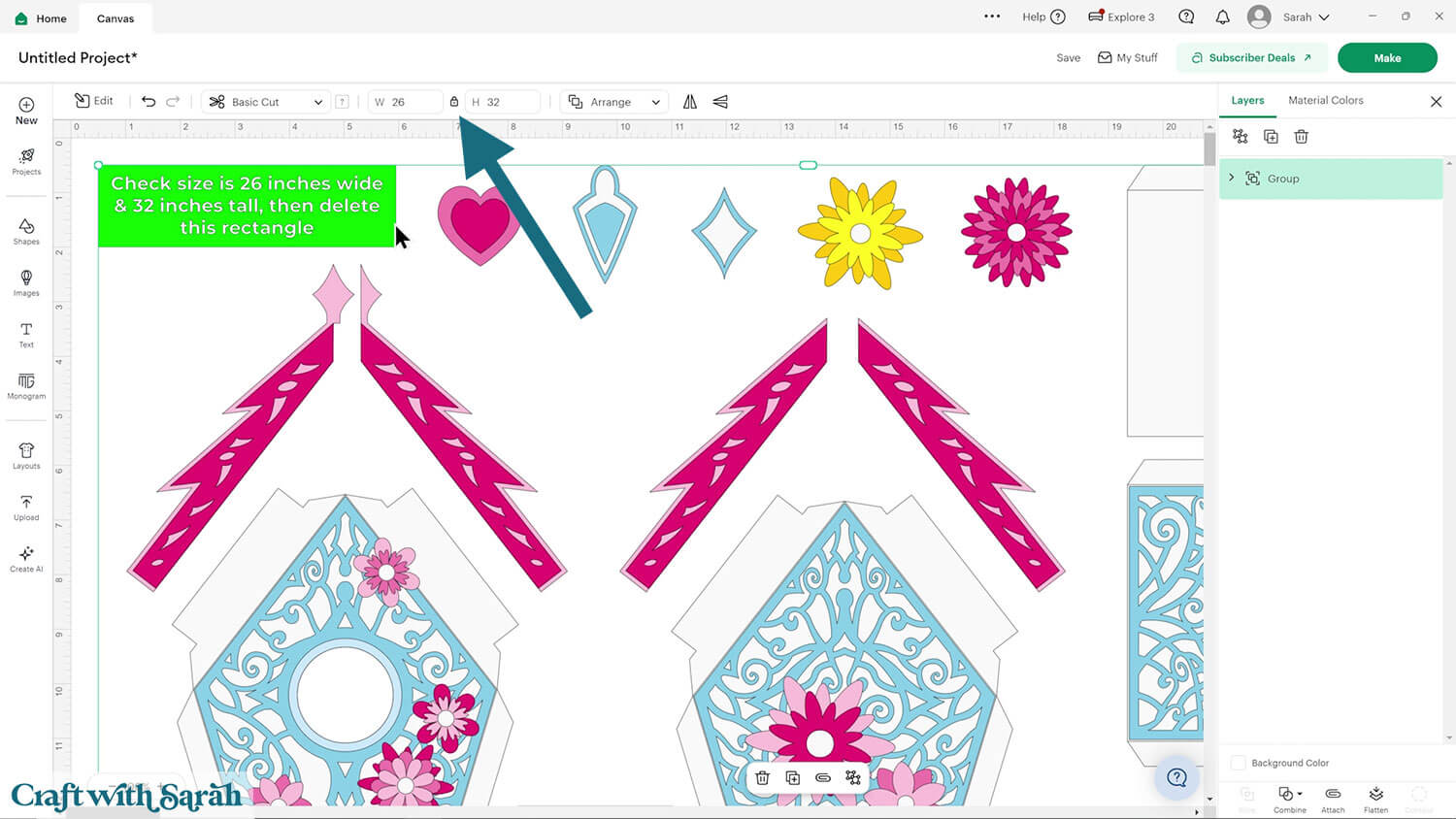
Click on the design, then press “Ungroup” to separate out the pieces.
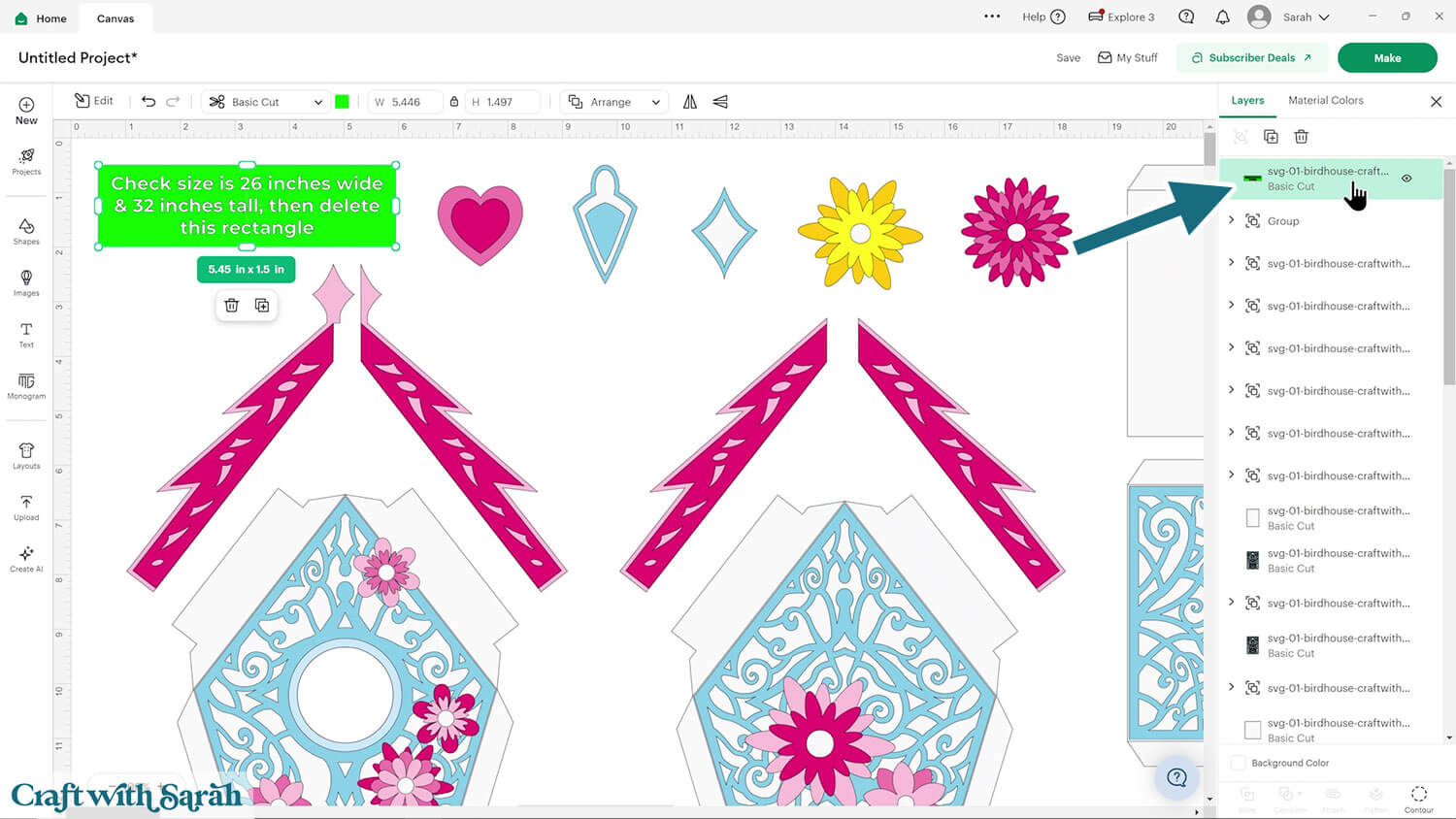
Click the green size box and delete it.
Step 3) Format the score lines
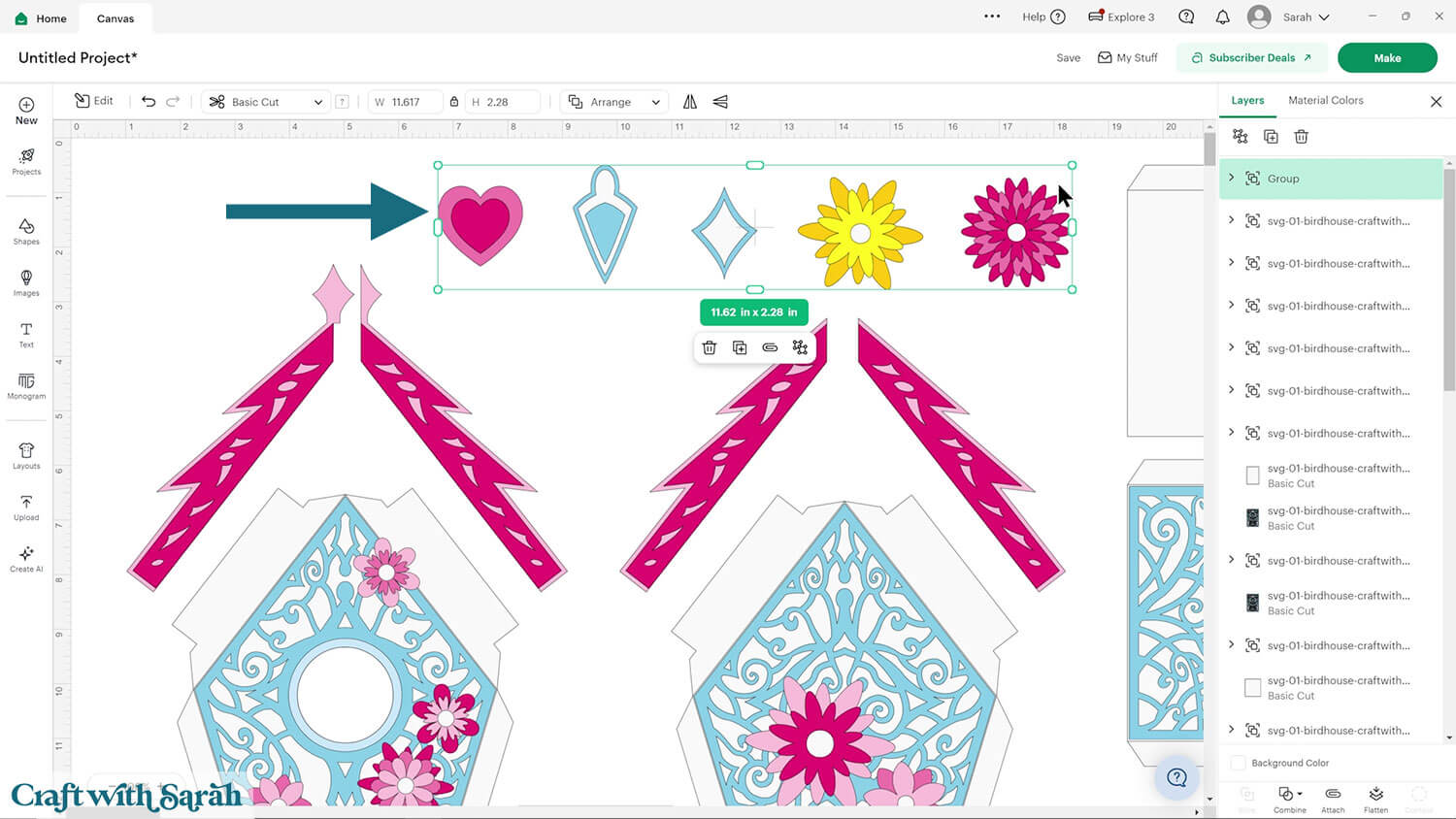
The design comes with five different options to sit on the top of the roof on the front of the bird house.
Choose which one you want to use and delete the others.
I am going to use the heart.
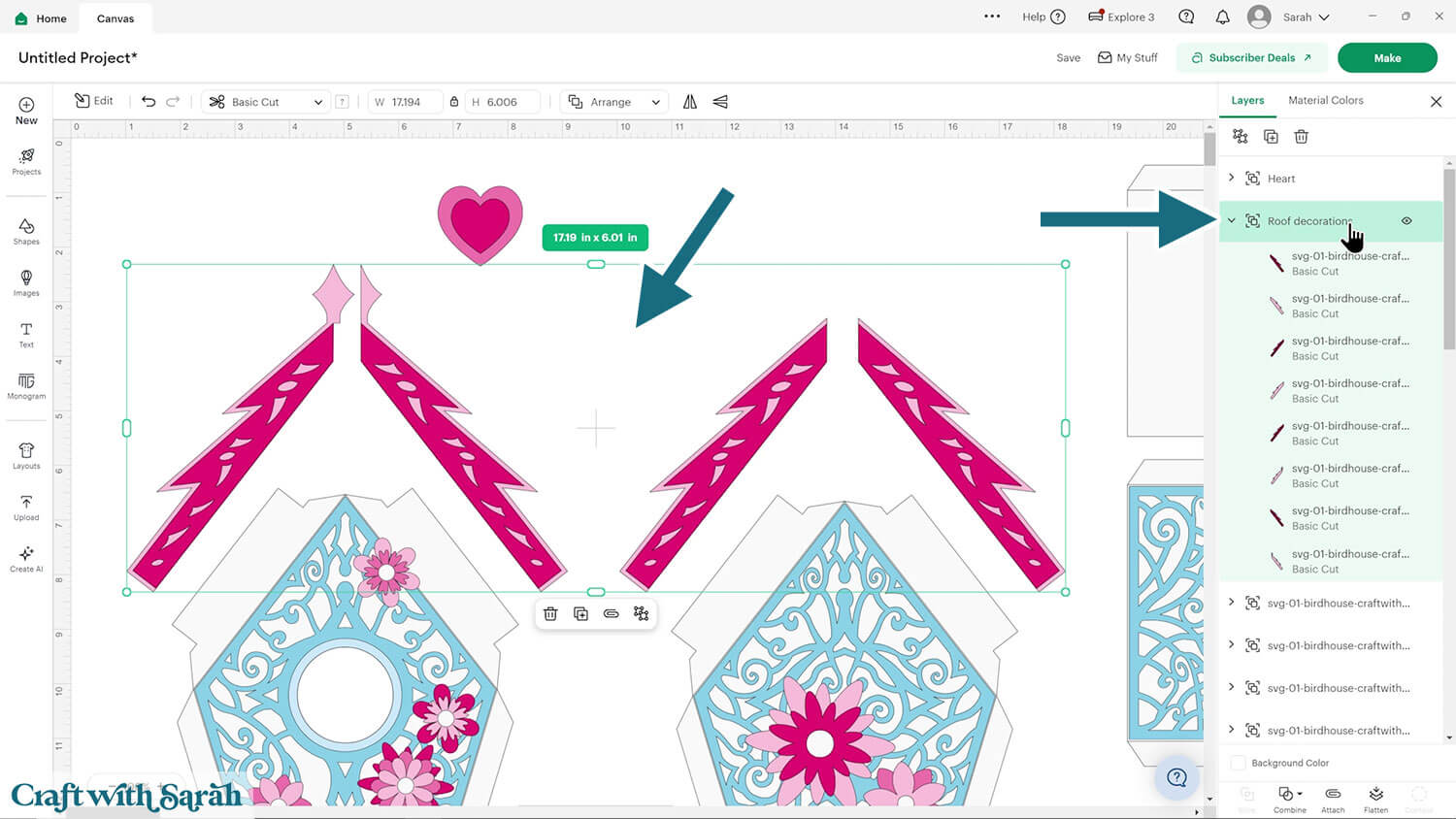
This design has quite a few groups within it.
Look down the layers panel until you see a subgroup – you know this as it has a chevron arrow on the left.
Click to open the subgroup and have a look at the layers within.
If it contains what looks like lots of solid shapes, like pictures, then give the group a name and move onto the next one.
For example, this group is the roof decorations:
When you come to a group that has what looks like single lines in the layers, this indicates that you need to do some score line formatting.
For example, this group has the solid white shape at the bottom and then an “empty” black outline on top.
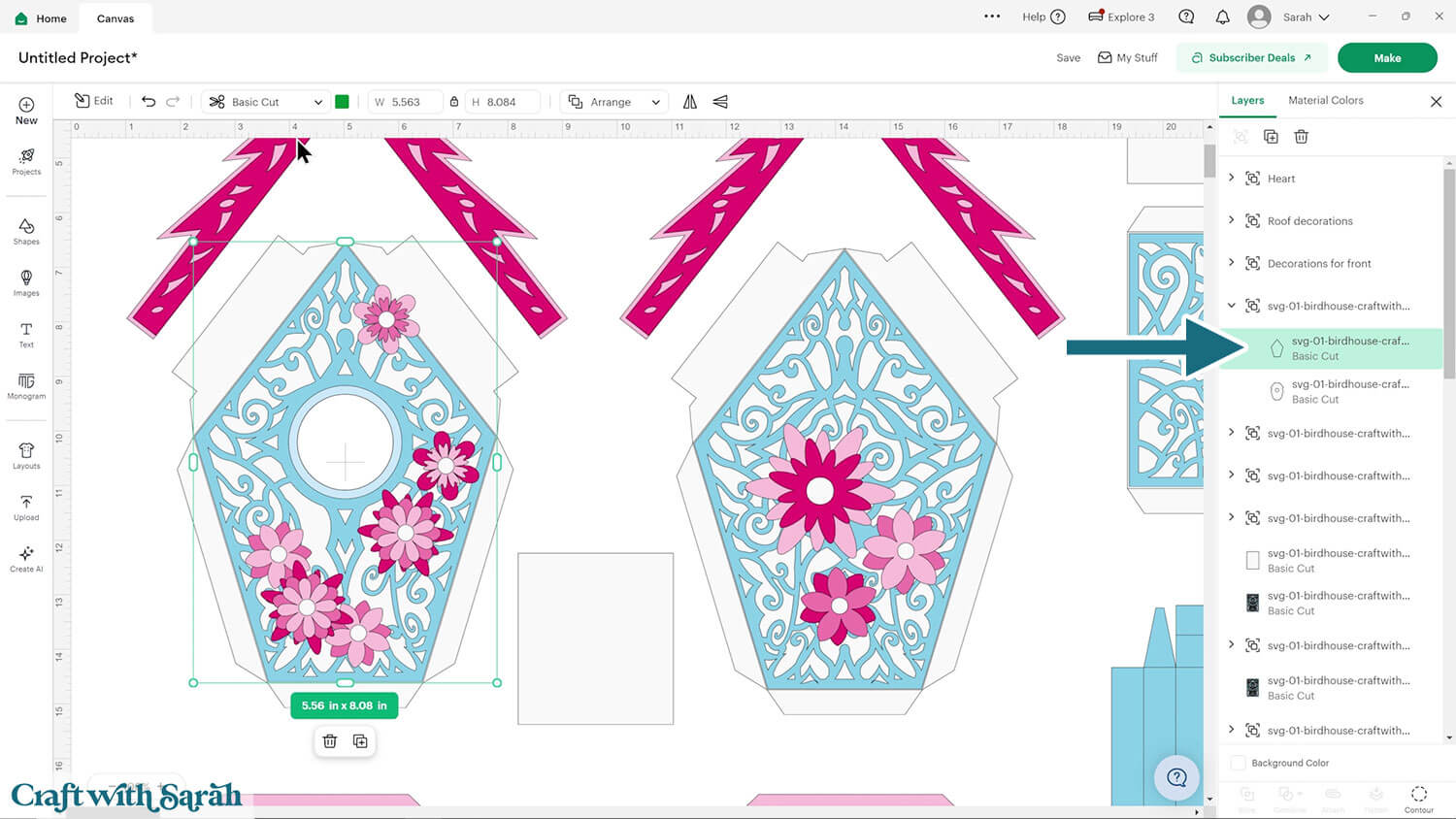
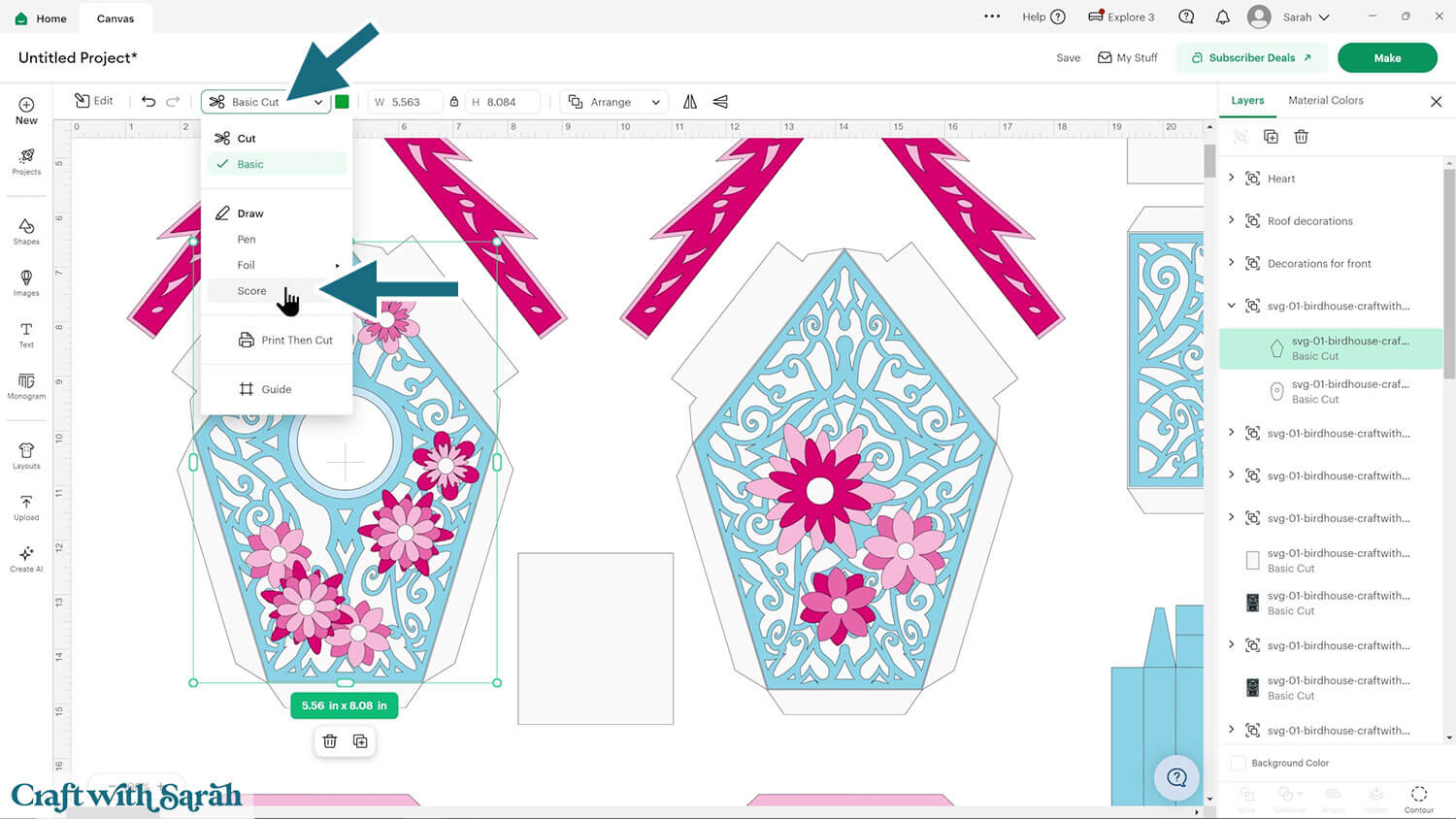
Click the outline layer and change it to “Score” in the Operations dropdown.
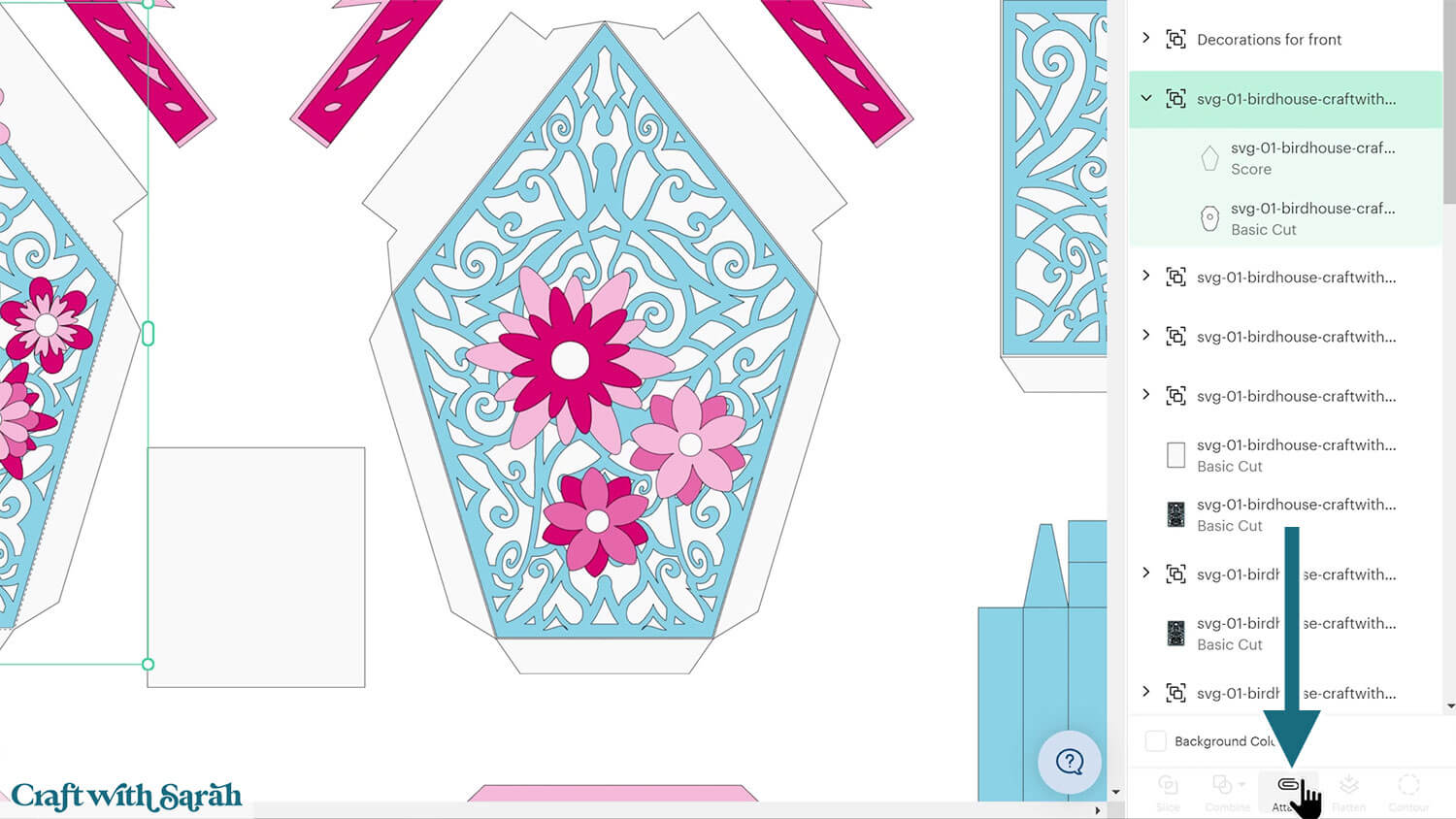
Select the entire subgroup and press “Attach”. Attach is what tells the Cricut to do the scoring on the shape underneath.
Repeat this for all other subgroups in the design that contain single lines.
Step 4) Cut out all the pieces
The bird house is now ready to cut out.
Click “Make” and follow the instructions on-screen to cut out all the pieces.
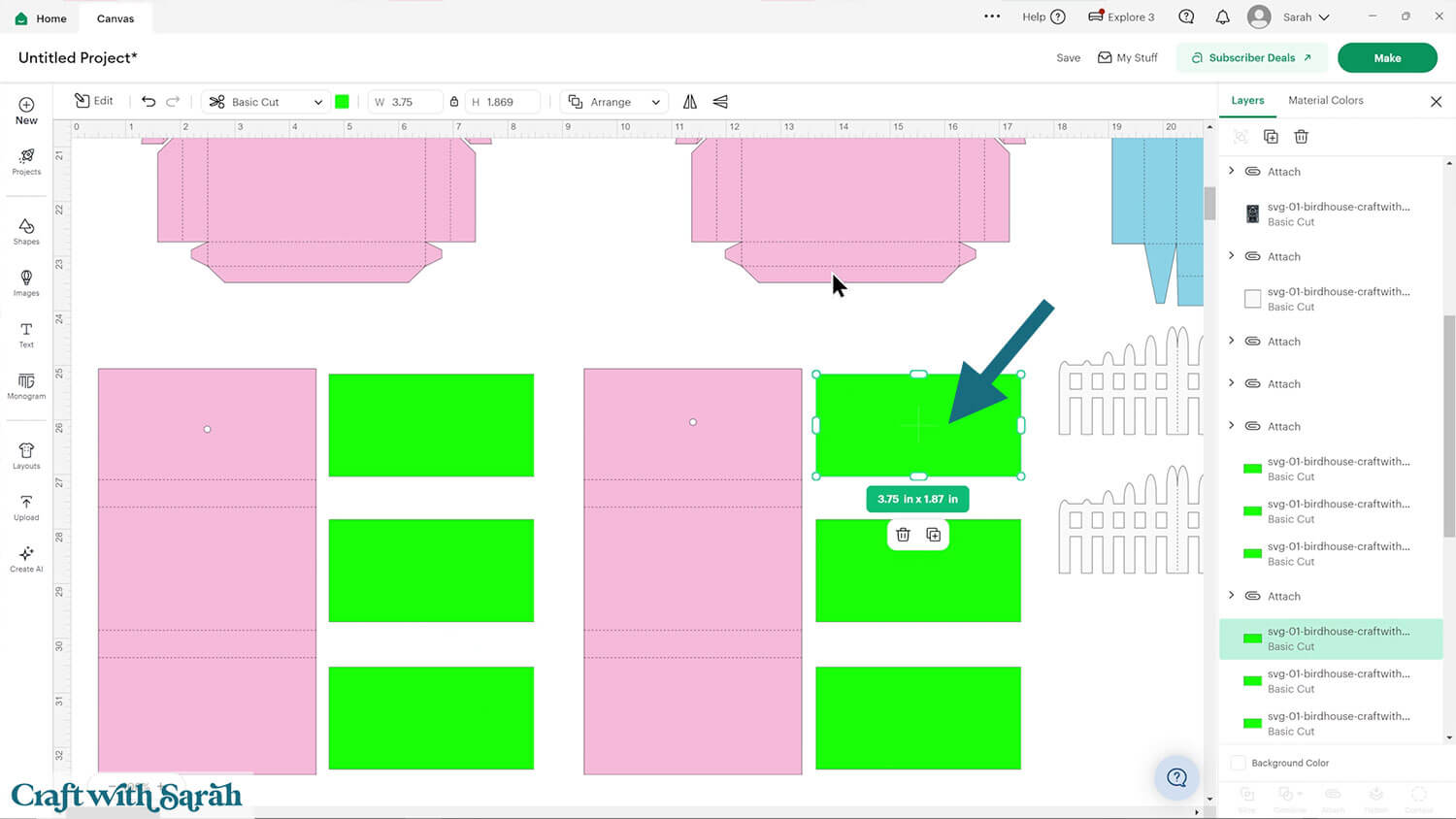
Note that these lime green rectangle are intended to be cut from a patterned paper or scrapbook paper that matches the colours of the bird house.
To change the paper size, go into the dropdowns over on the left side of the screen and choose the paper size that you want to use. You need to change it for every single colour.
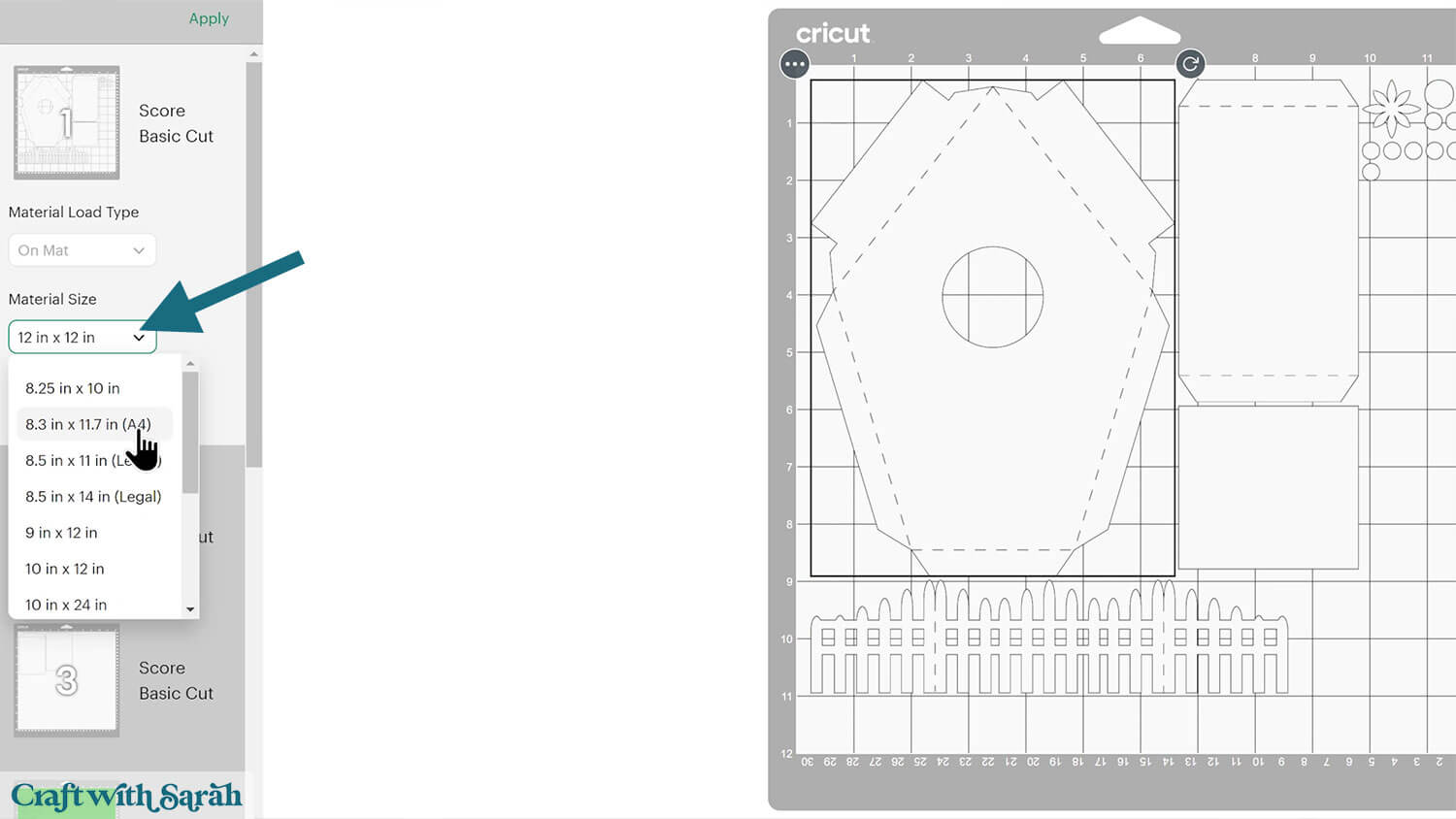
To save space on your cardstock, you can move things around by clicking and dragging. Make sure when you’re moving things about that nothing overlaps because otherwise, it won’t cut out properly.
TIP: New to using cardstock with your cutting machine? Check out these machine help guides for Cricut, Silhouette and ScanNCut that go through every step of the process, including tips for getting the best quality cuts from your machine.
Step 5) House structure
Fold along the score lines of the two white house structure pieces. The score lines fold away from the side that will be on the outside of the bird house (i.e. the side you will see).
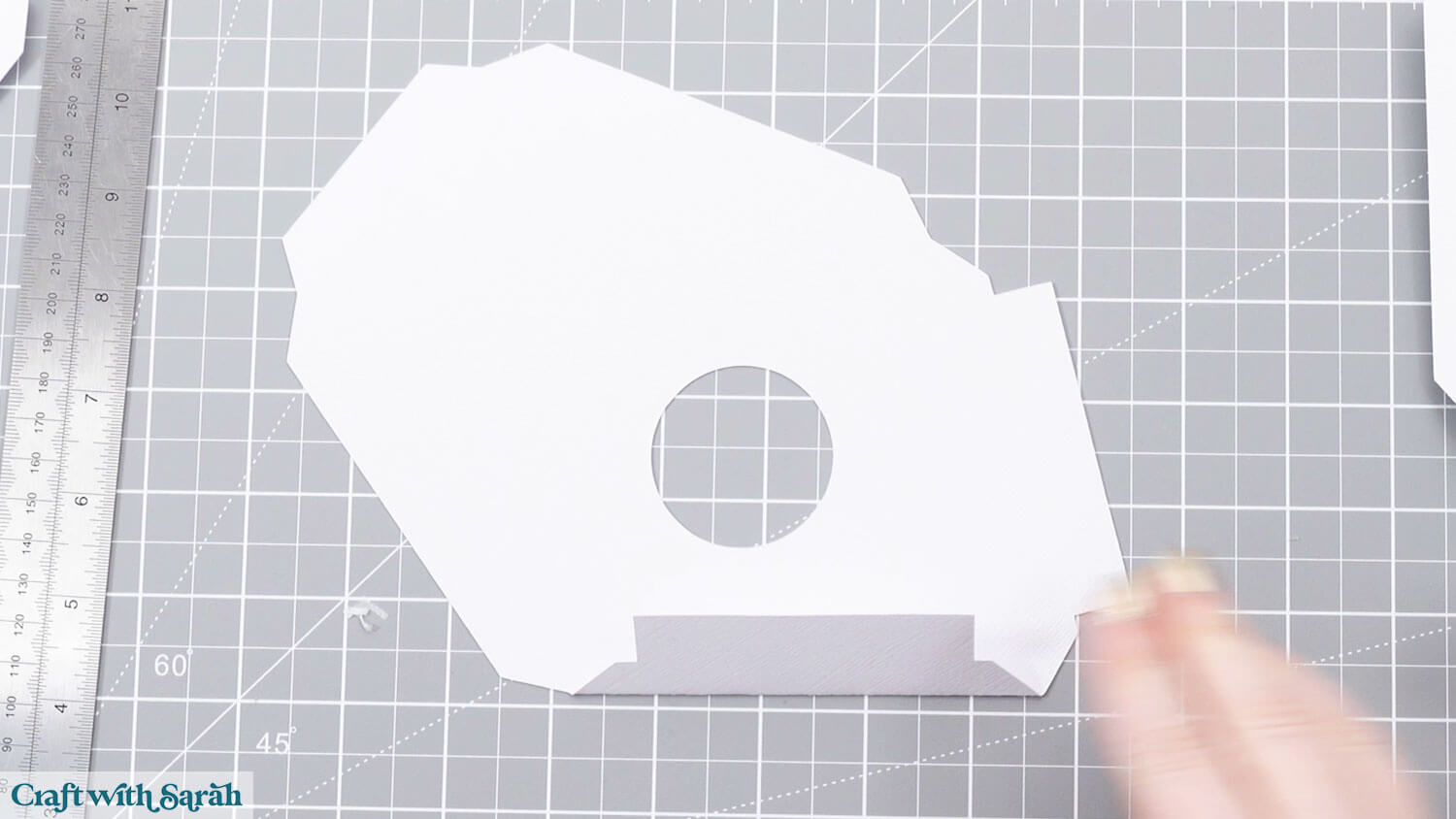
Glue the blue swirly pieces to each of the white pieces.
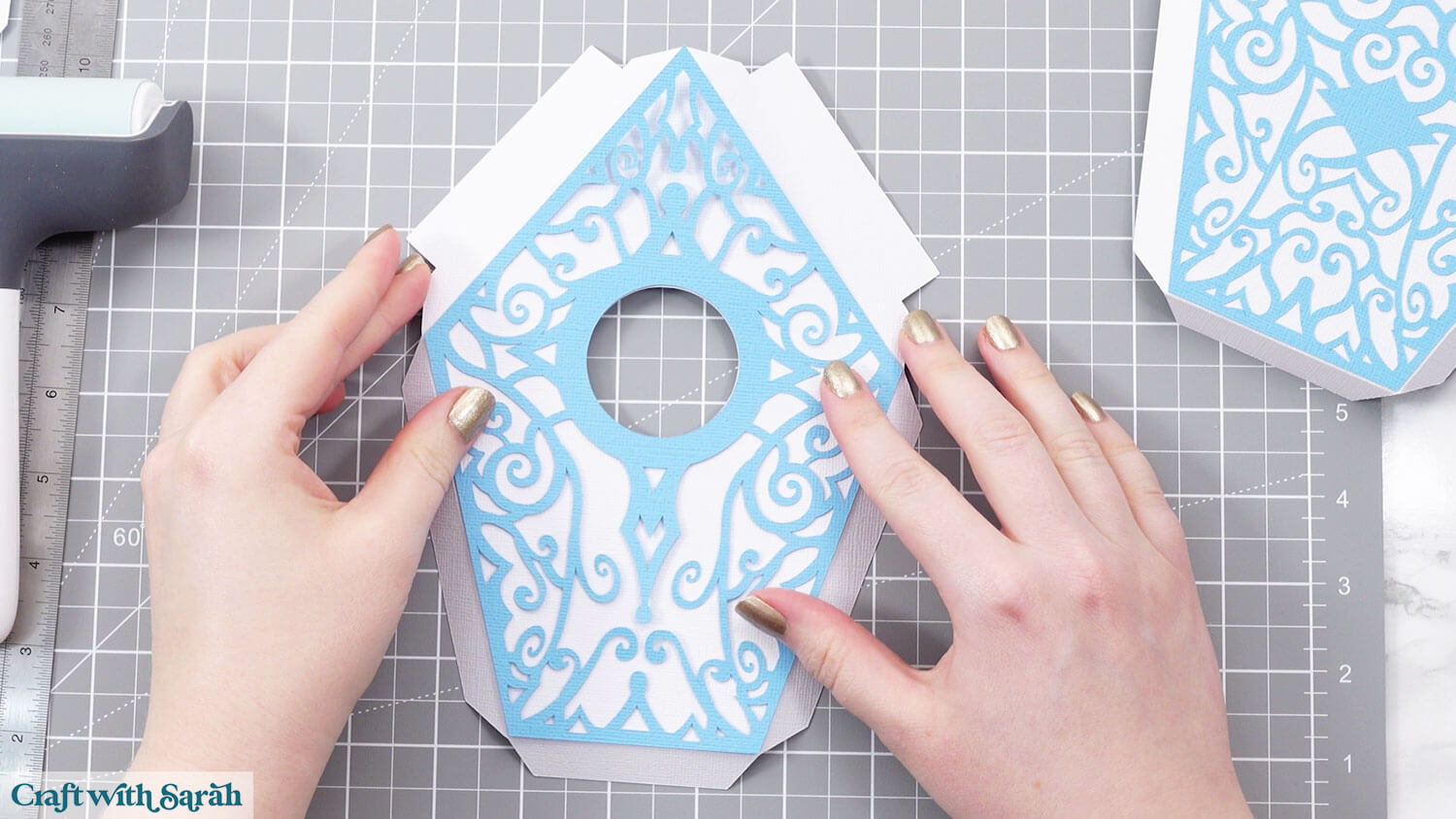
Glue the small circle border to the birdhouse front.
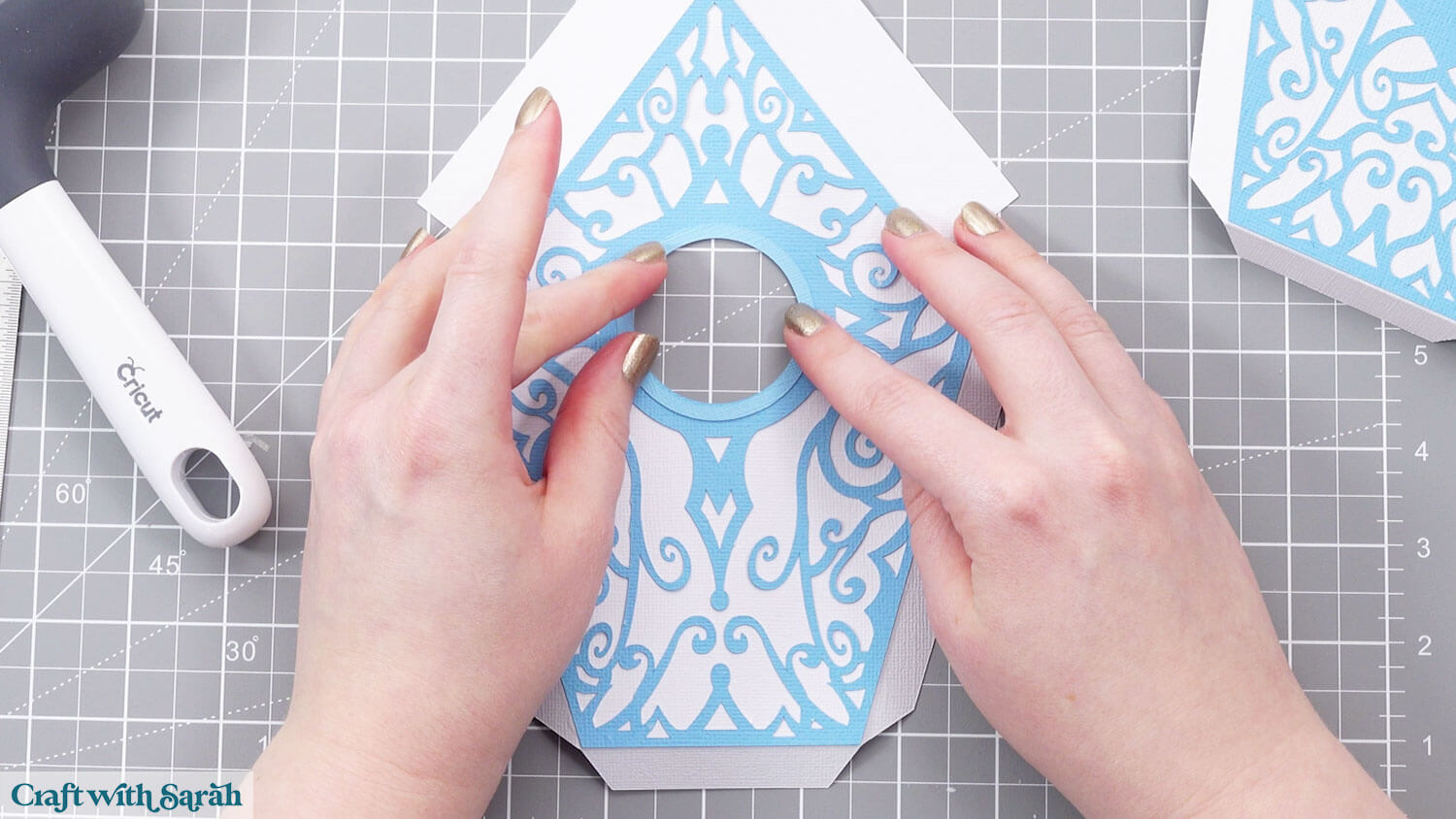
Fold along all the score lines of the other structure pieces.
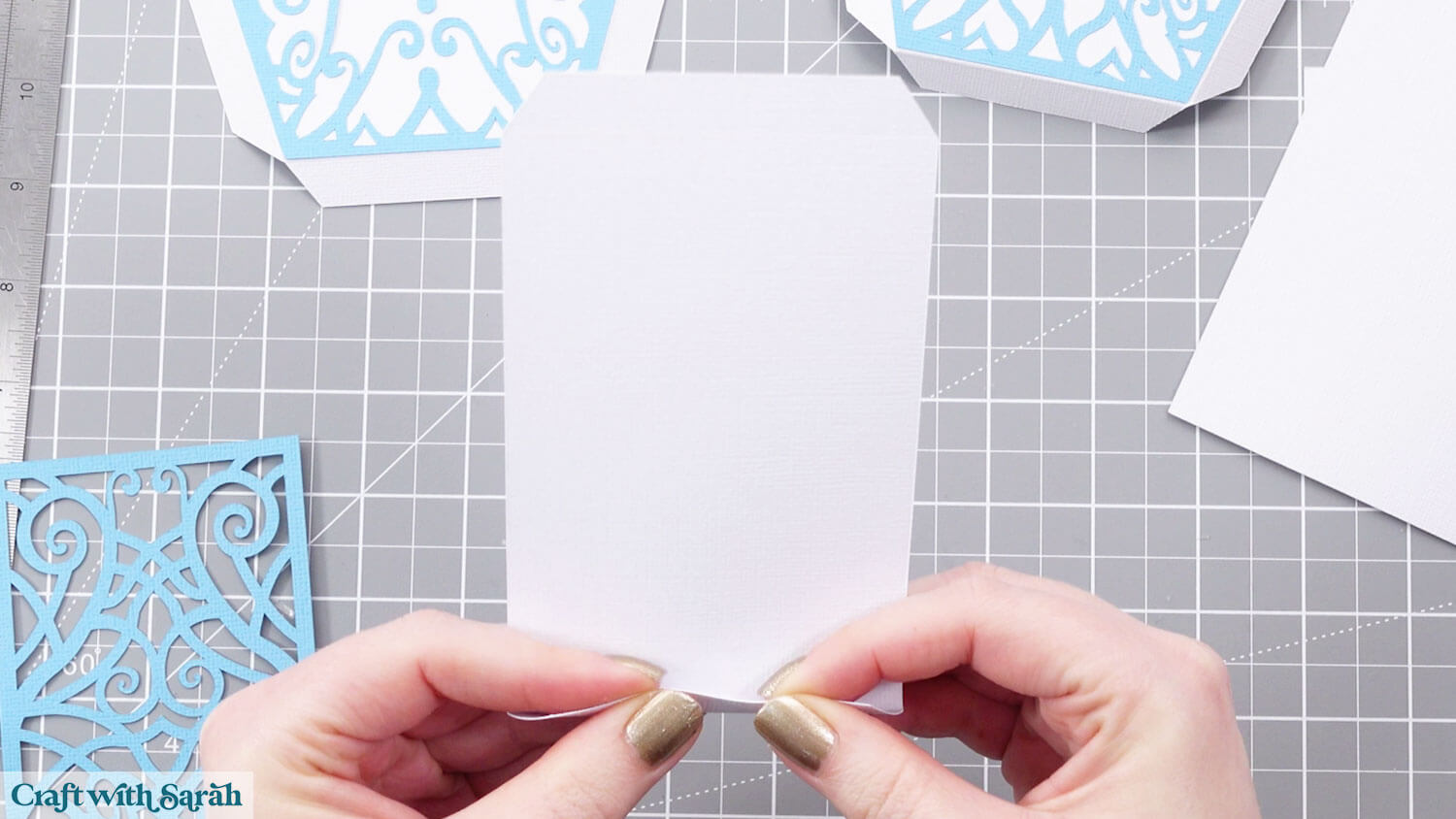
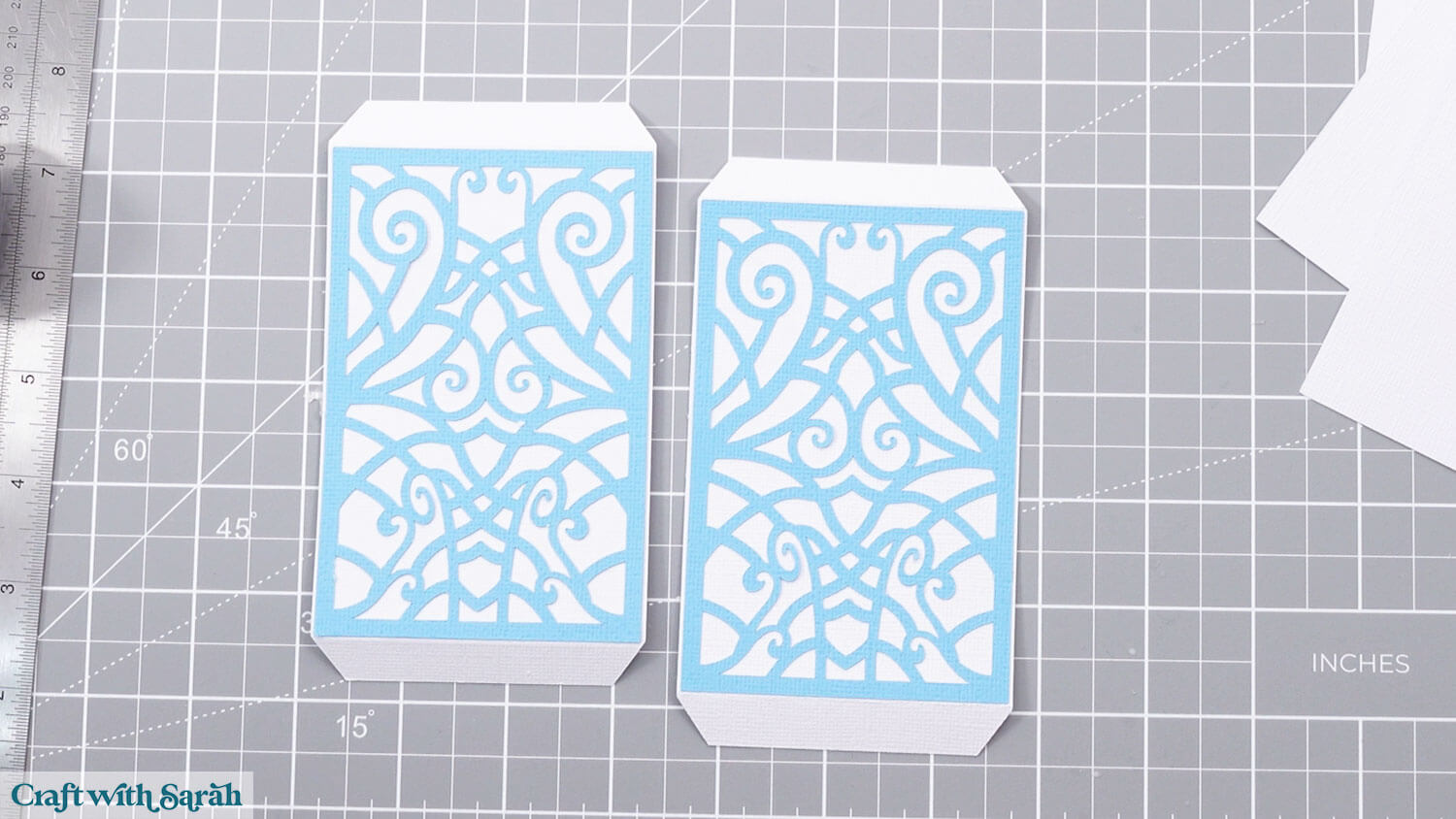
Glue the swirly blue rectangles to the white rectangles that have tabs along the top AND bottom.
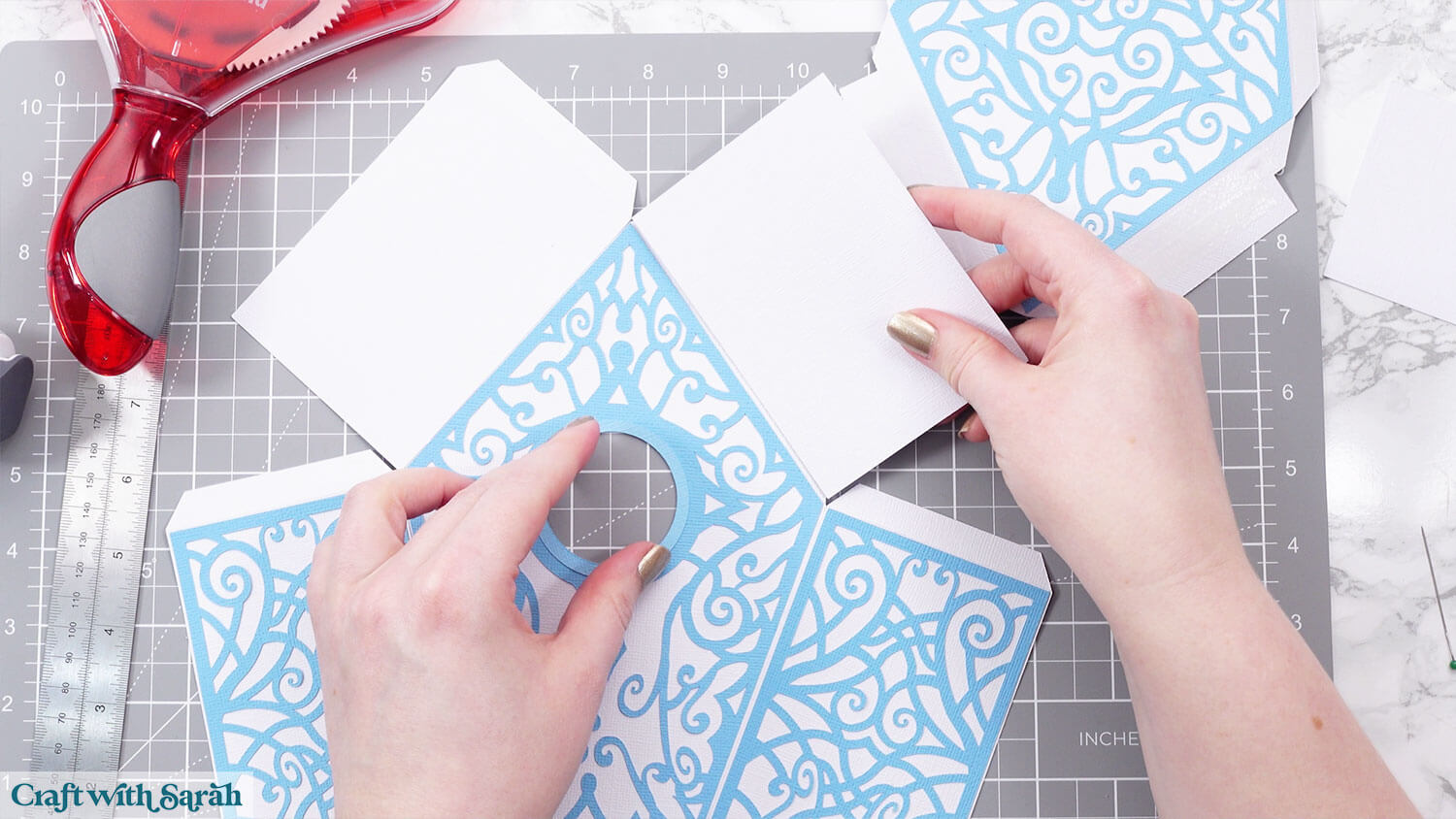
Add glue or double-sided tape (or both!) to the top of the tabs on the front of the birdhouse.
Stick the side panels on top.
The swirly pieces go at the bottom and the plain white pieces go along the top (they will get covered up by the decorative roof in the next step).
Turn the birdhouse over and glue the tabs on the bottom of the two sides to the base/bottom.
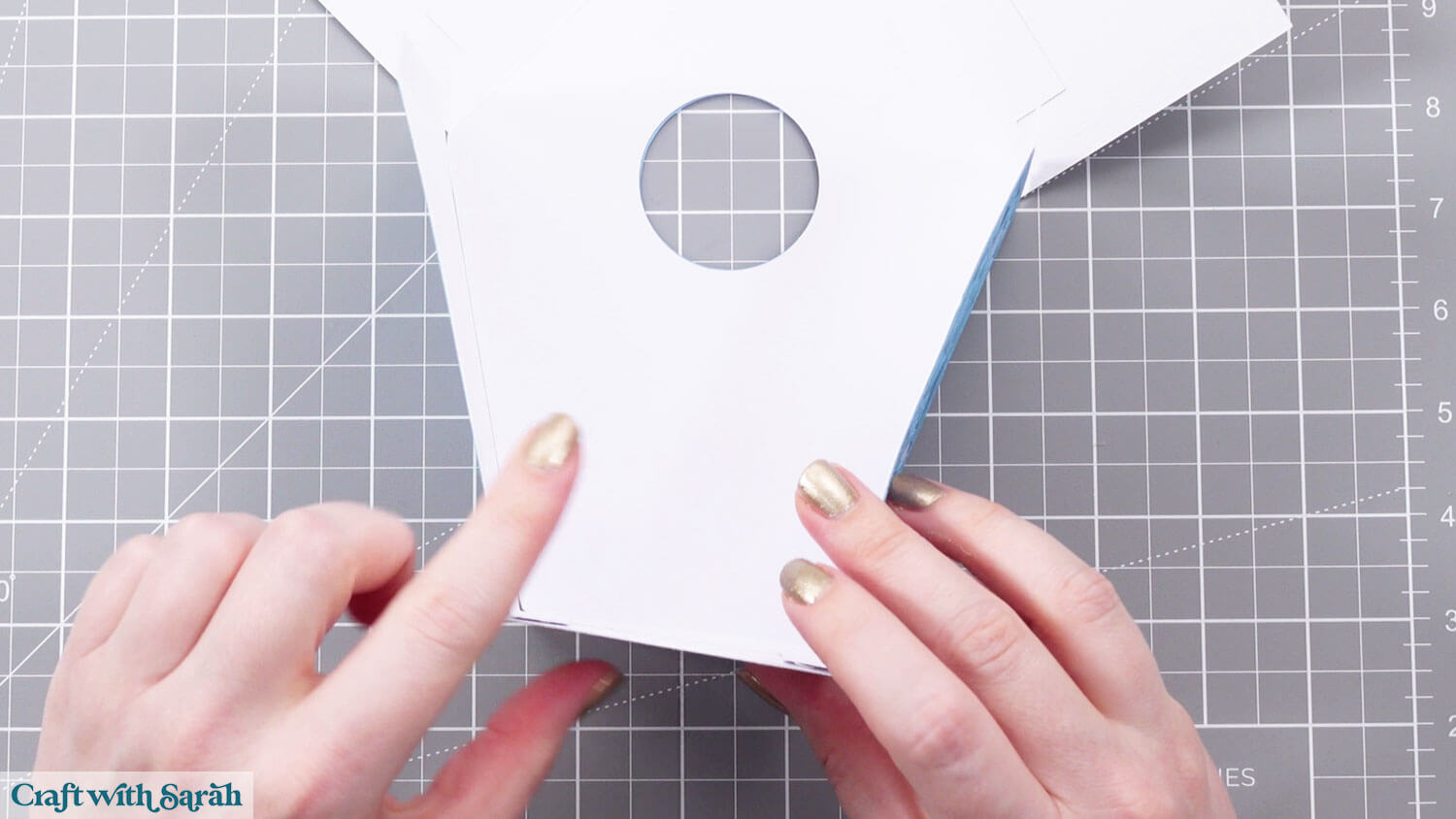
Add glue/tape to one side of the top tabs (it doesn’t matter which).
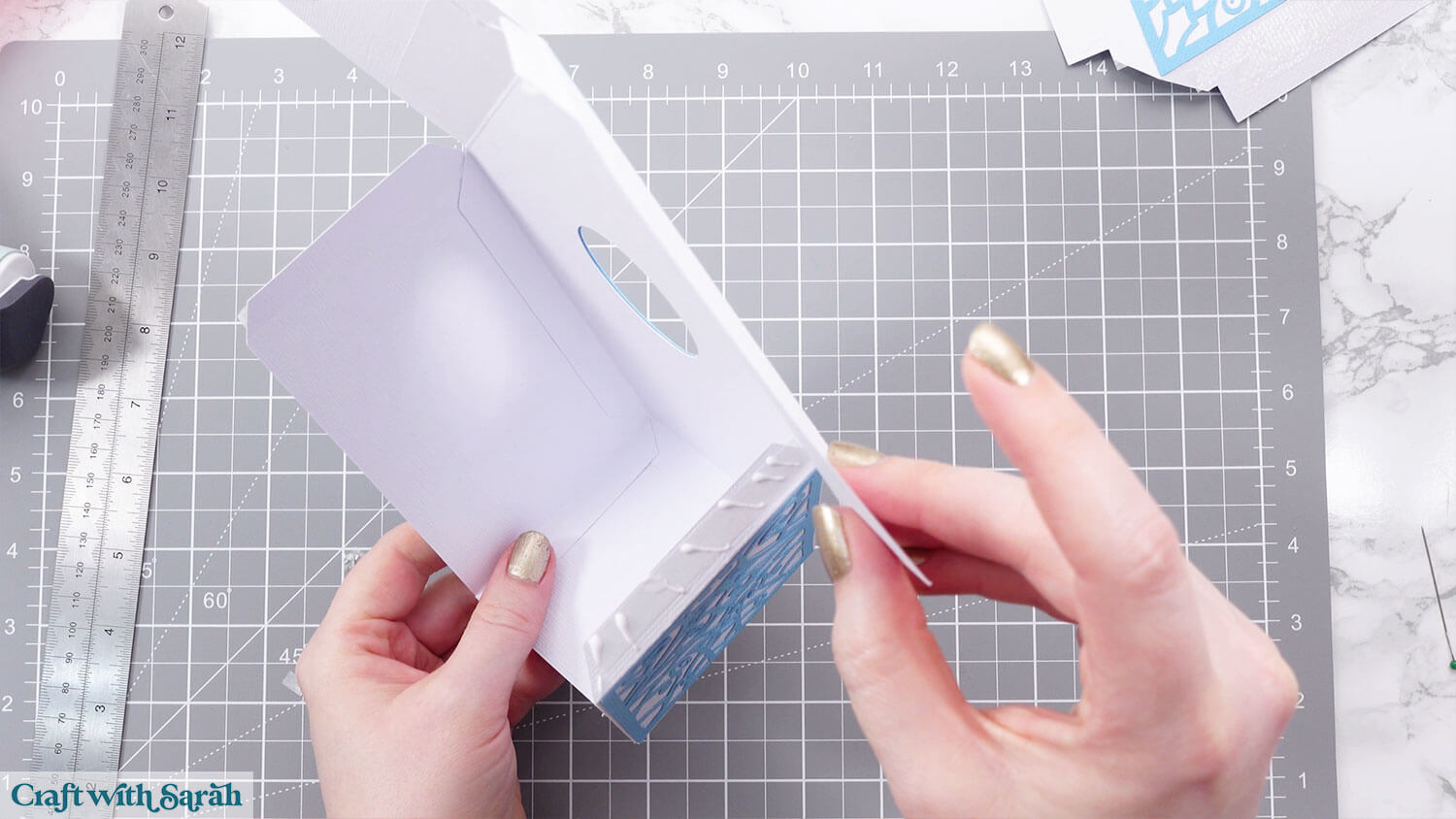
Stick the roof shapes that corresponds with the tabs you put the glue on.
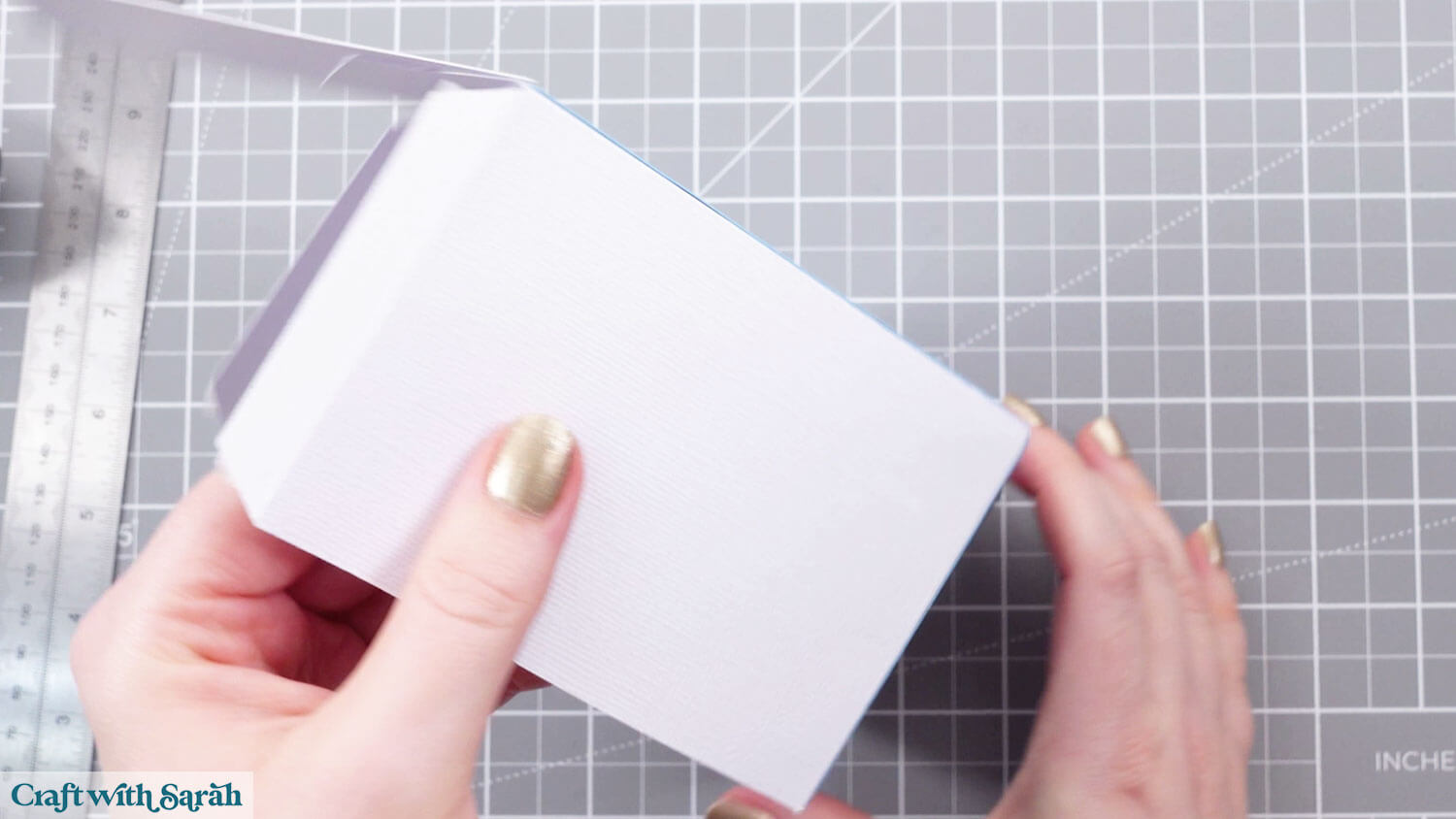
Attach the back piece of the birdhouse.
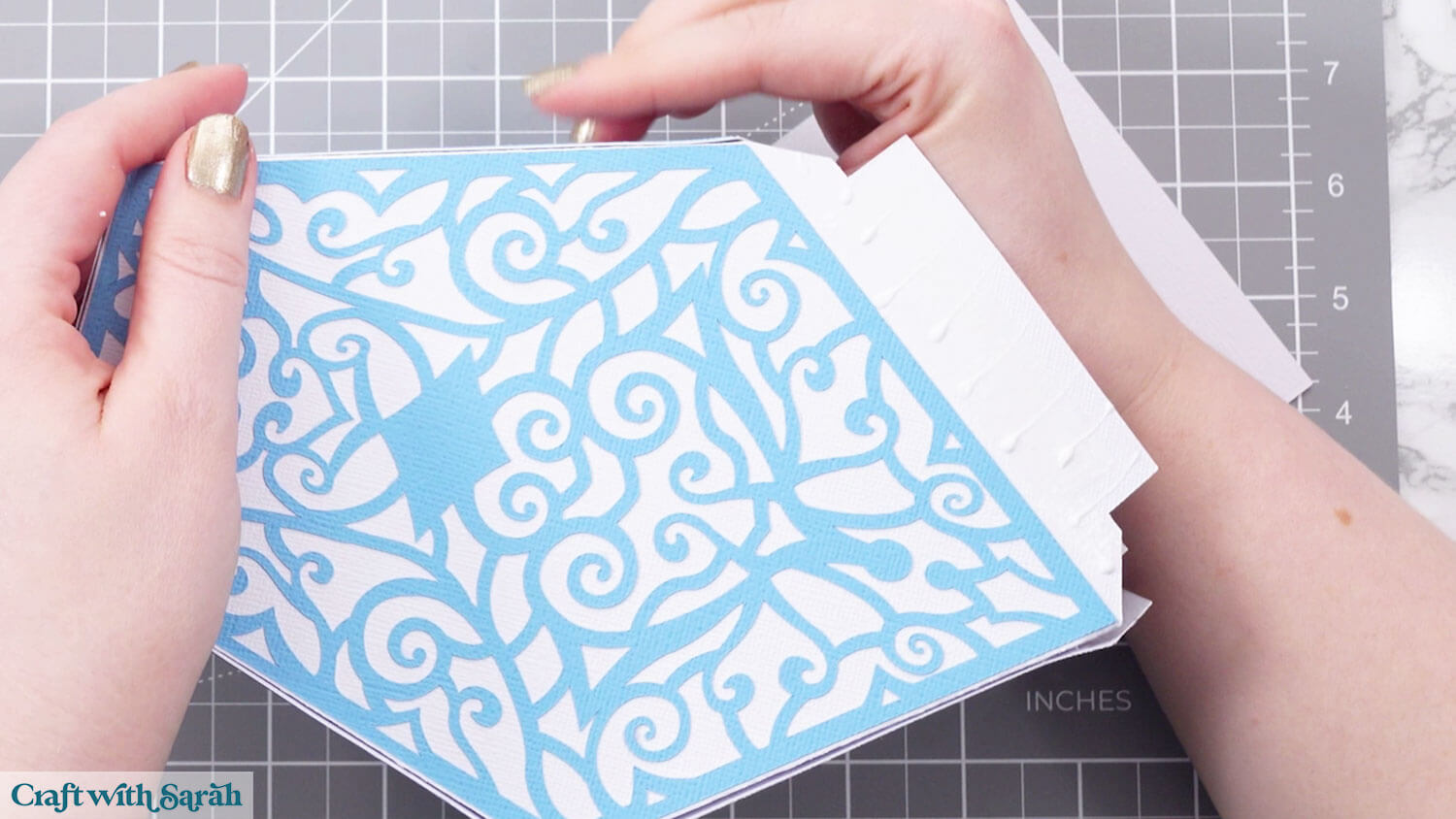
Fold in the remaining tabs and stick the second roof piece.
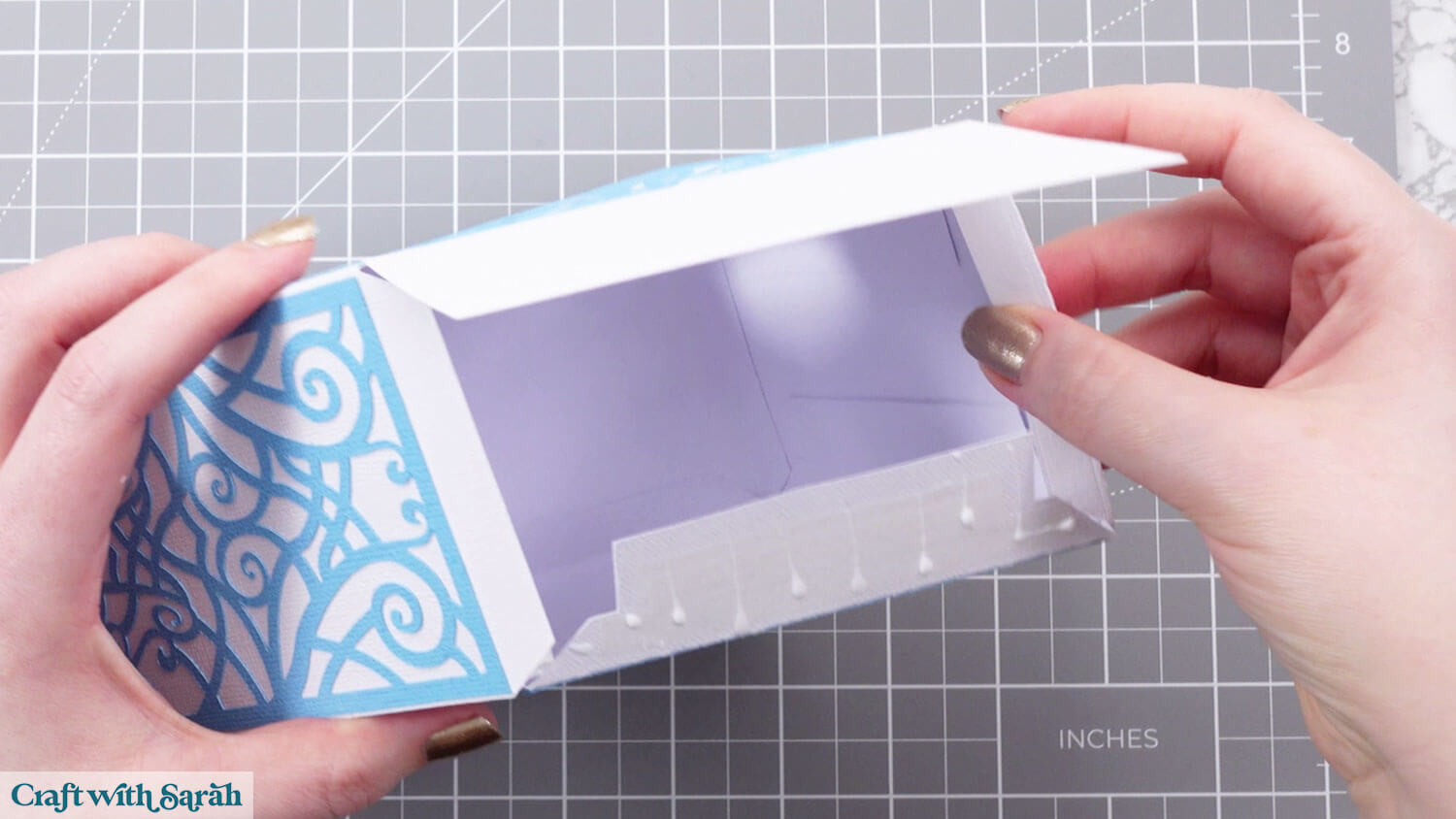
Your birdhouse structure is now complete.
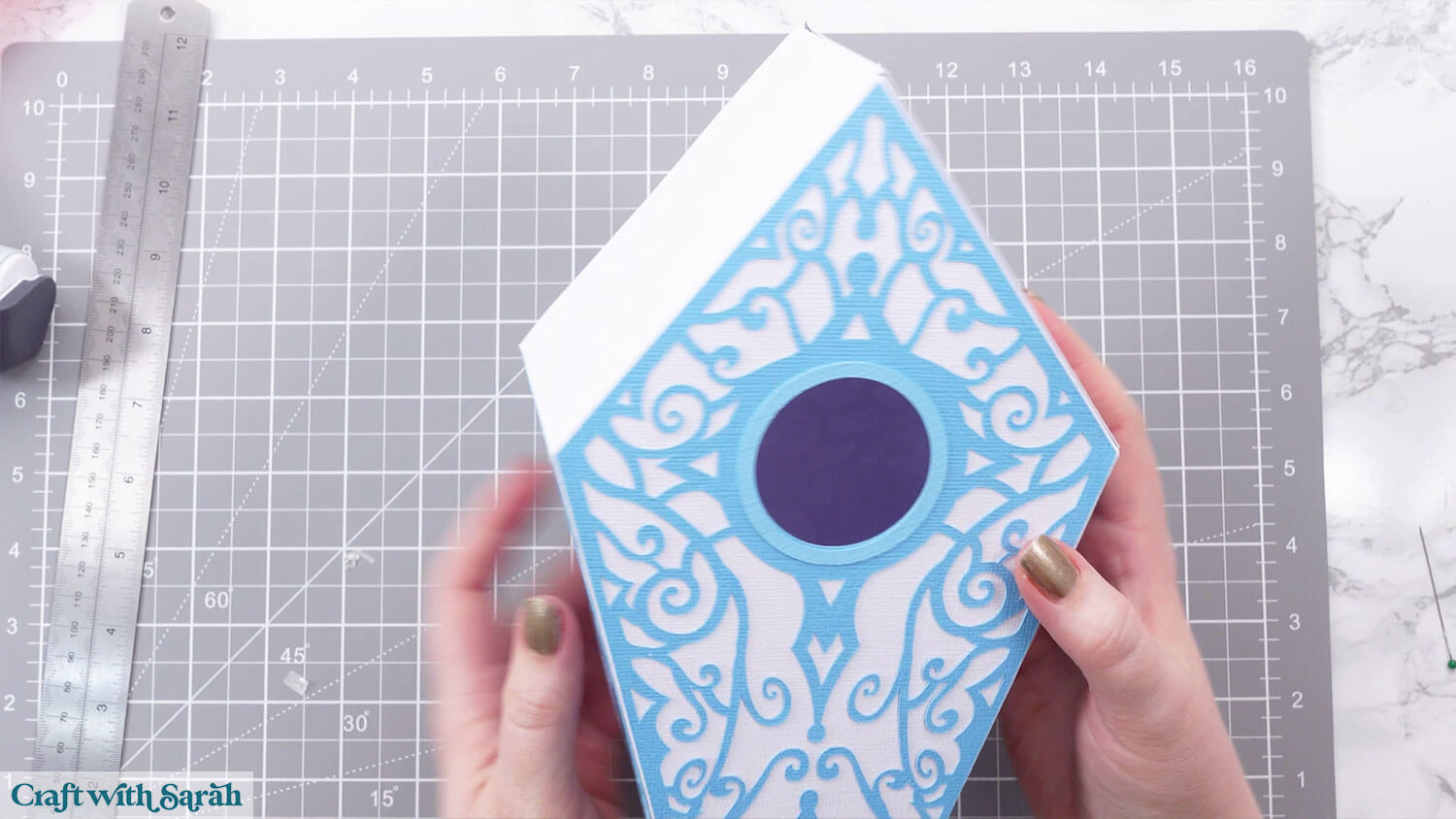
Step 6) Building the Roof
To make it easier to show the folding for this tutorial, I’ve cut one of the concertina roof pieces from white card and drawn along the score lines so that you can see them.
Yours will be cut in pink.
You will have a small circle cut out of one of the sides of your pieces.
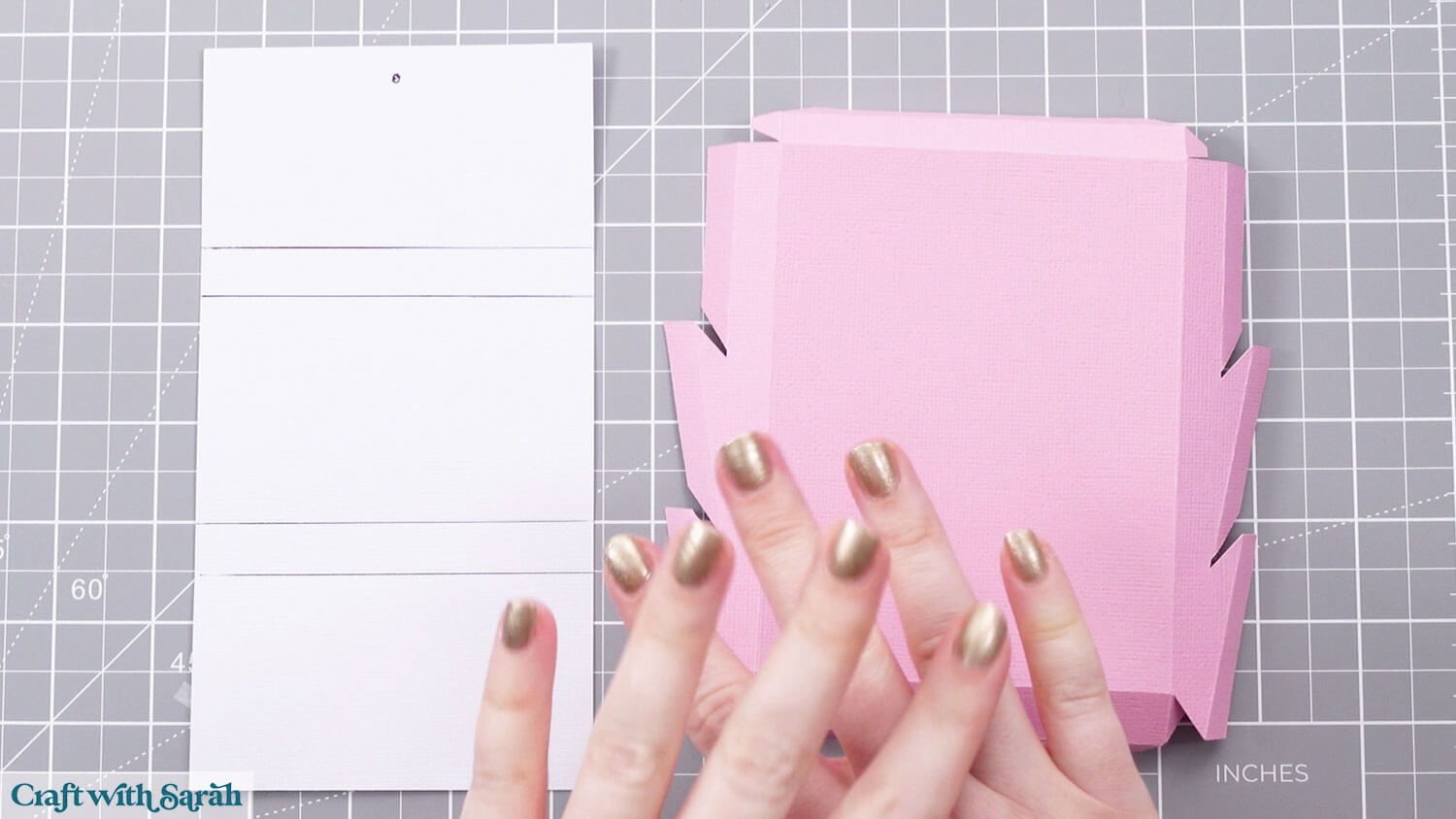
This is the shape we are aiming for:
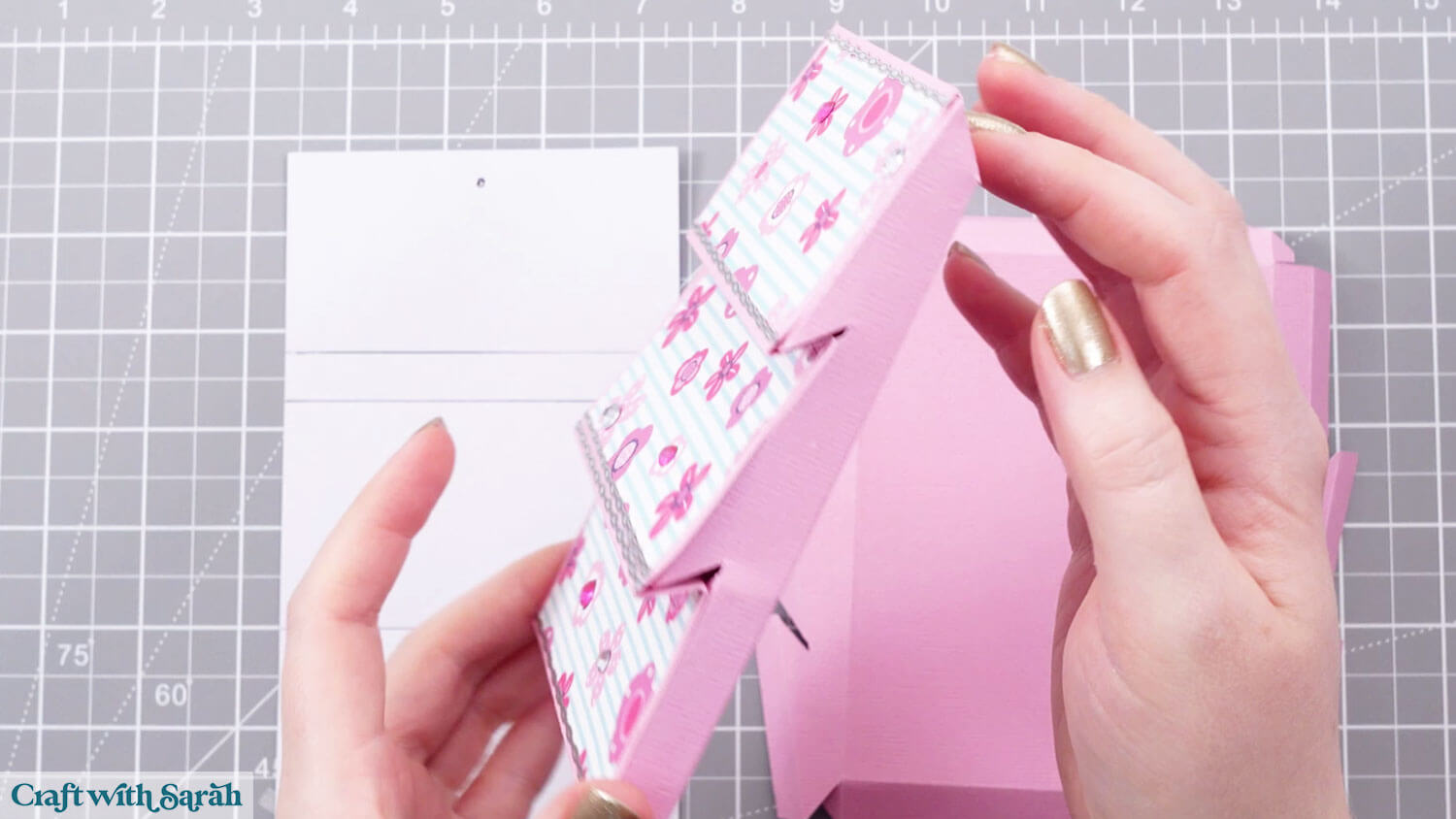
Fold along the score lines so you end up with this shape, with the rectangles concertina-style:
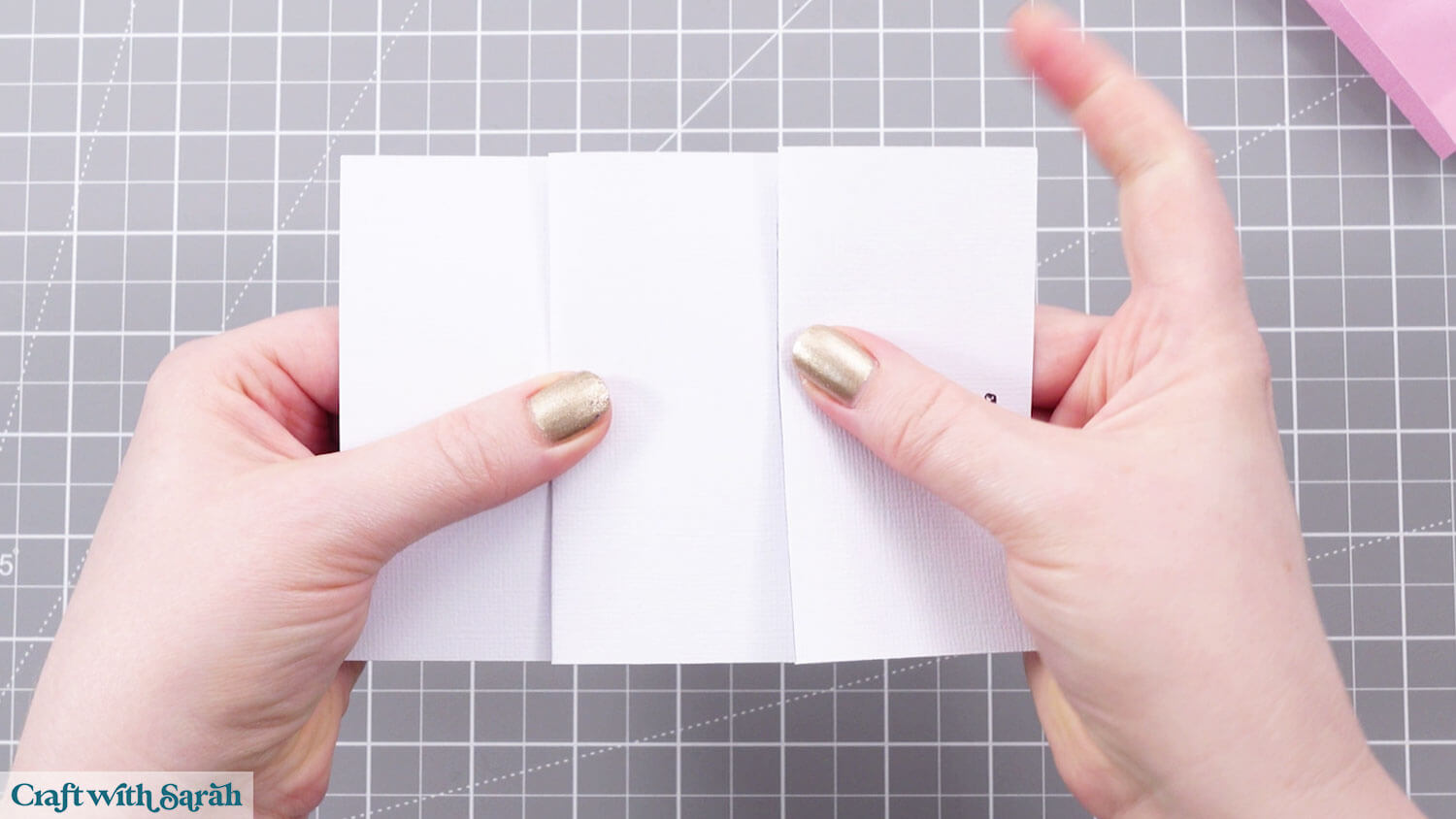
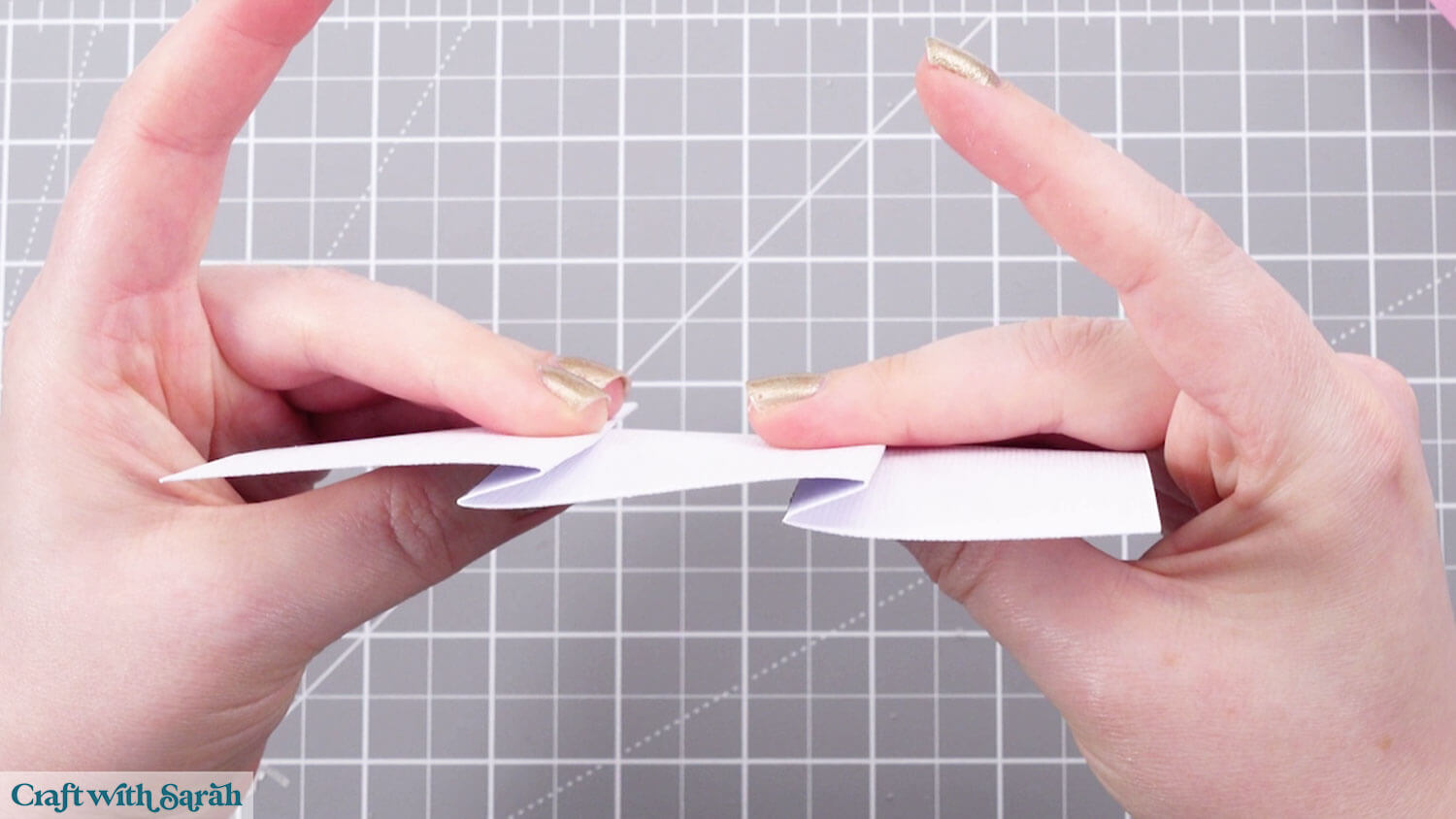
Glue the patterned paper rectangles on top. Keep the gap of the base pink colour the same height along the bottom of each of the sections.
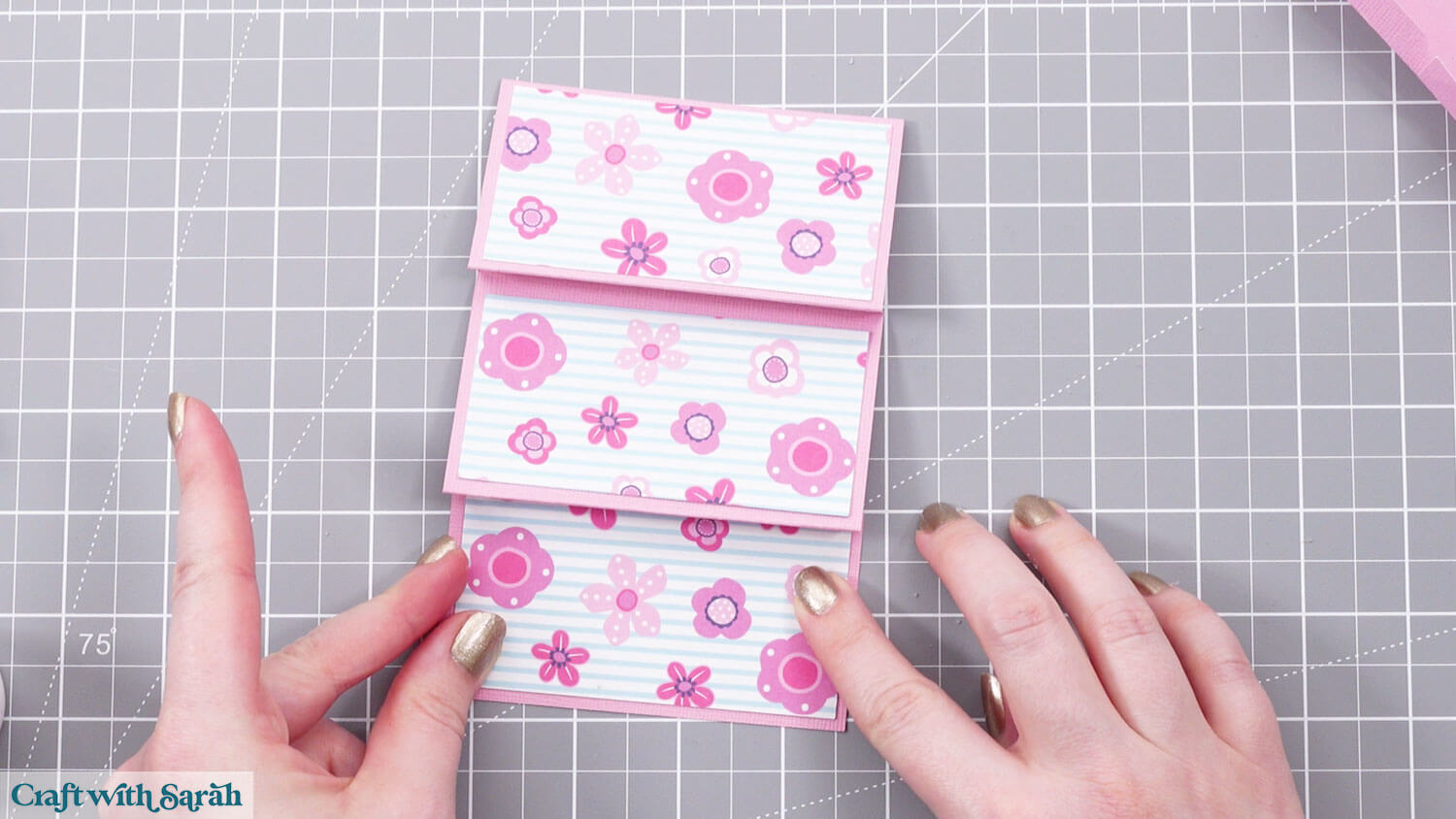
Fold along the score lines of the other roof piece. Turn it upside down so it looks like the below.
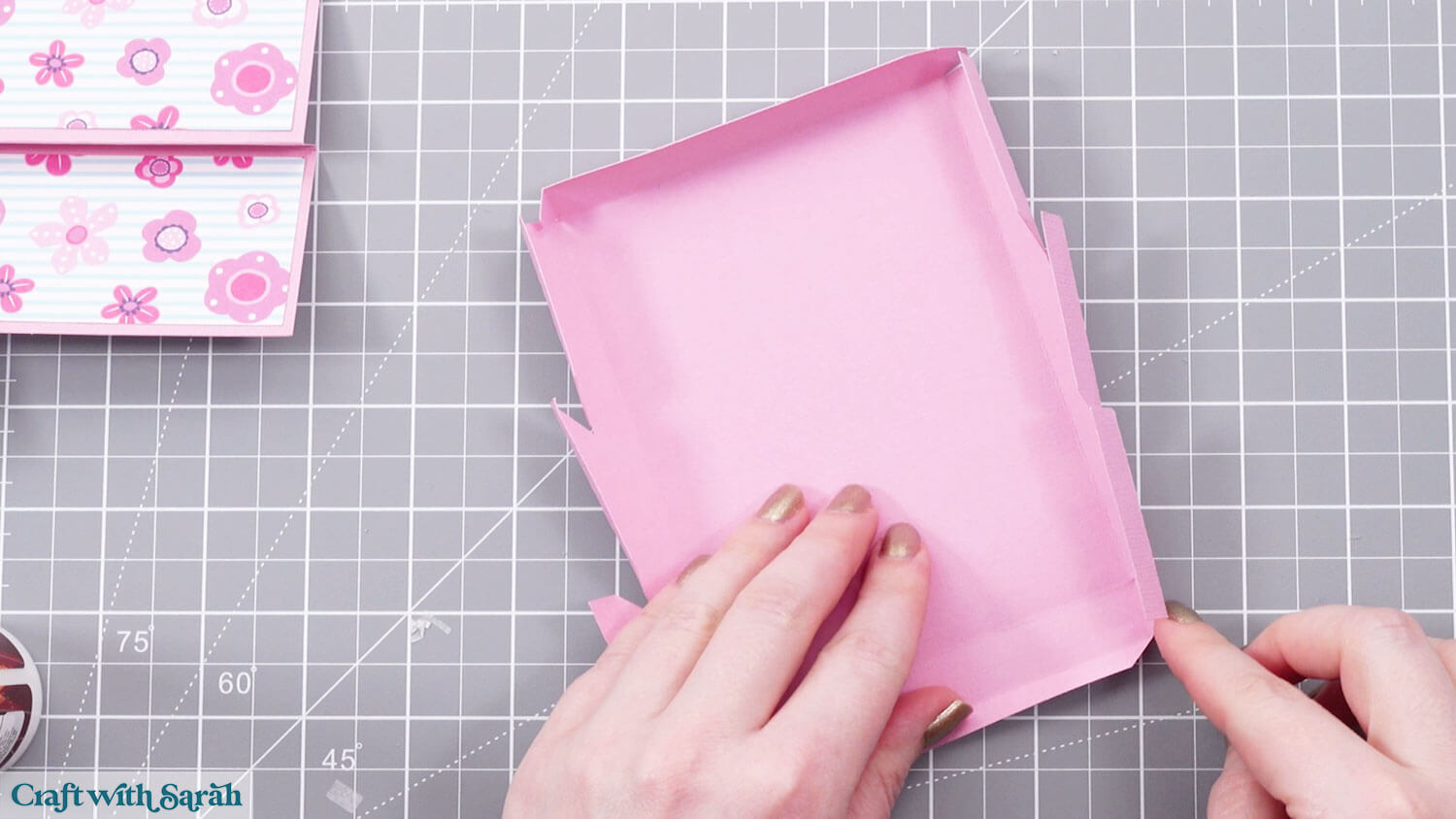
Fold in the small tabs along one of the ends and attach them to the left and right sides. Hold in place until the glue dries.
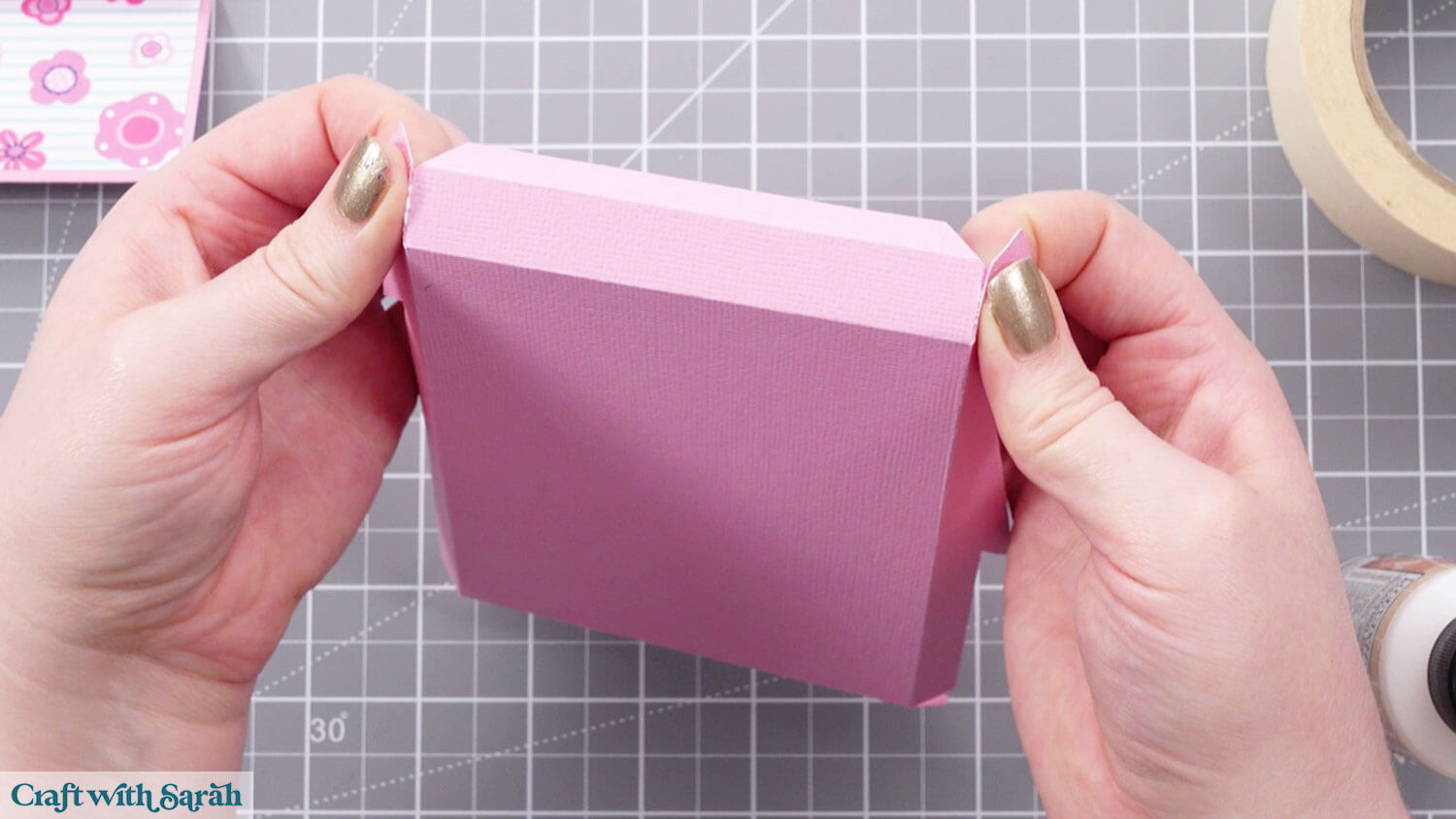
Do the same for the opposite side.
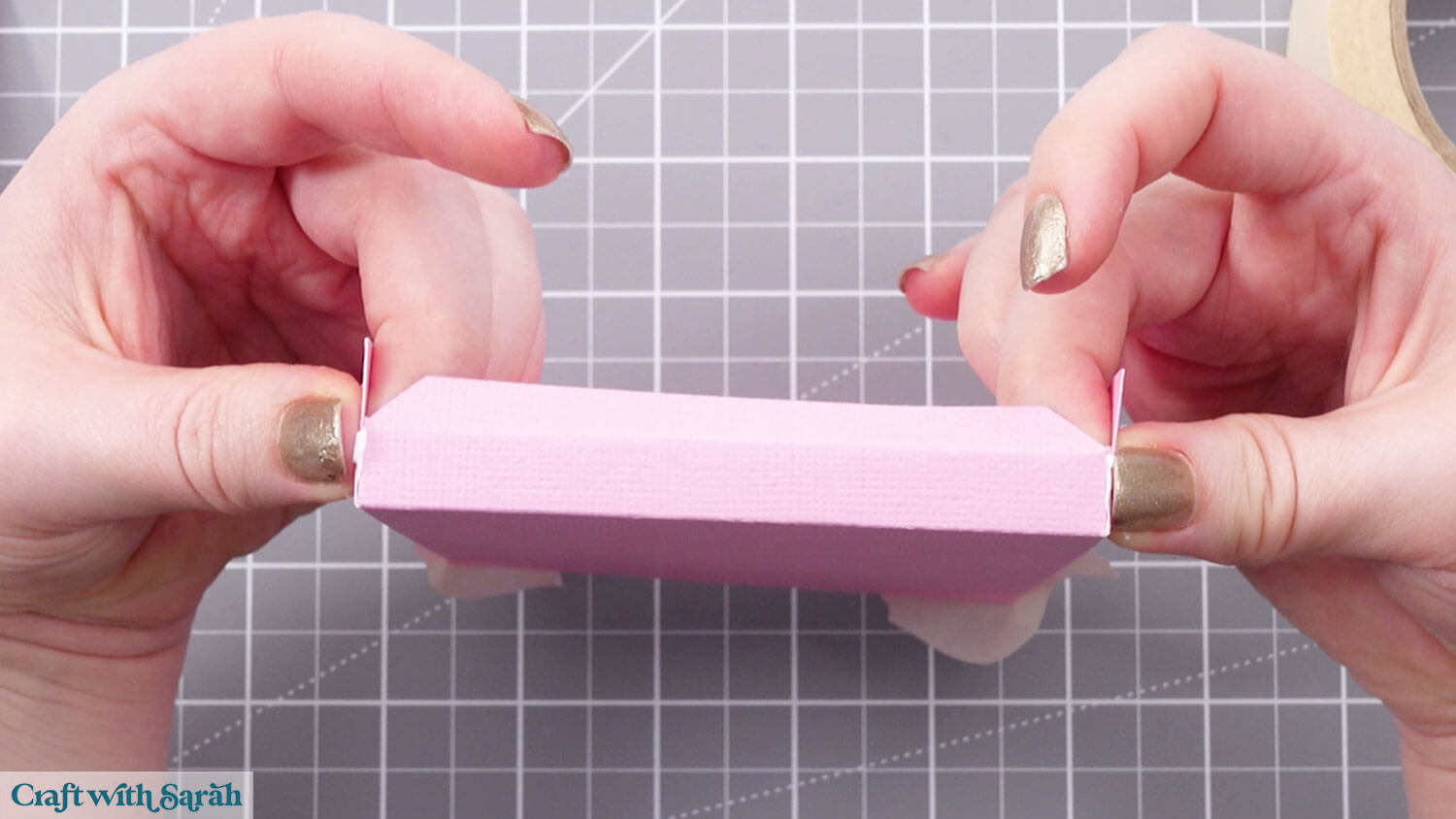
Stick the tabs together as shown below.
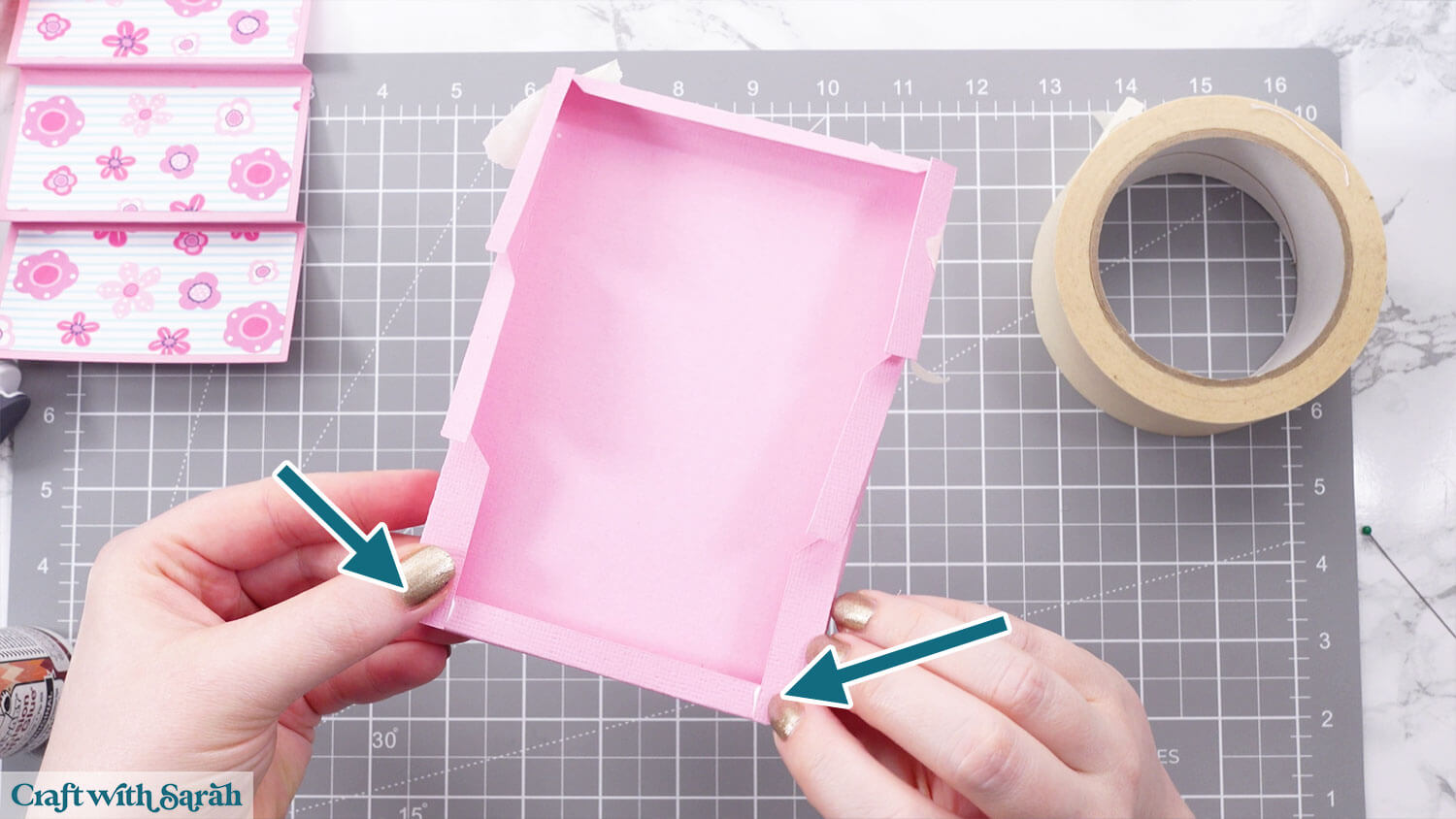
Fold all remaining tabs so that they are level and add glue to the top.
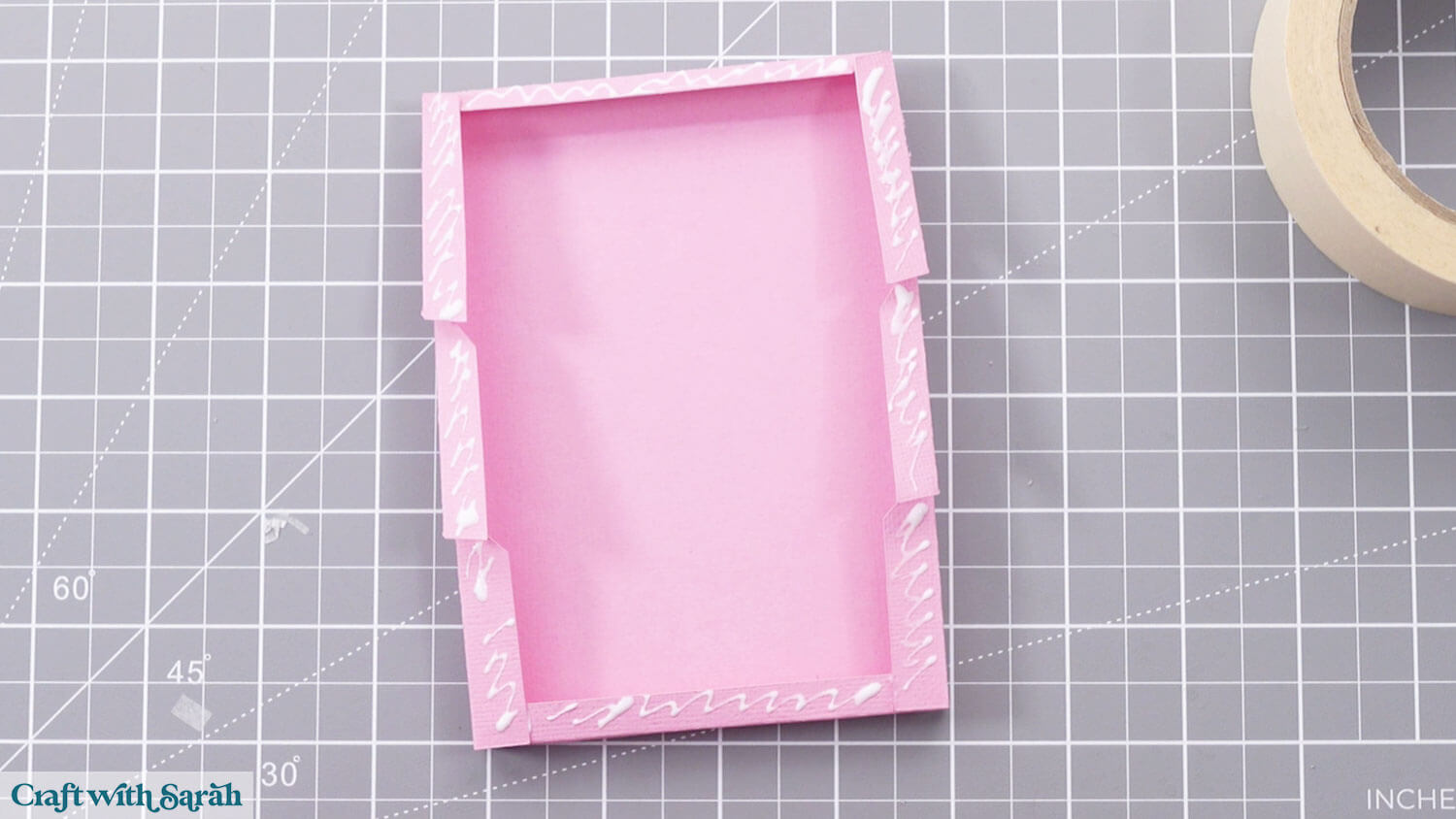
Stick the concertina piece on top.
Each section of the roof pushes down into the creases.
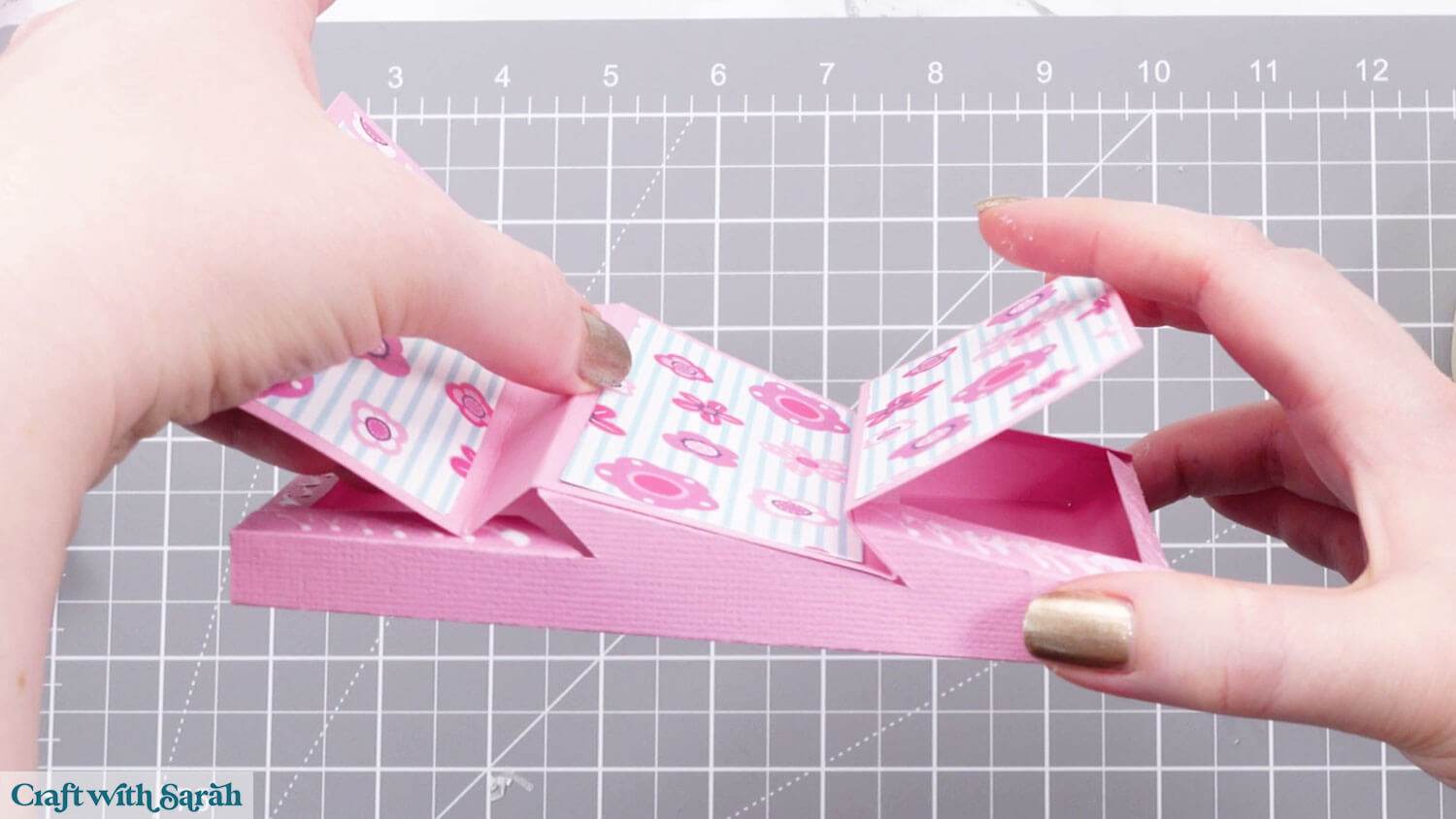
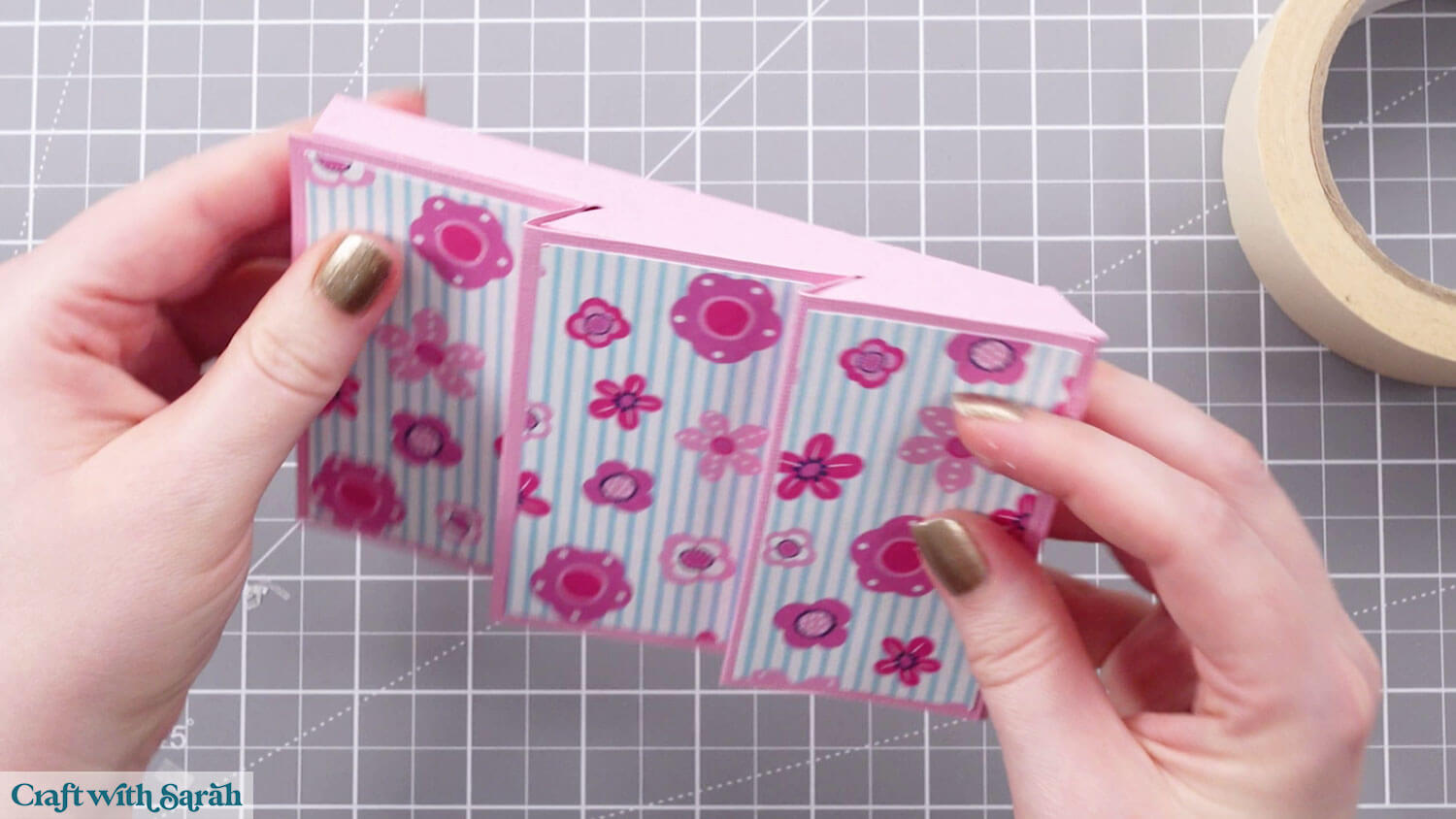
Repeat for the other side of the roof until you have two matching pieces.
You may wish to add gemstones, peel-off stickers or other embellishments.
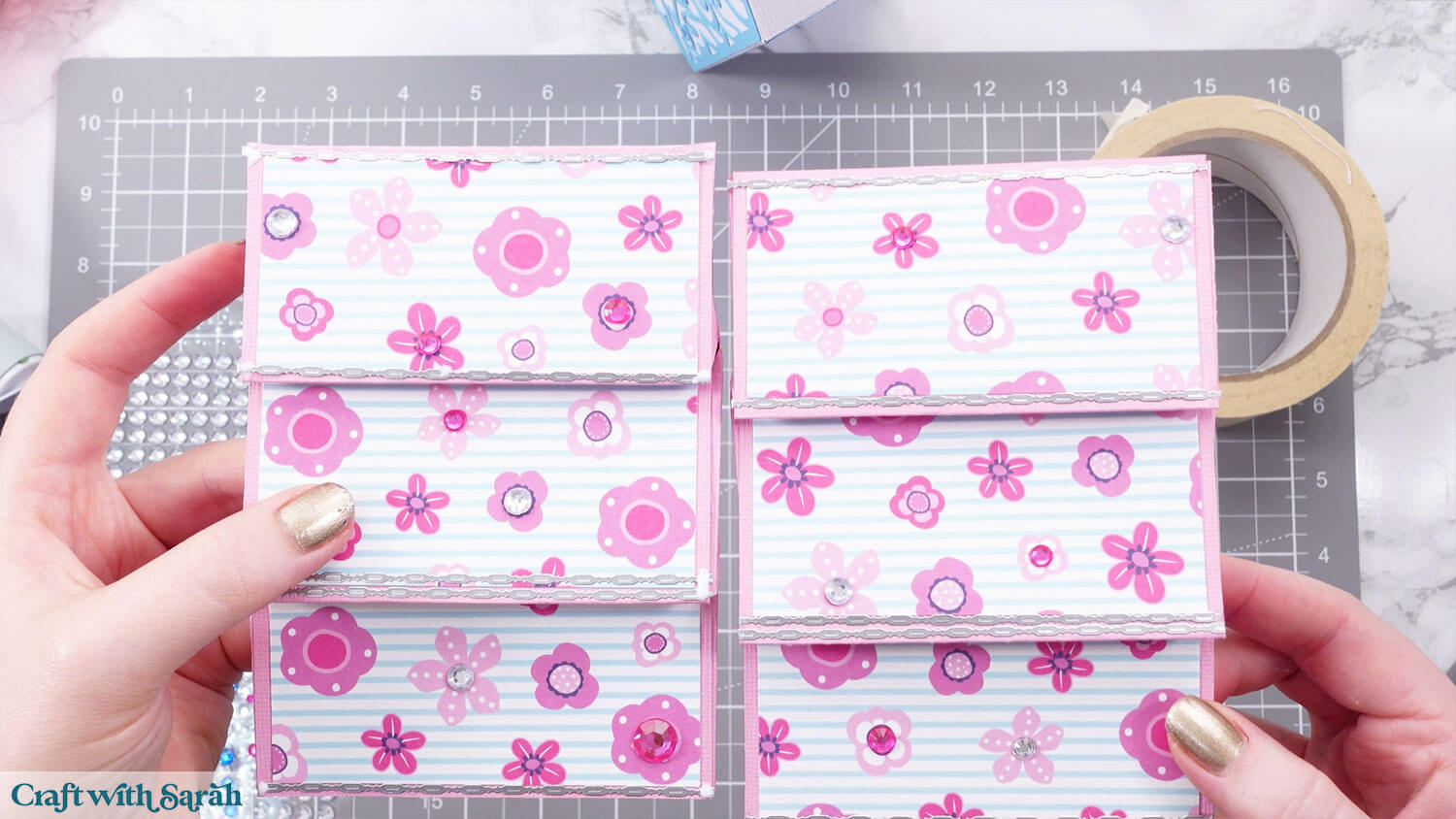
Add glue to one side of the main birdhouse roof (the white pieces).
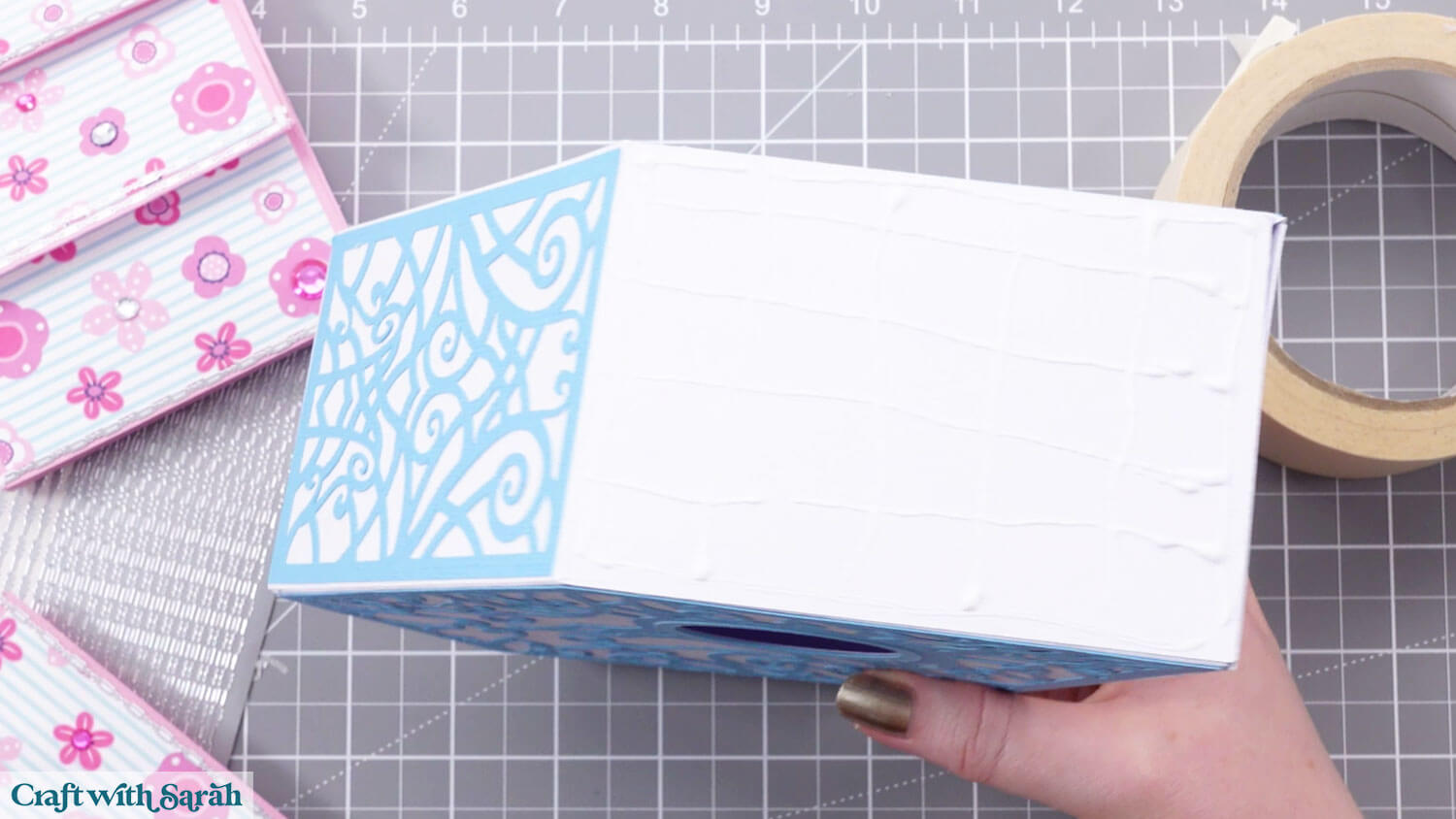
Glue one of the roof pieces on top. It will overlap a little bit in width so try to get it fairly central.
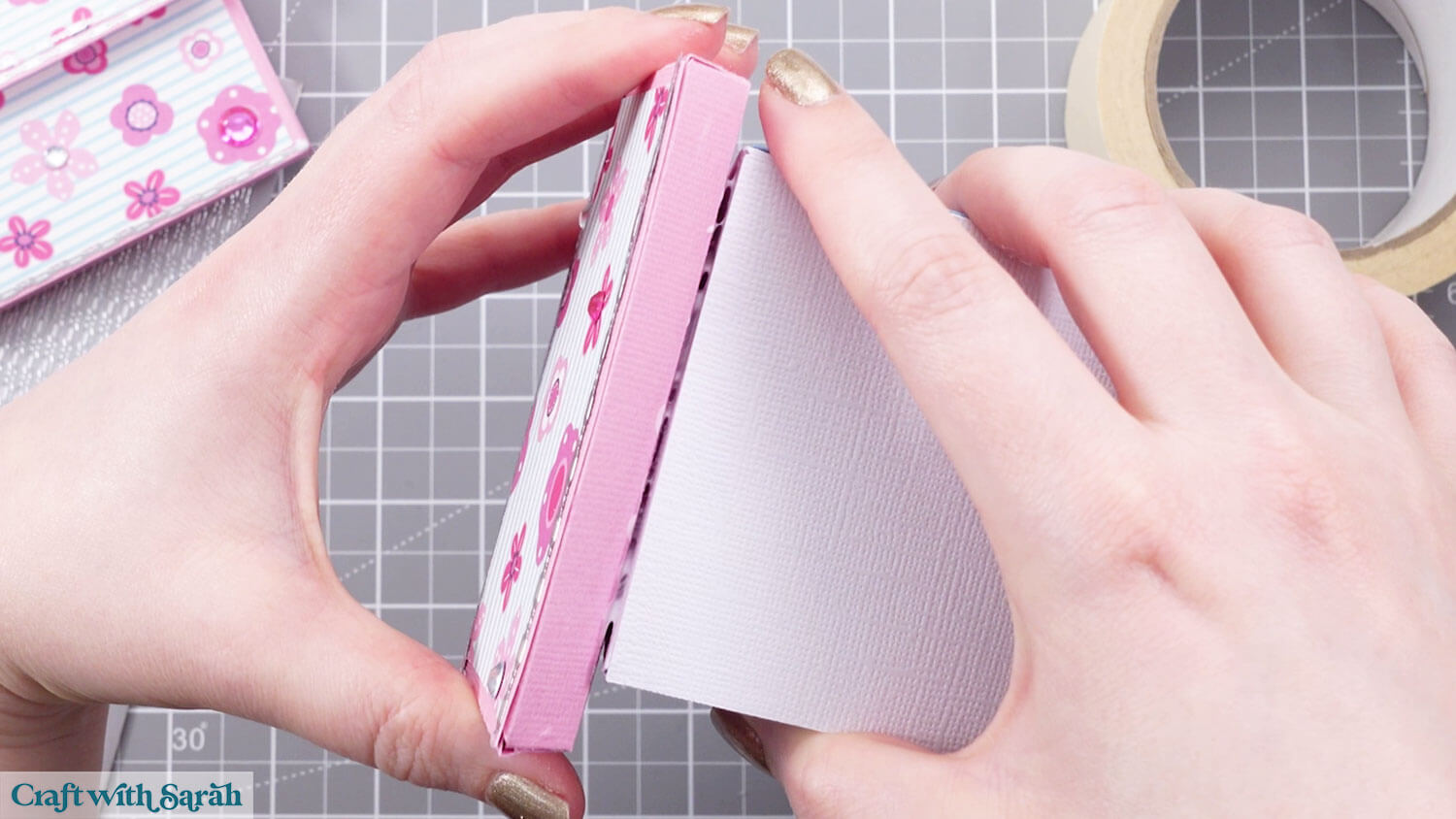
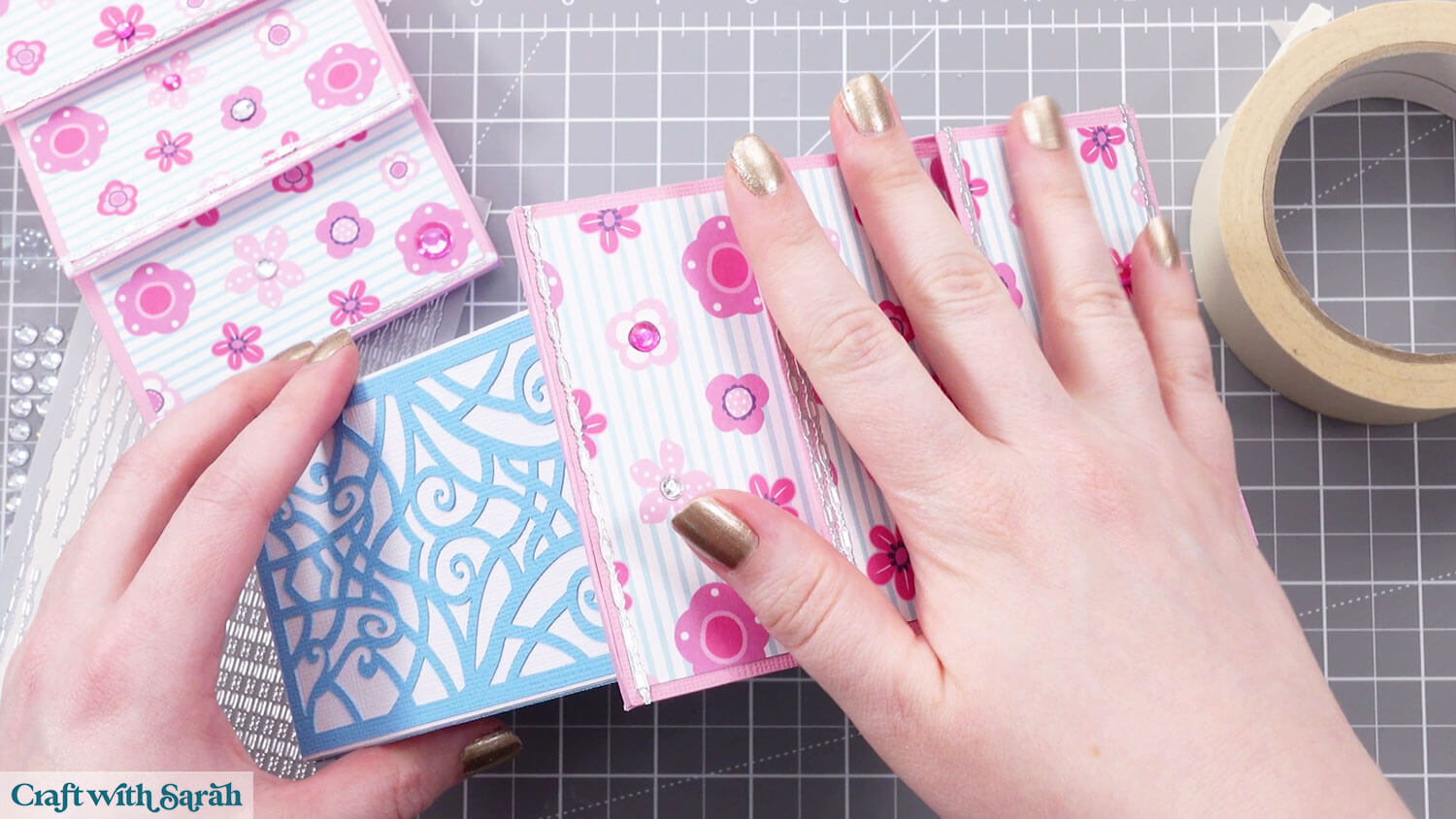
Repeat for the other side, and also add glue between the two roof pieces.
Hold them firmly in place until the glue dries.
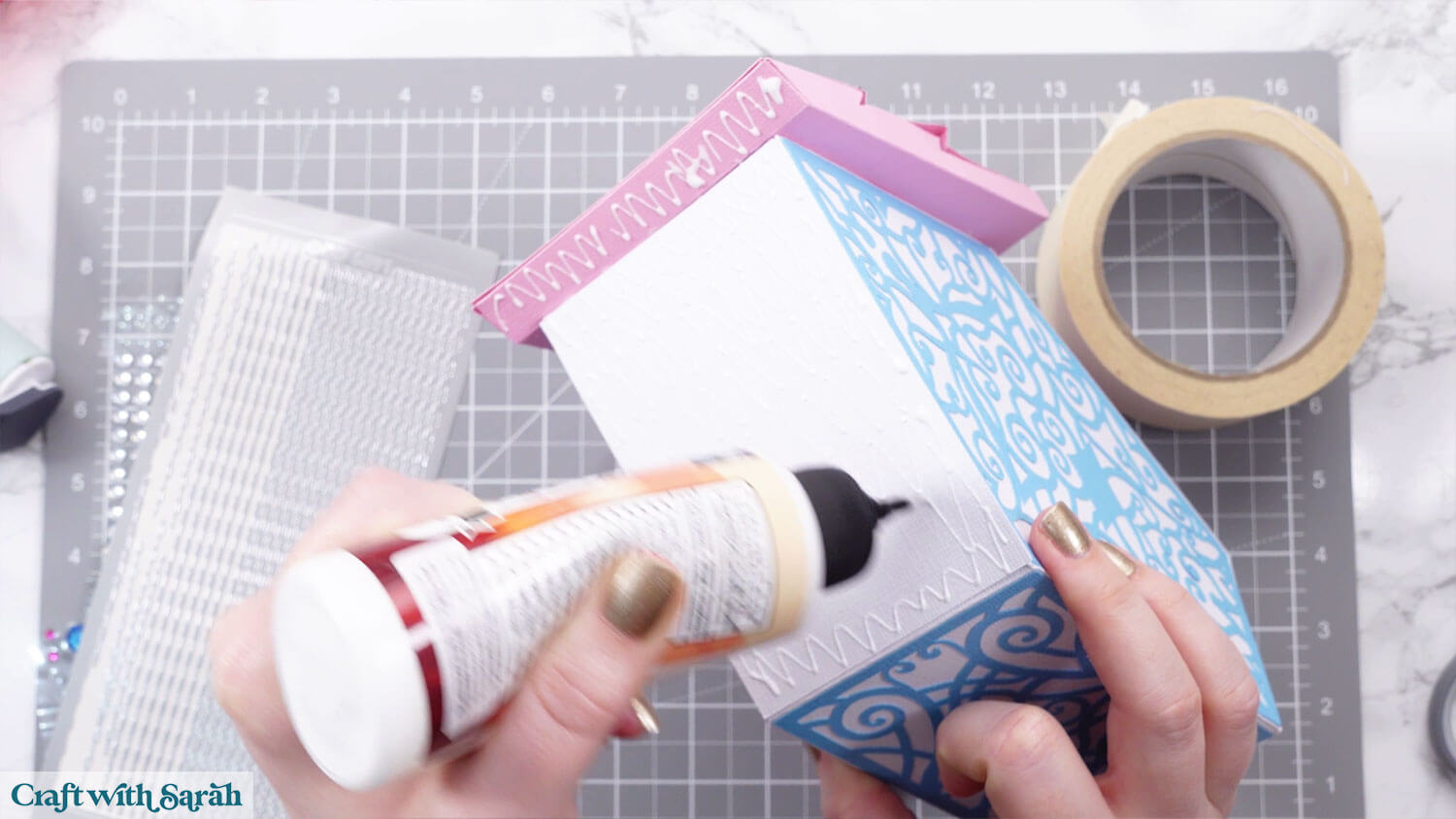
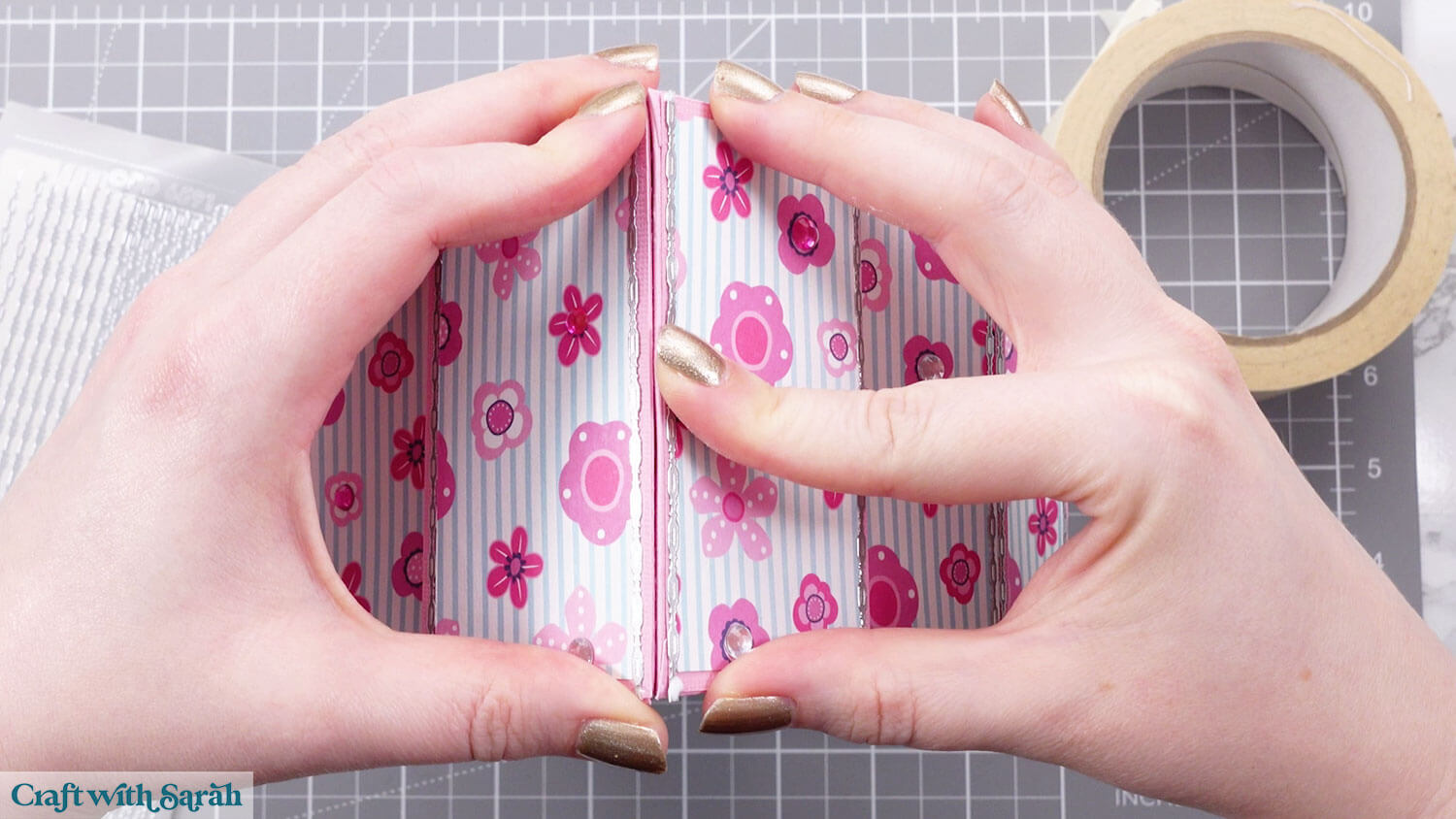
Glue the decorative roof covers to the solid colours underneath.
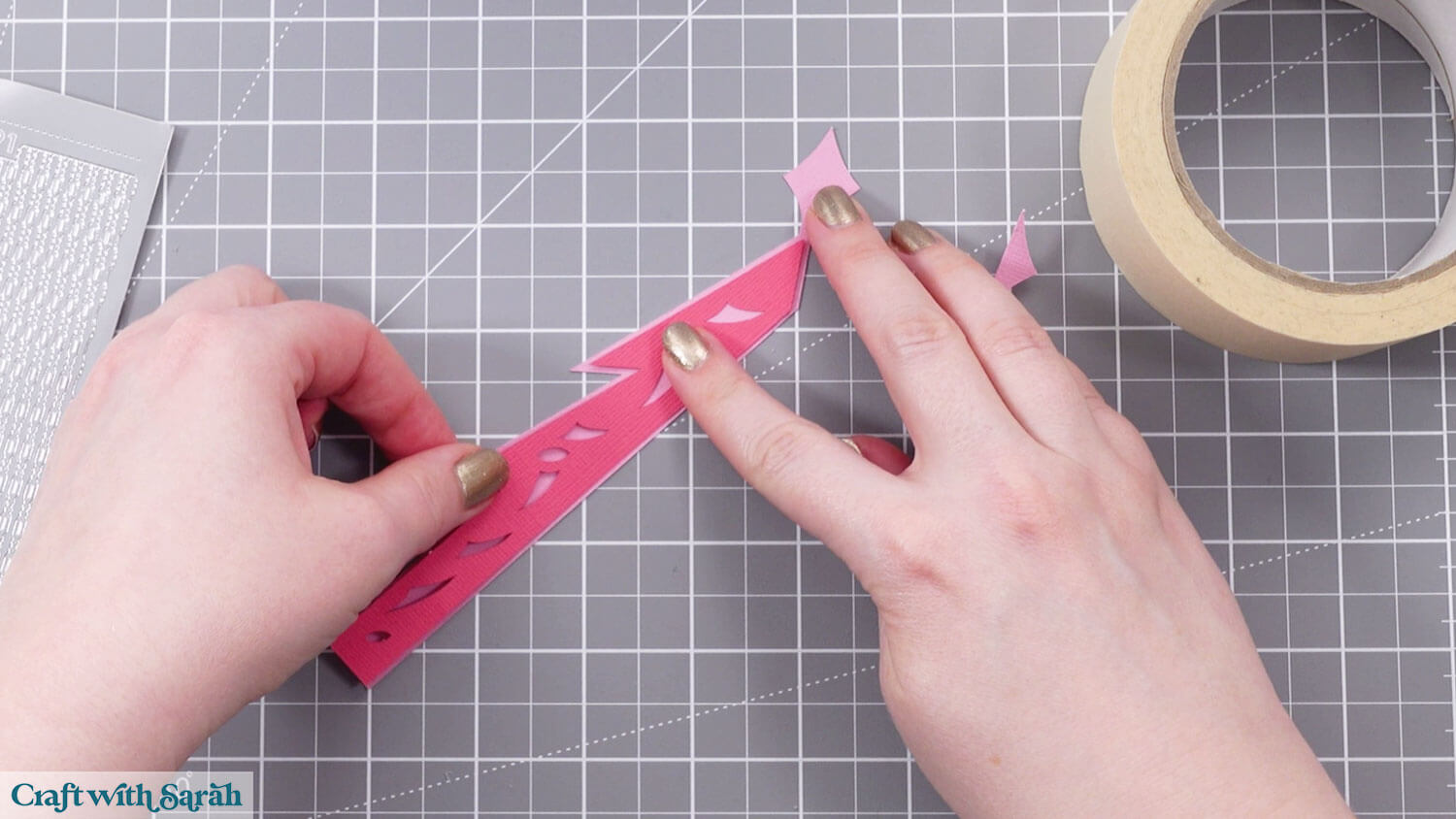
Glue one of the decorative pieces to the front.
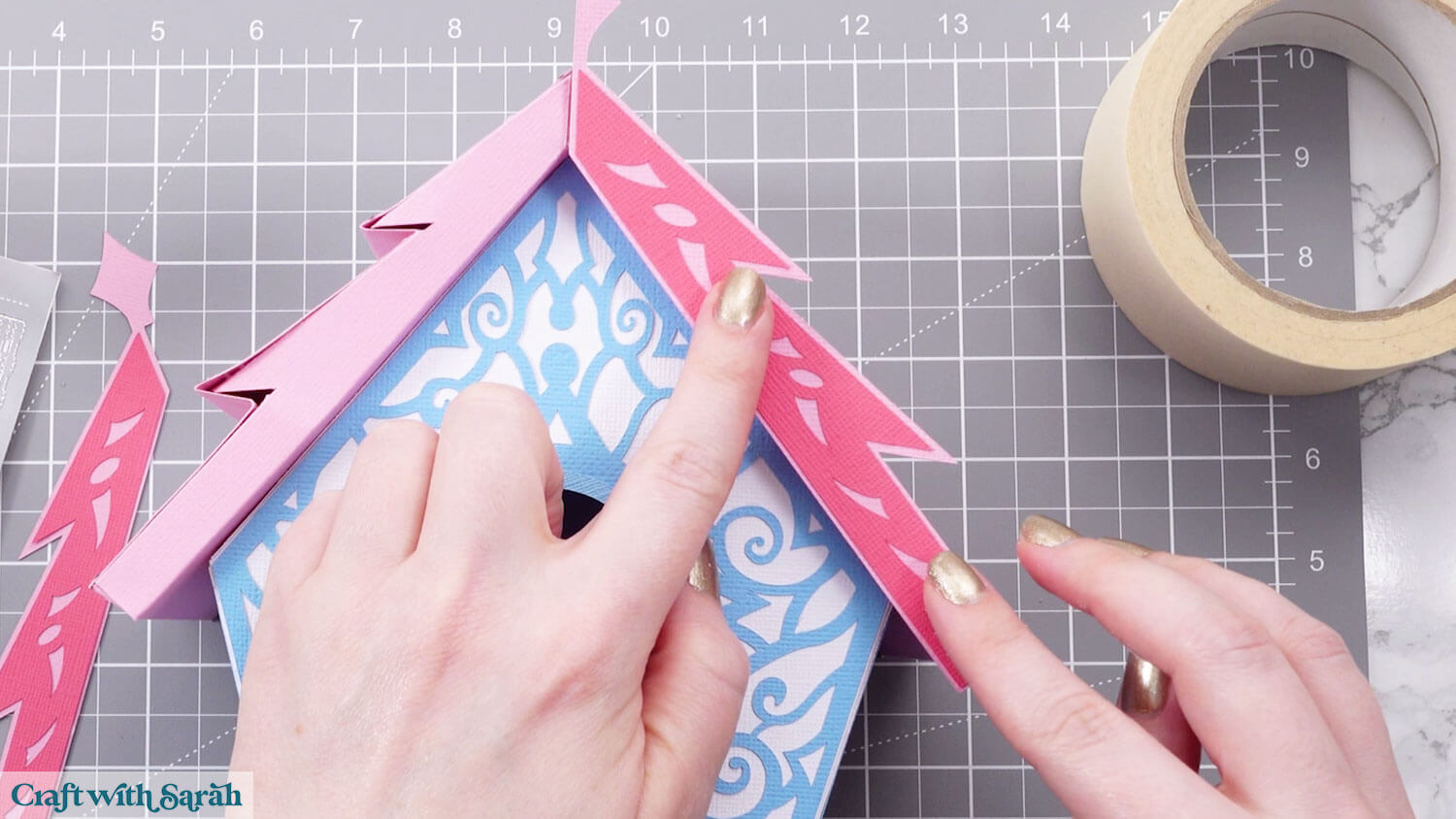
Glue the other one and overlap the diamond at the top.
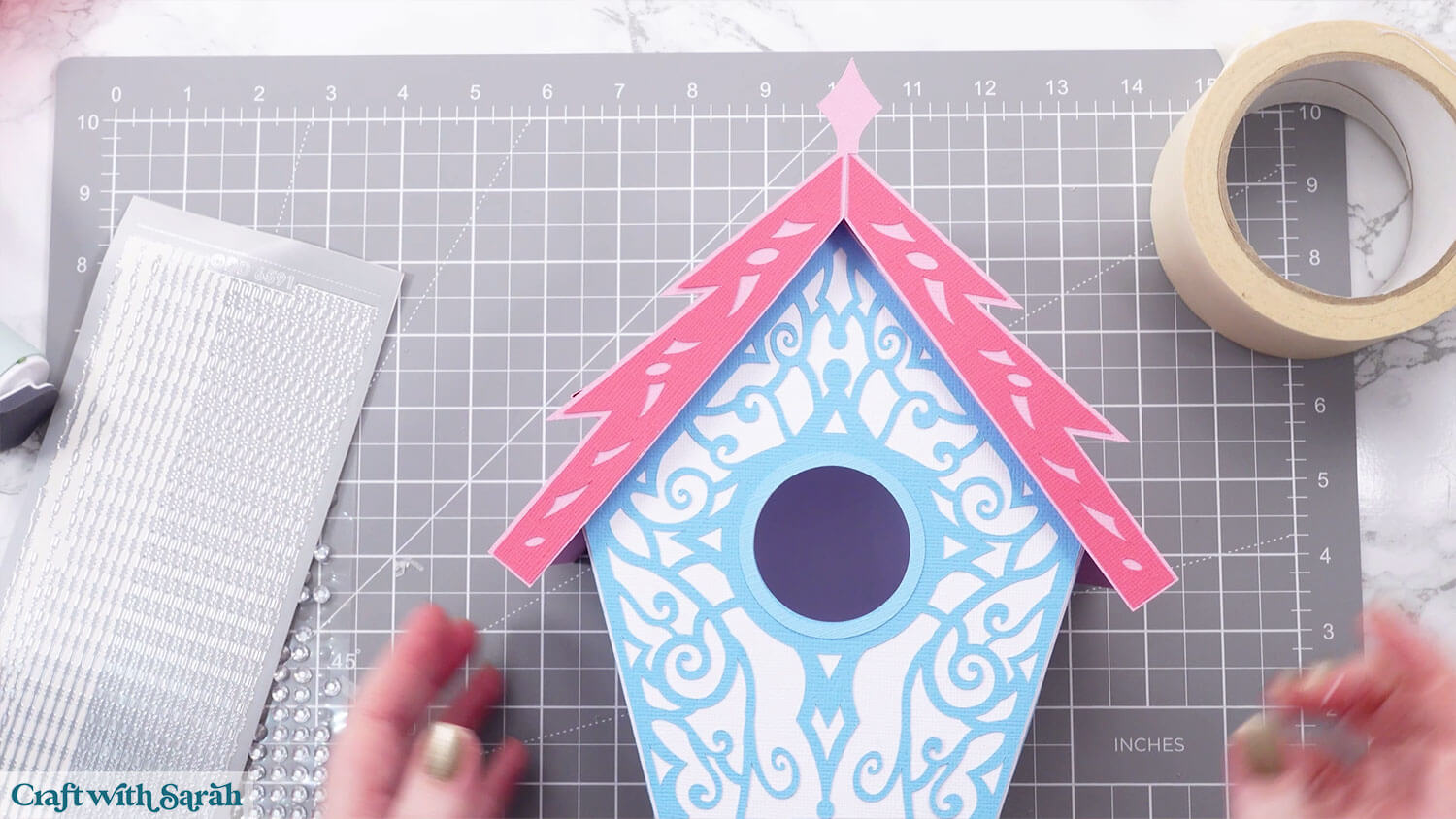
Glue your chosen top piece to the diamond.
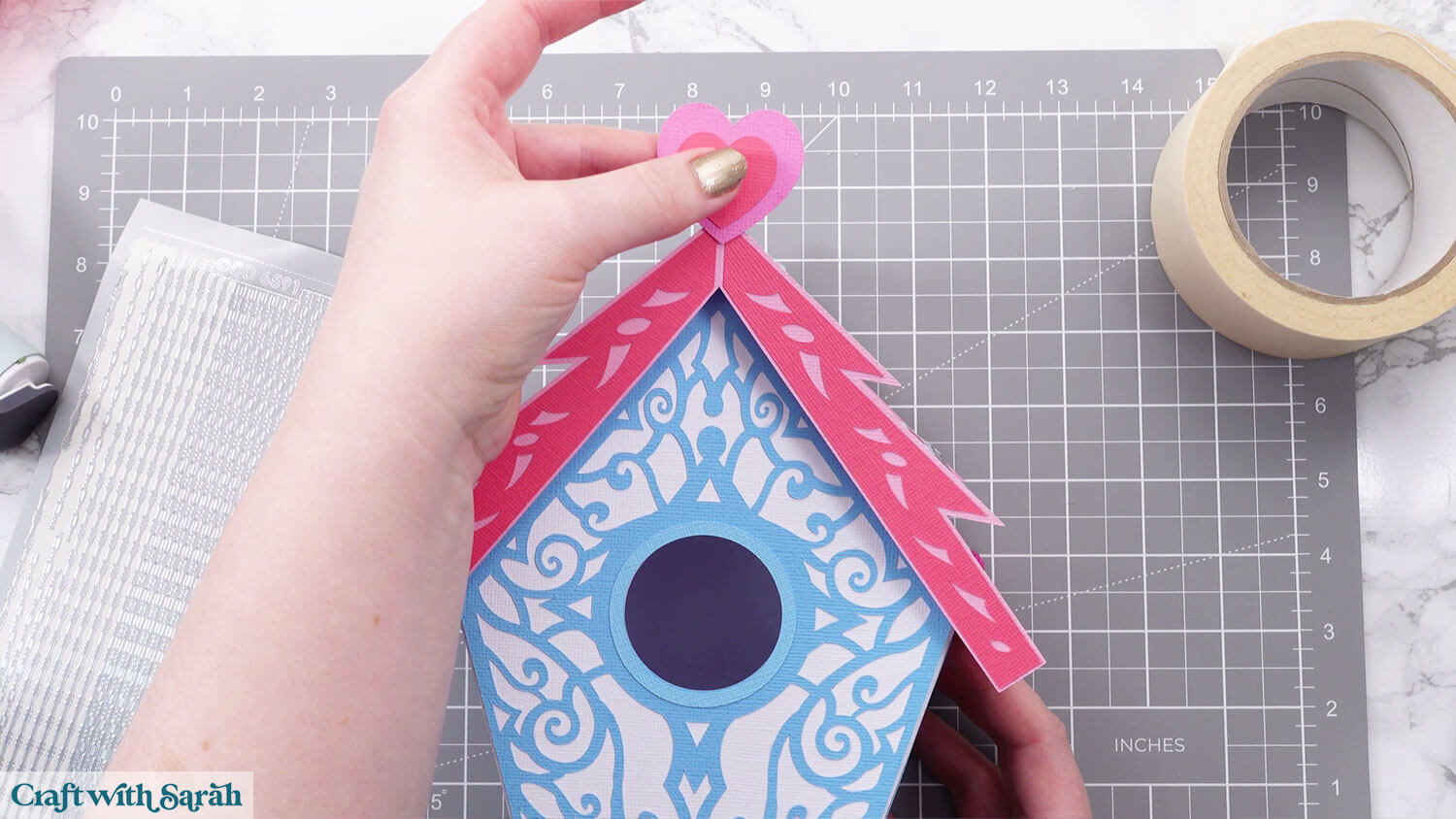
Glue the decorative pieces to the back of the birdhouse.
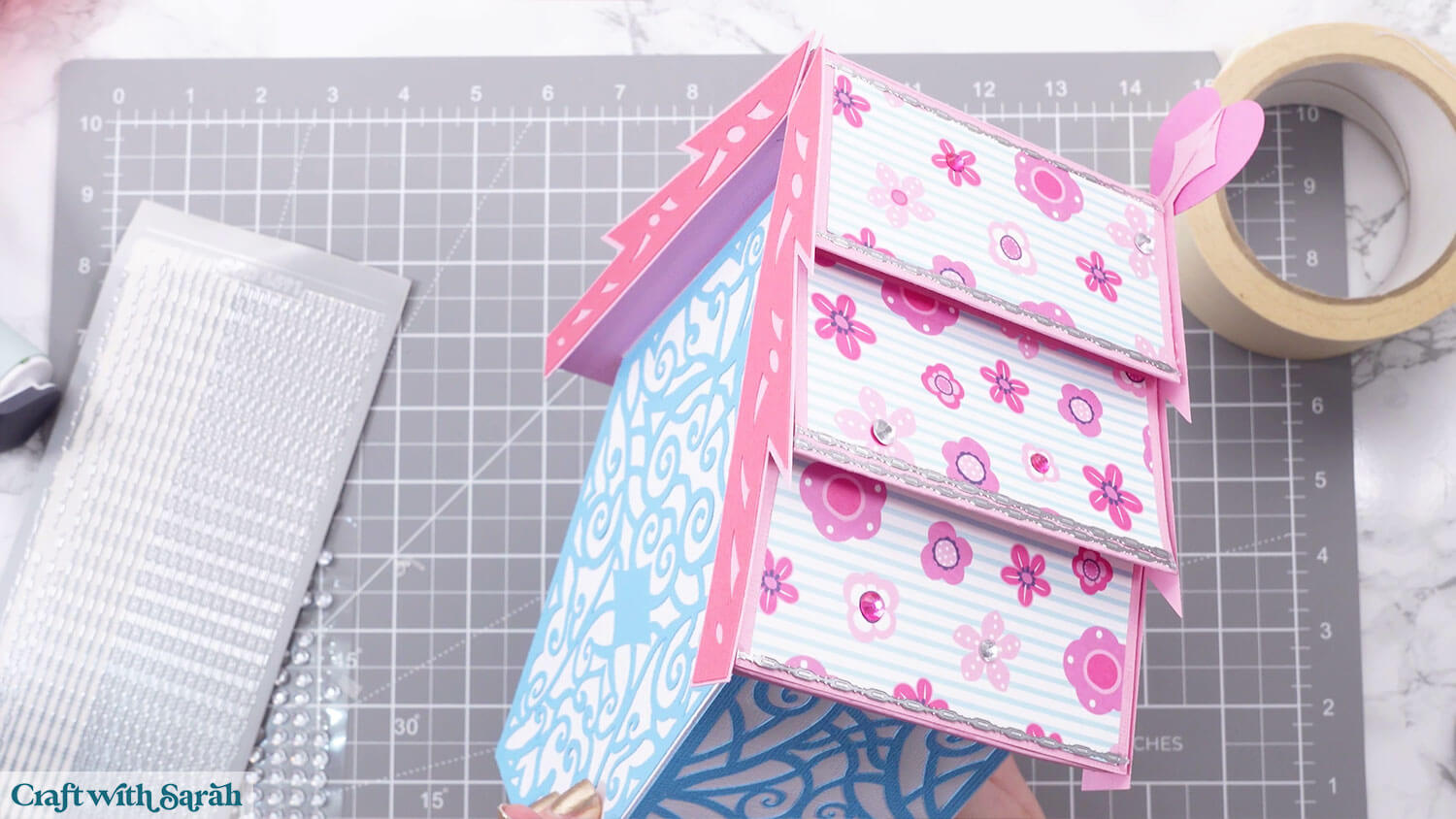
Step 7) Create the base
This goes together like a pizza box.
Fold down all the score lines of the base box piece.
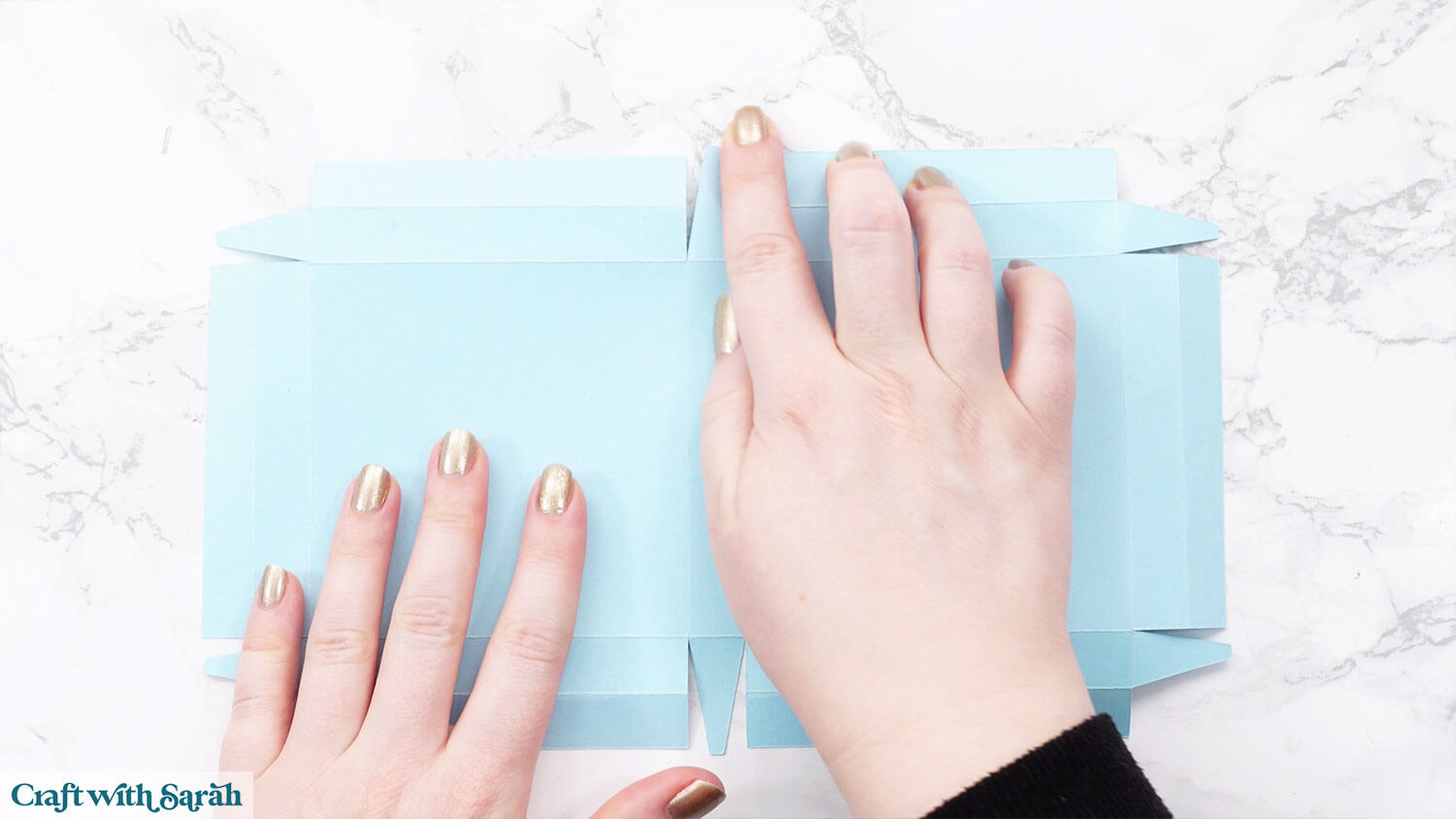
Add glue or double sided tape to the top of the tabs.
Bring up the sides together.
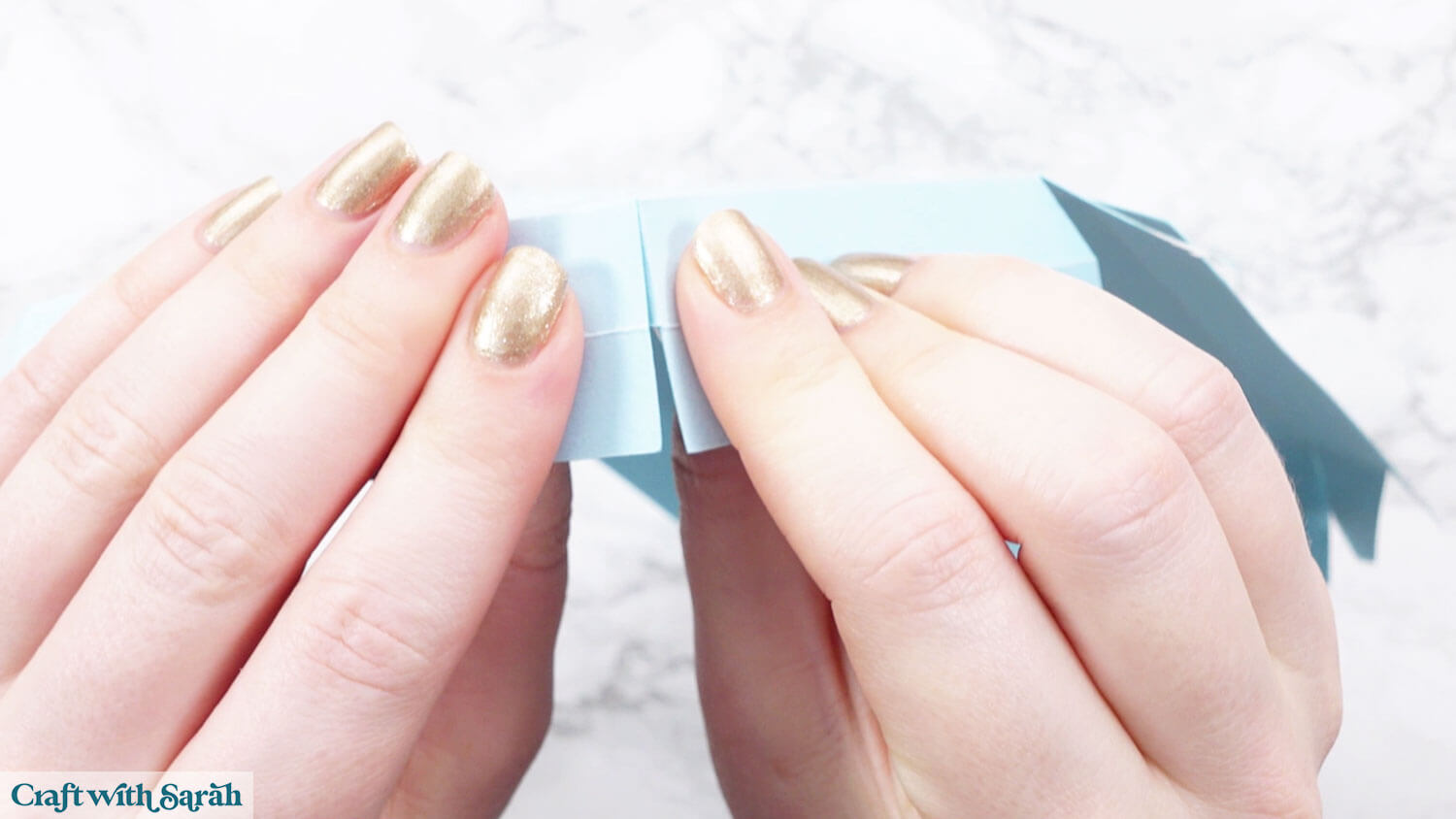
Once the sides are brought in, glue the top tabs into the inside of the box for stability.
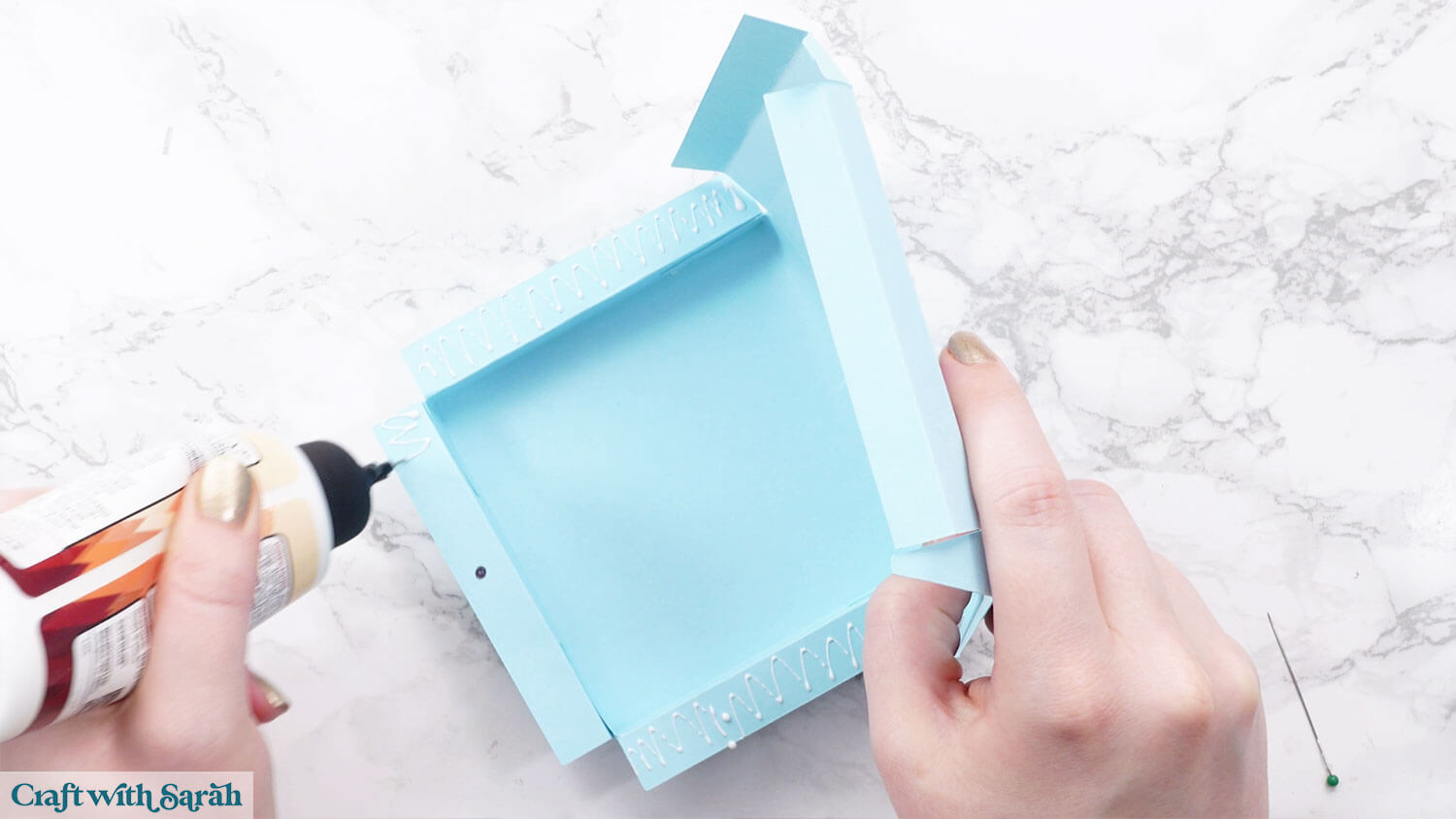
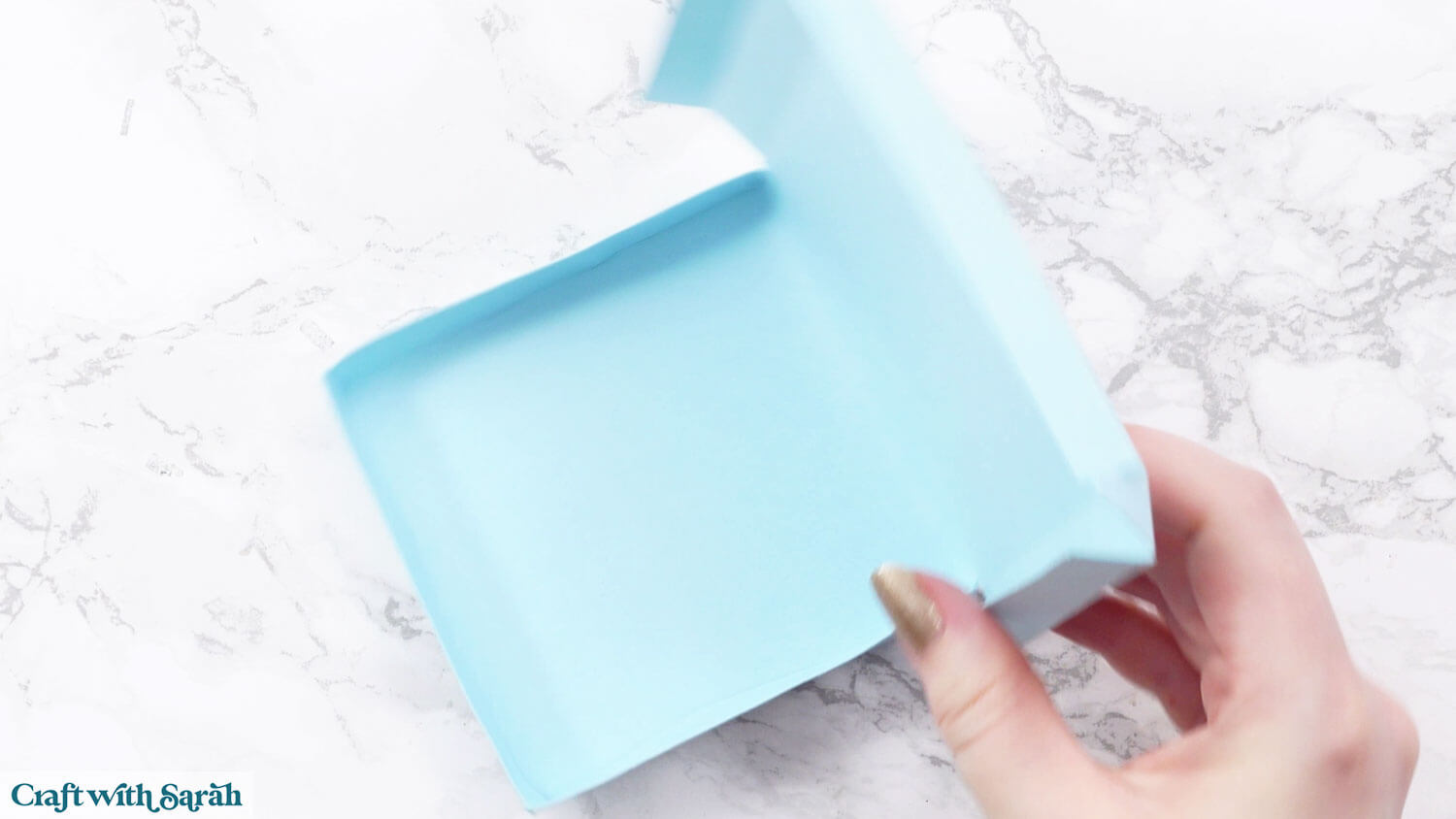
Fold in the tabs of the top part of the box.
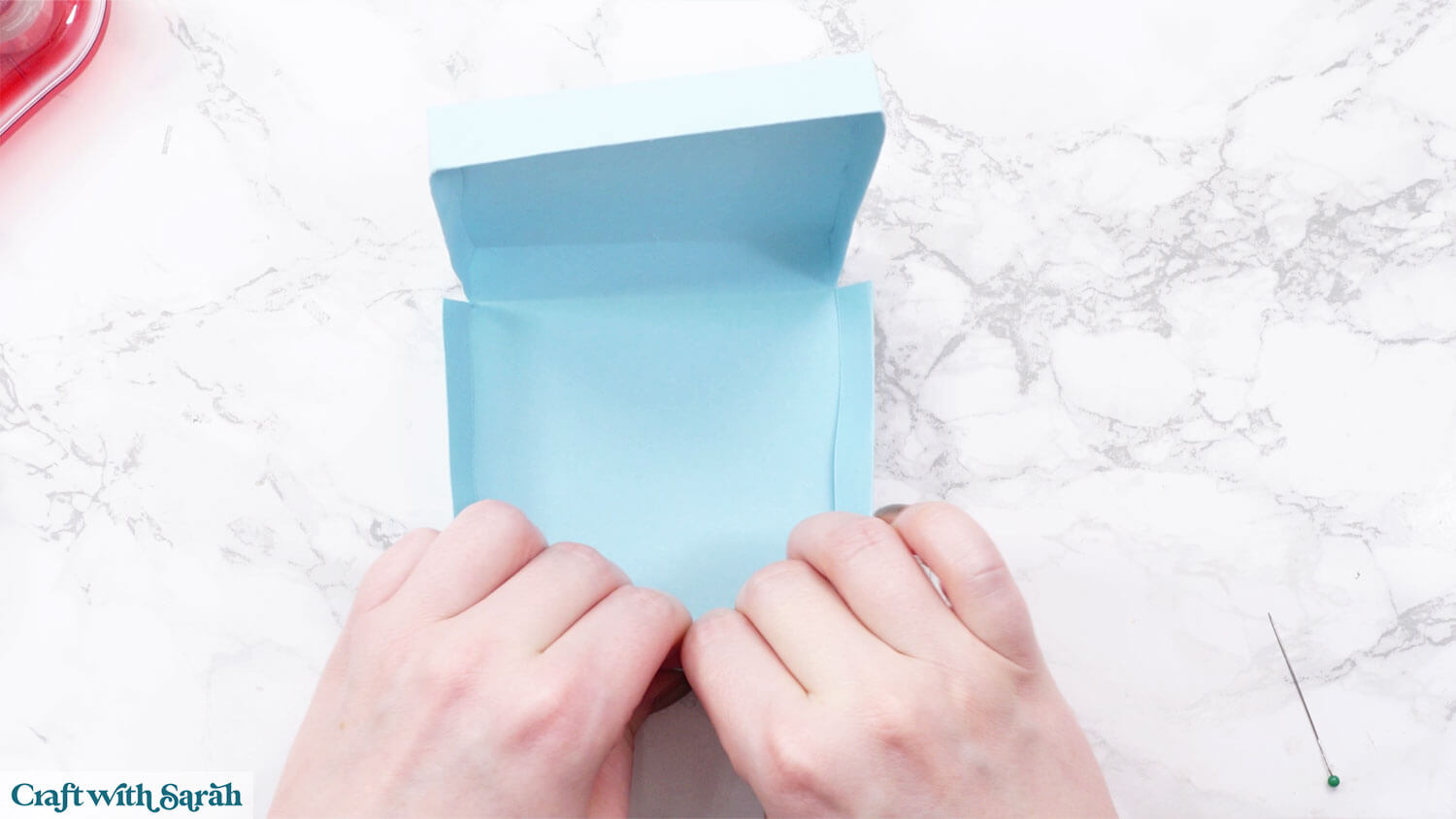
Add glue to the outside of the bottom of the box, then tuck the lid over the top.
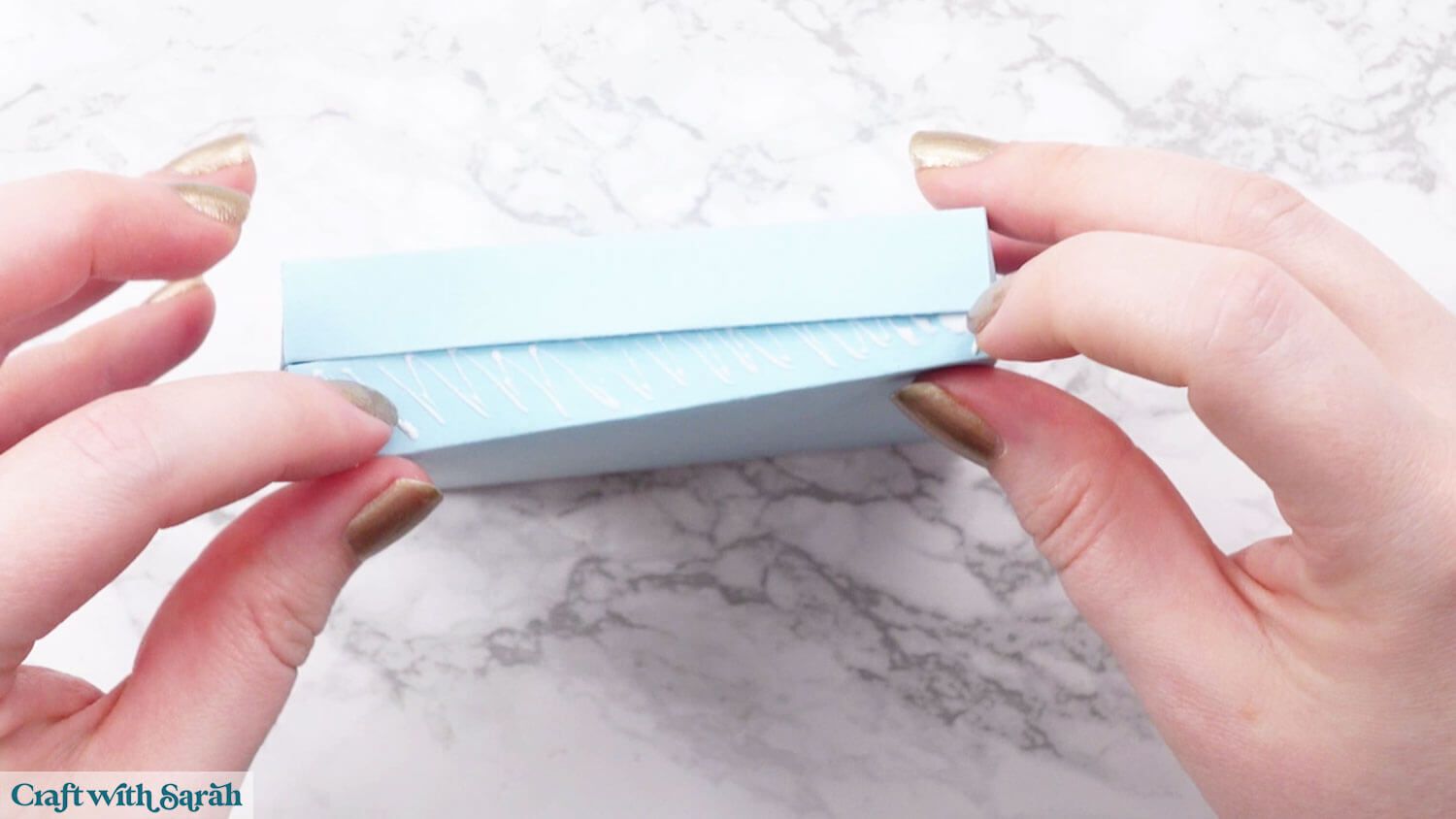
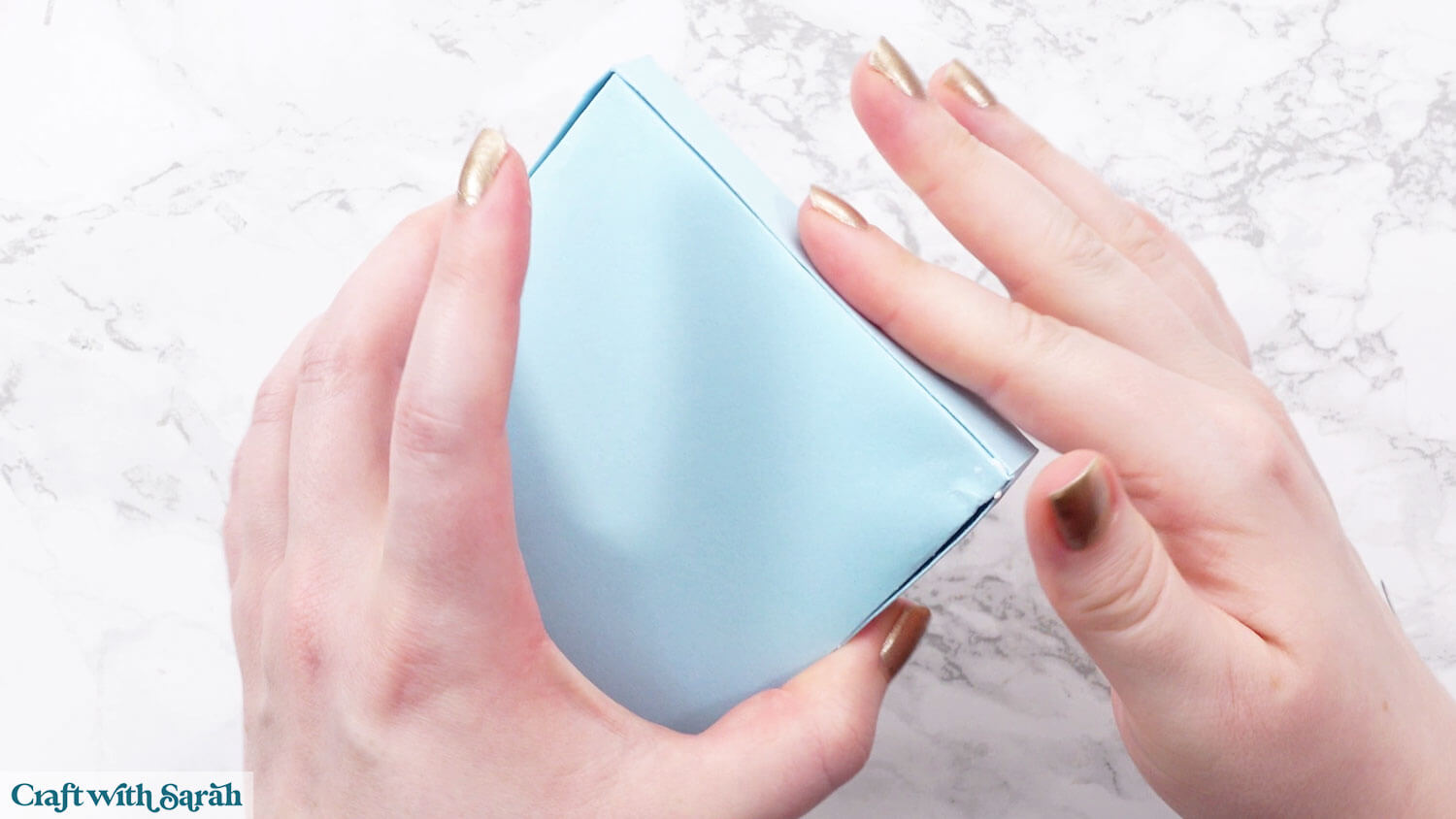
Step 8) Picket fence decorations
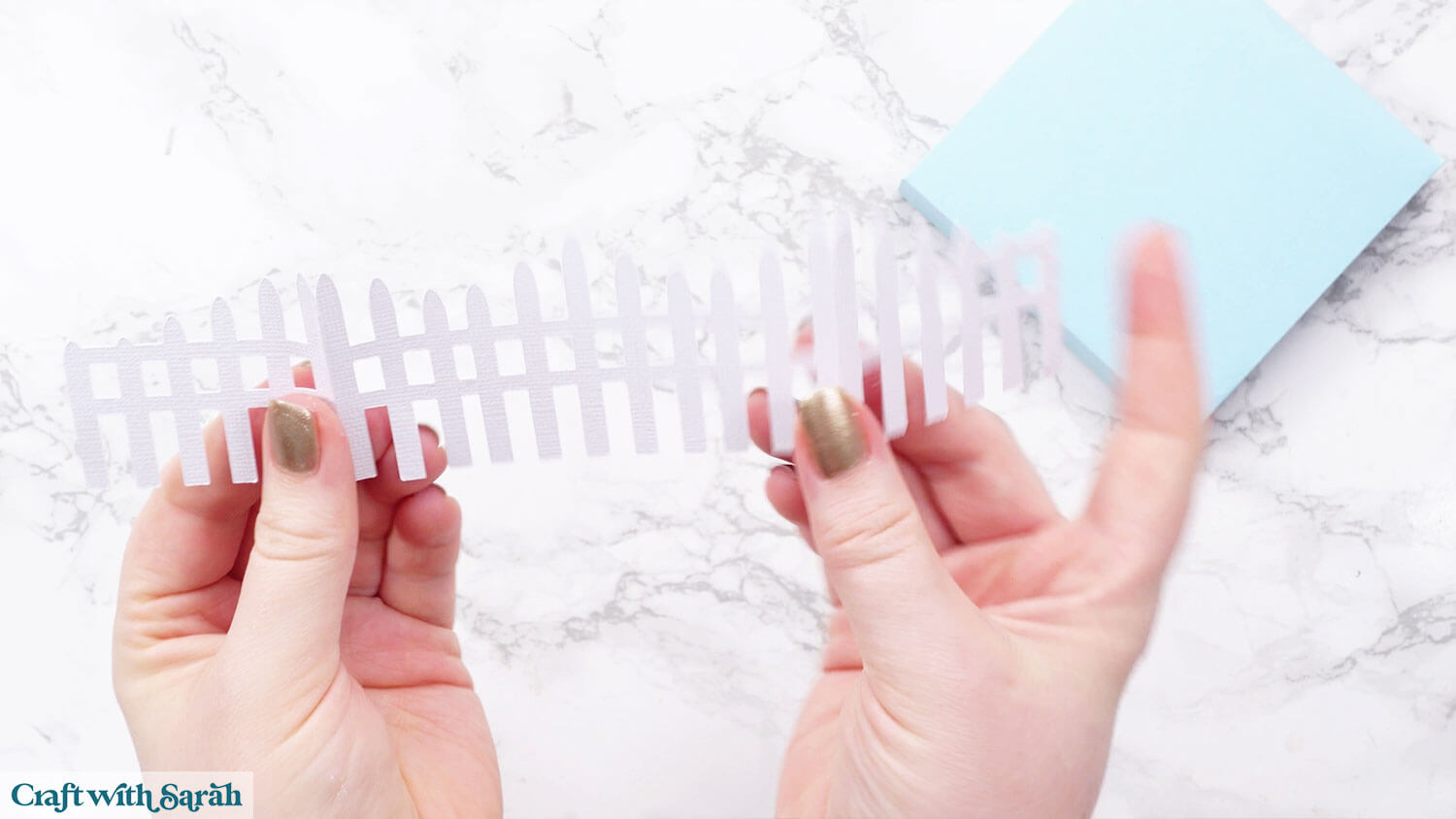
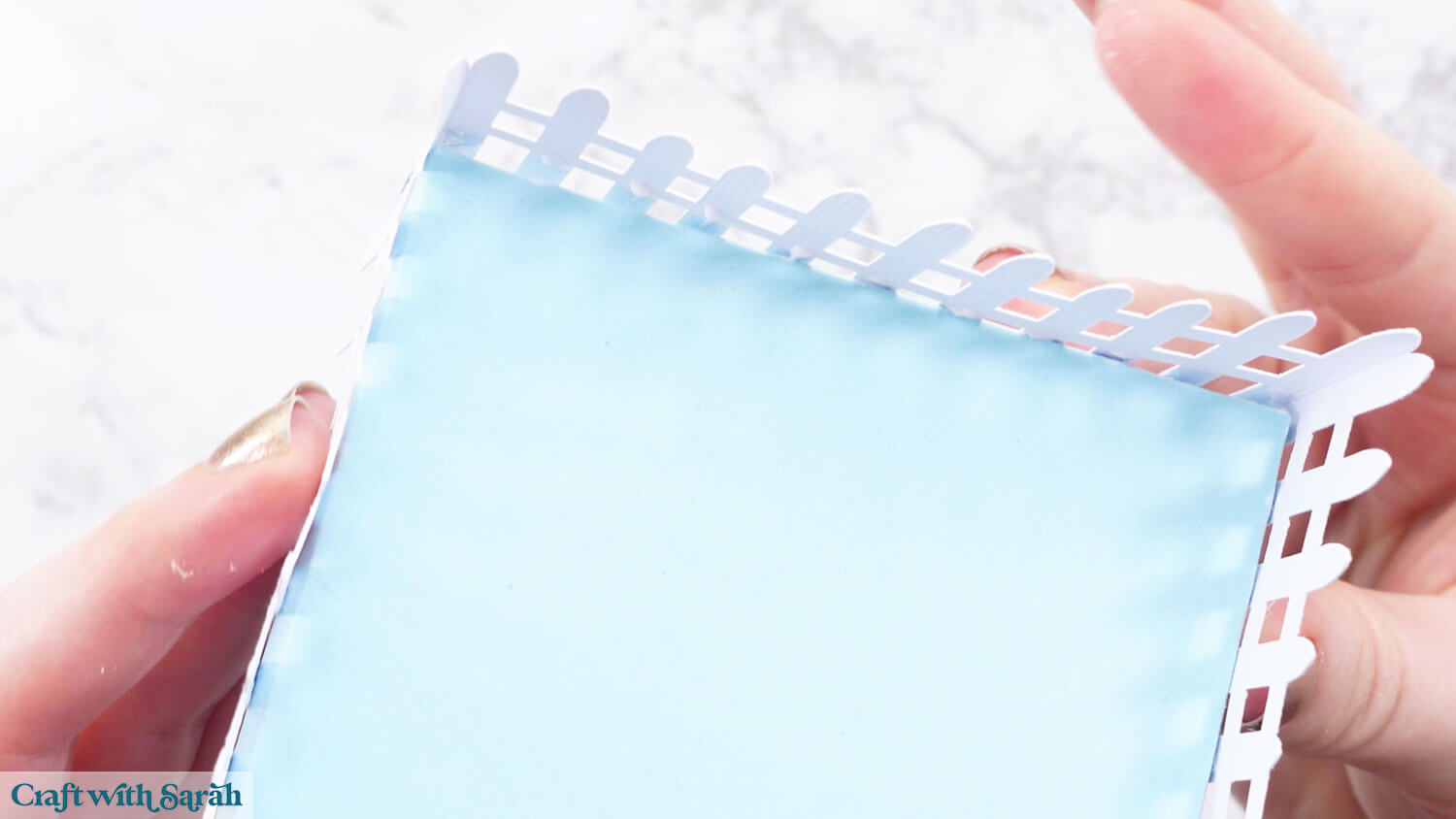
Fold the picket fence pieces along the score lines.
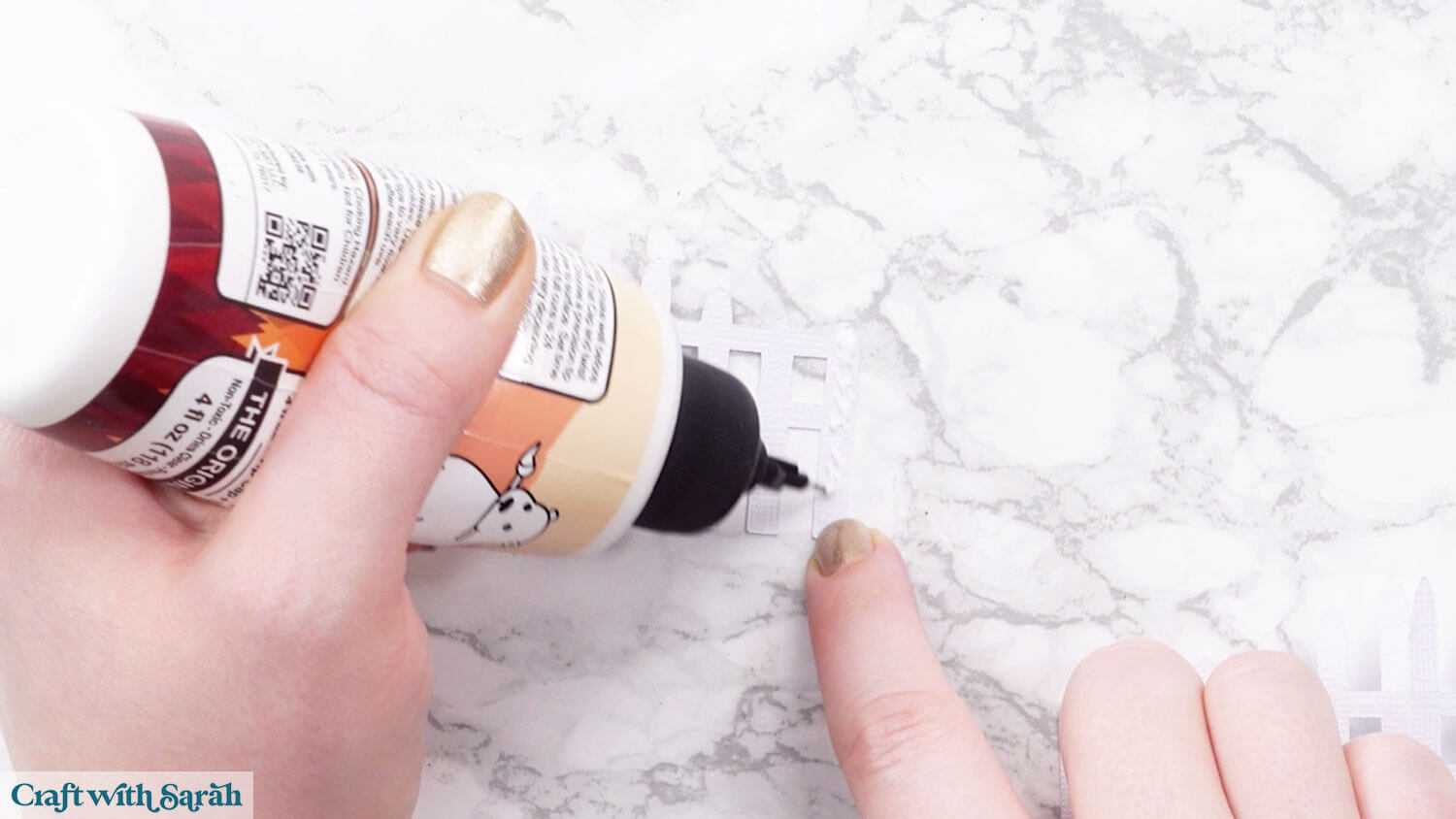
Add glue down the far-right fence post on one of the pieces.
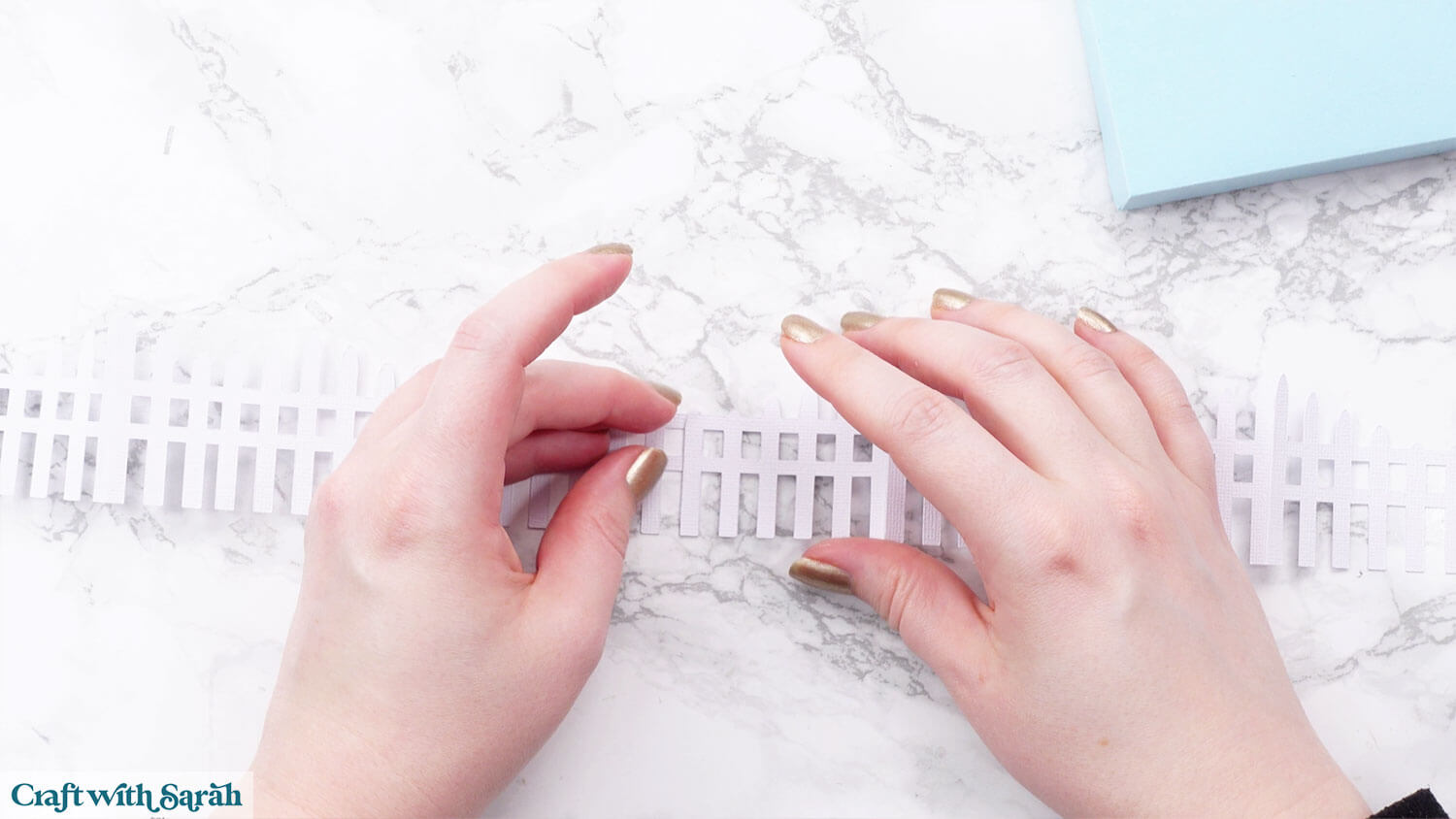
Glue the other piece on top to make one long fence.
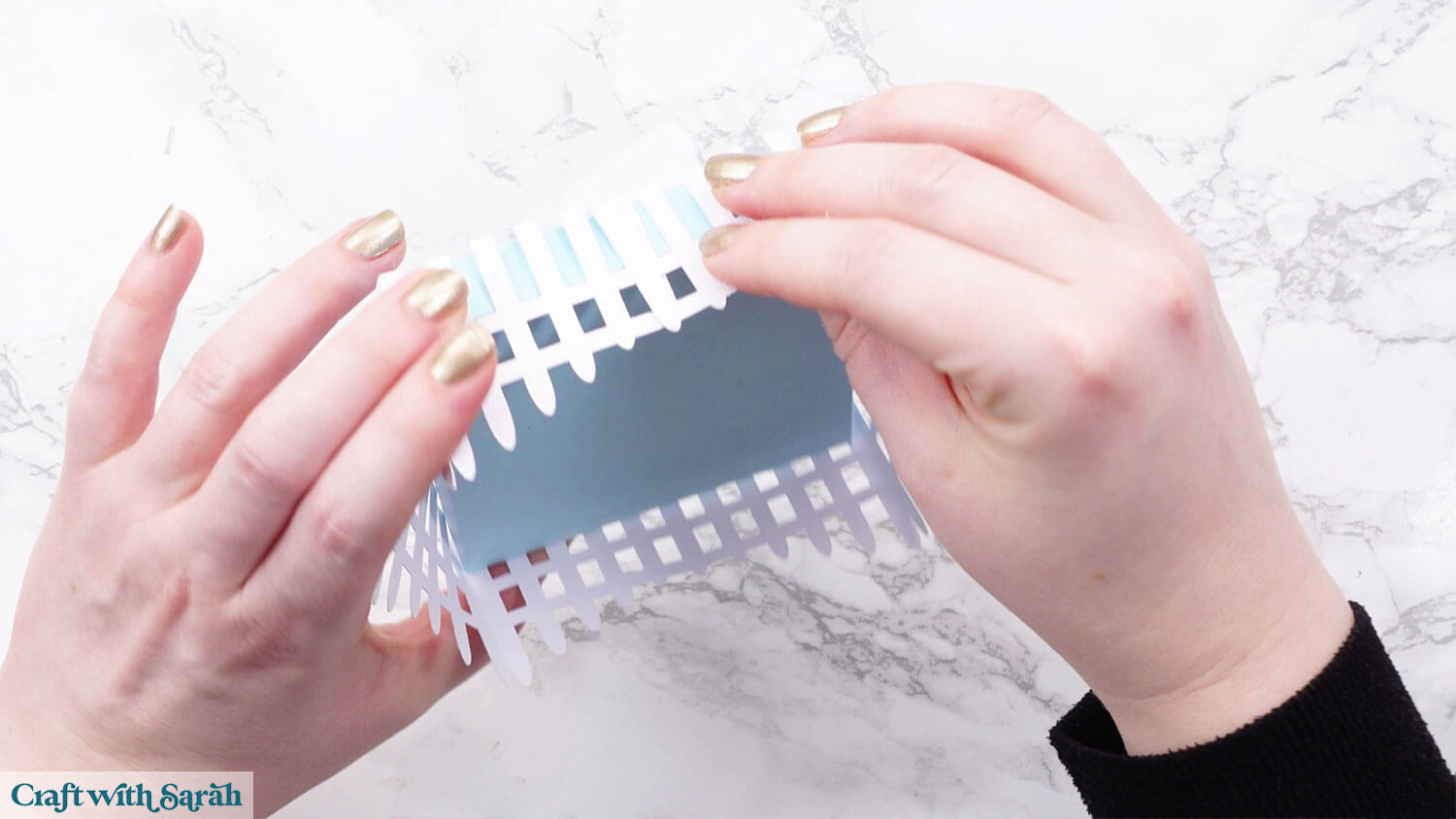
Glue the ends together to make a square.
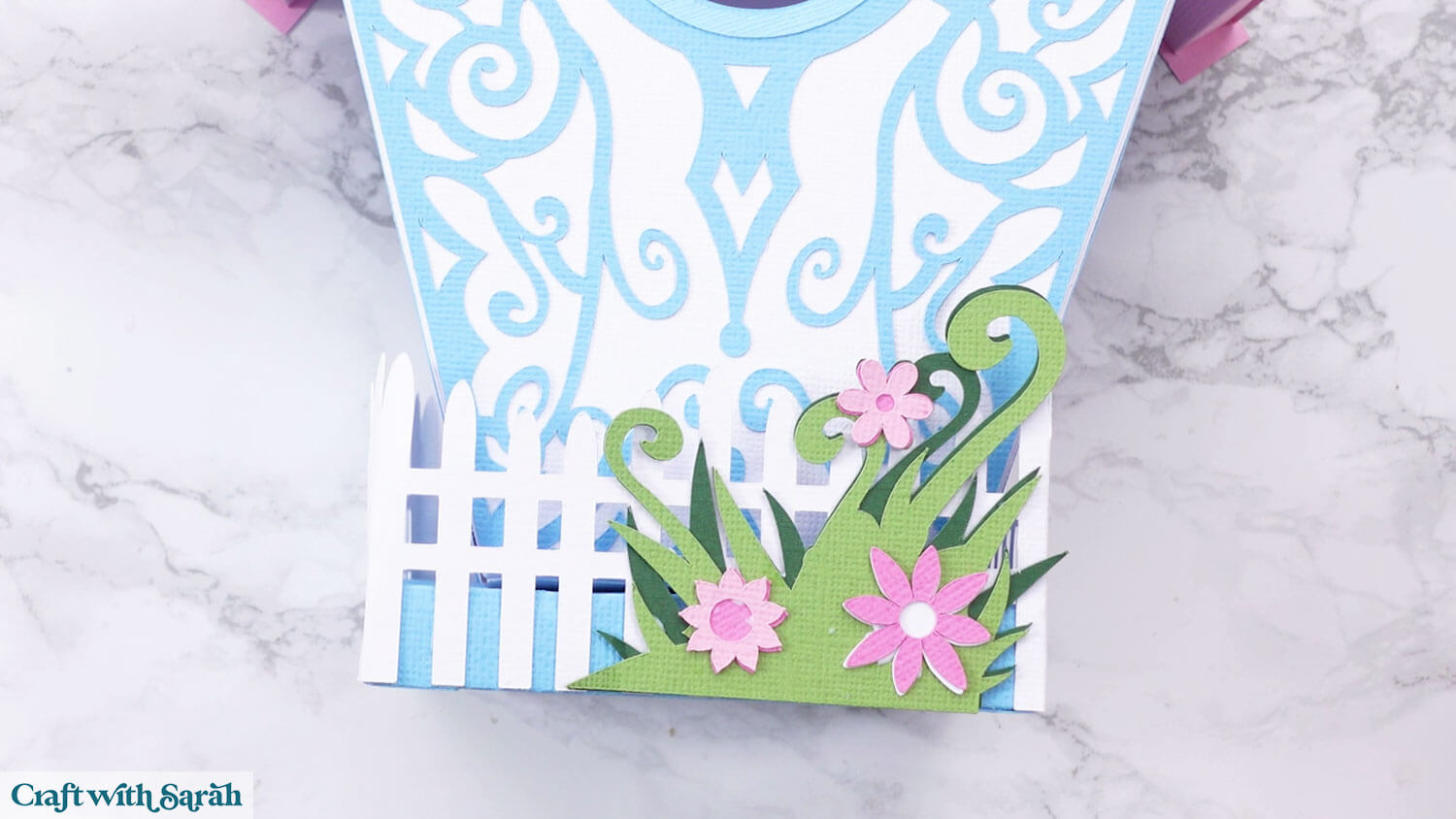
Add glue to the bottom third of the fence posts and glue around the base box.
If the fence seems a bit loose, play about with the positioning and make sure the corners are on tightly.
Step 9) Flower decorations
Glue the flower pieces together for the front of the picket fence, then glue on to your chosen position.
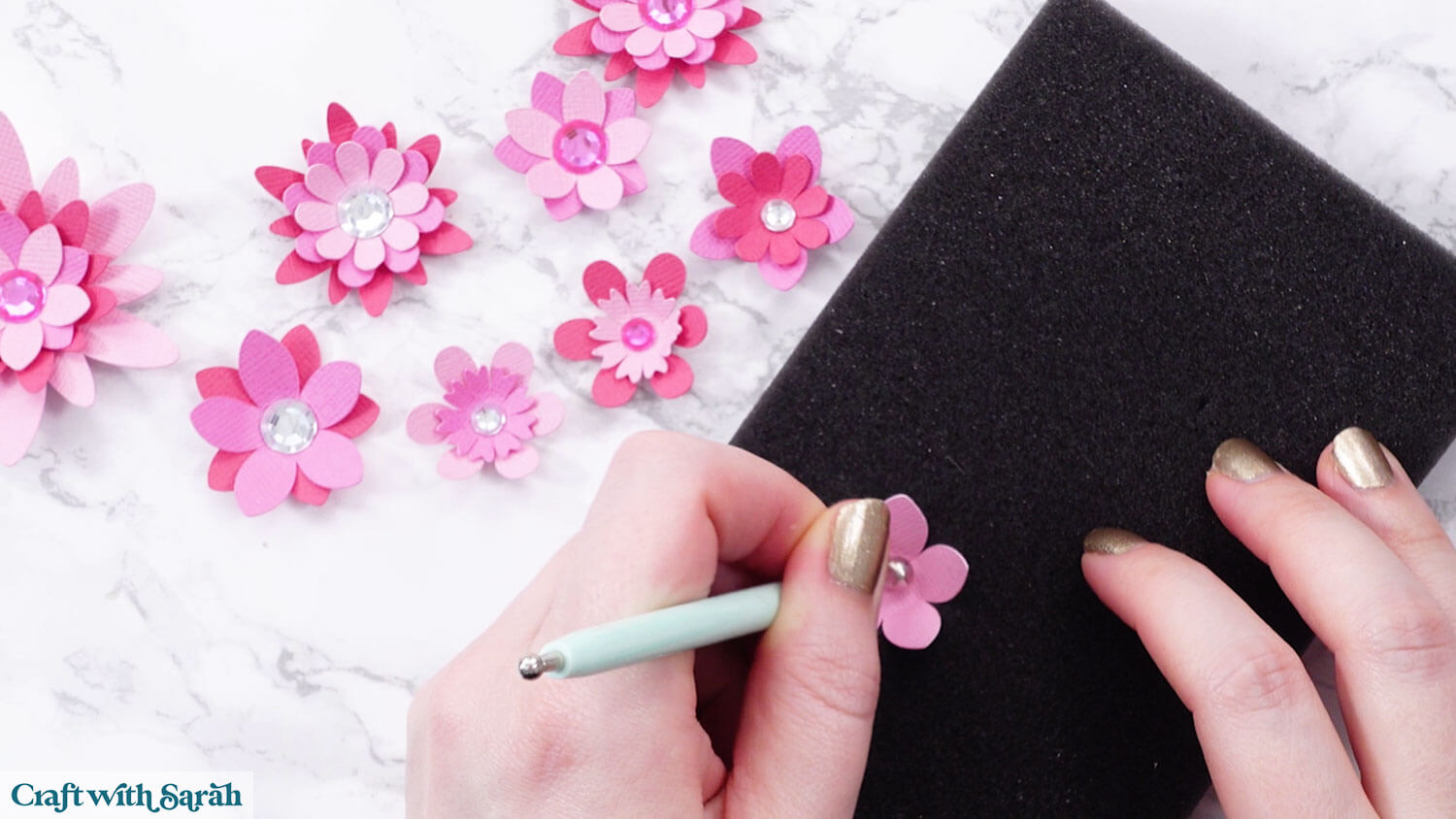
To make the flowers look 3D you can roll around the middles of them with a ball tool placed on a piece of foam.
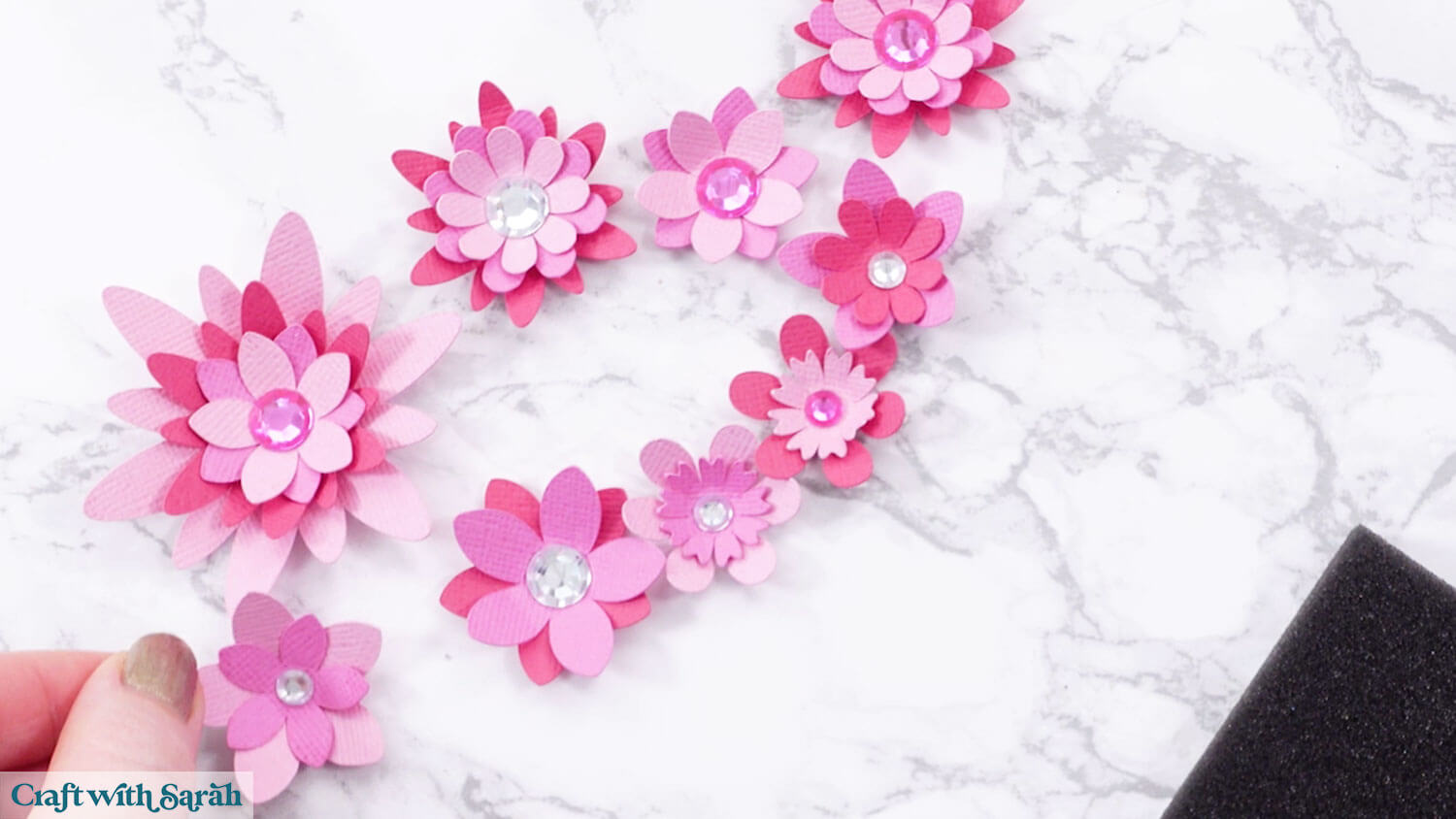
If you don’t have these then gently bend the petals upwards with your fingers instead.
Glue the smaller flowers into the larger ones.
You don’t need to stick too closely to how the flowers look in Design Space.
Glue the circle middles in place OR use gemstones instead.
Glue some of the flowers to the front of the birdhouse.
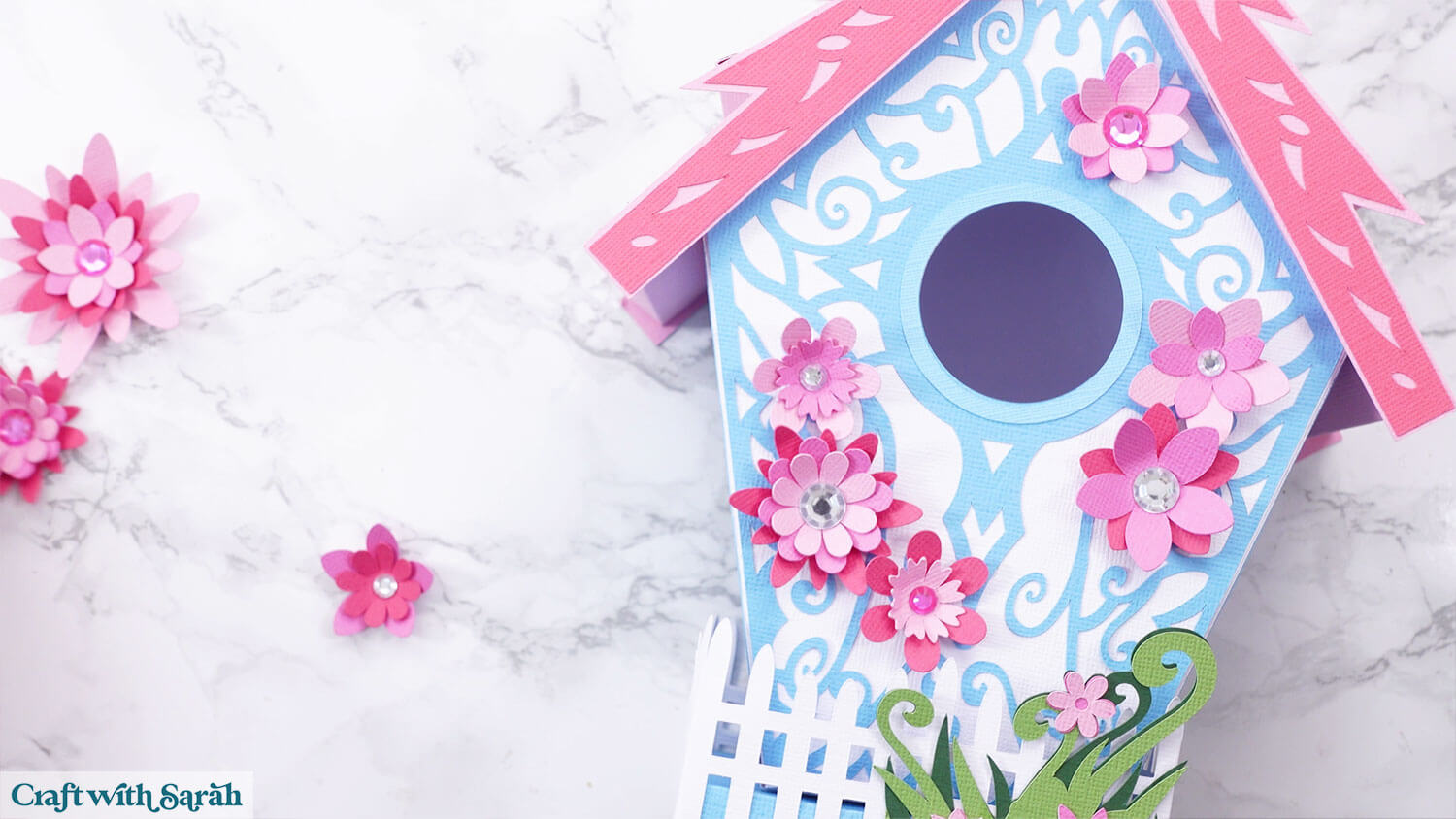
When the glue has completed dried, turn the birdhouse over and glue the remaining flowers to the back.
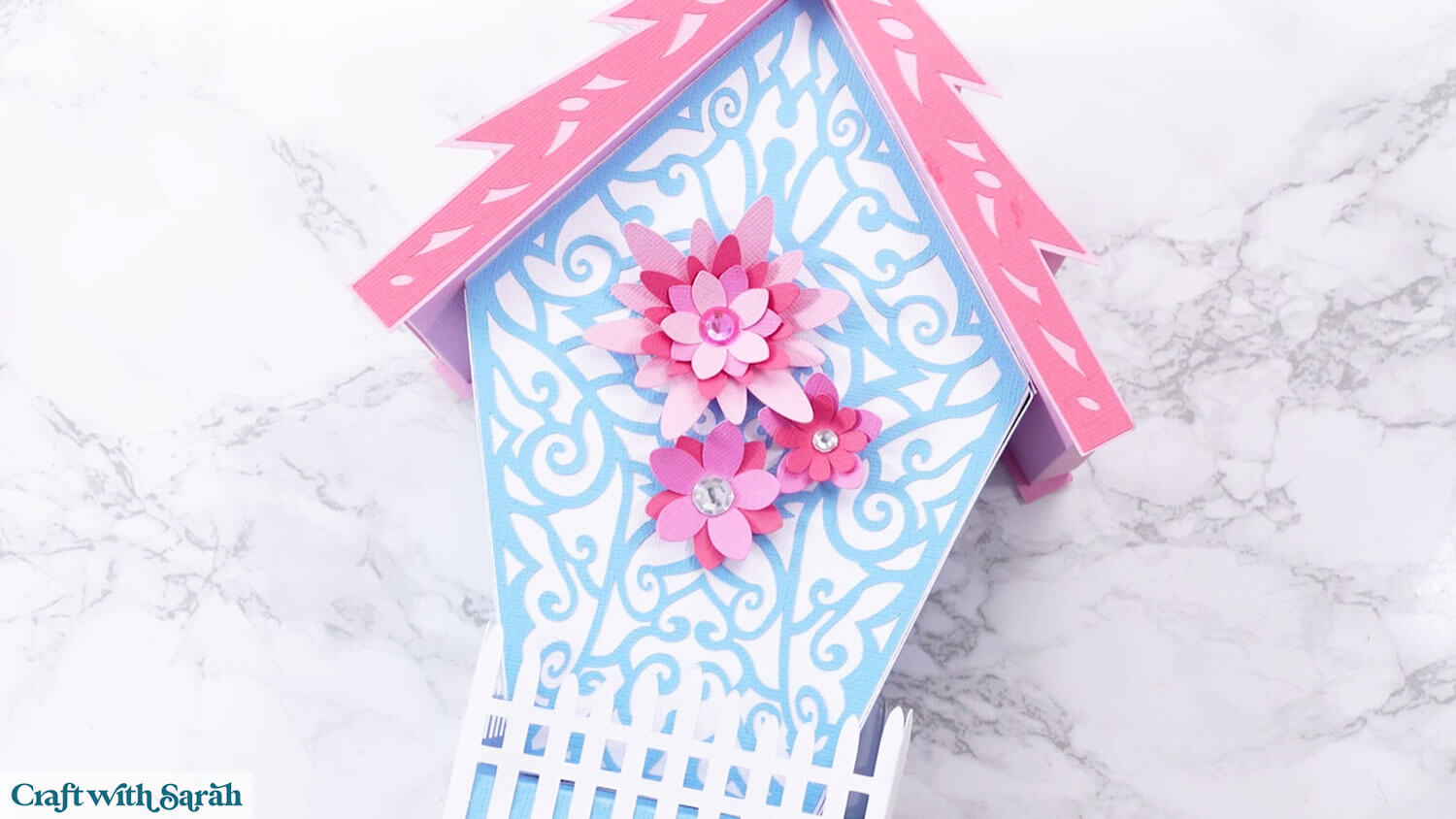
Your birdhouse is now finished!
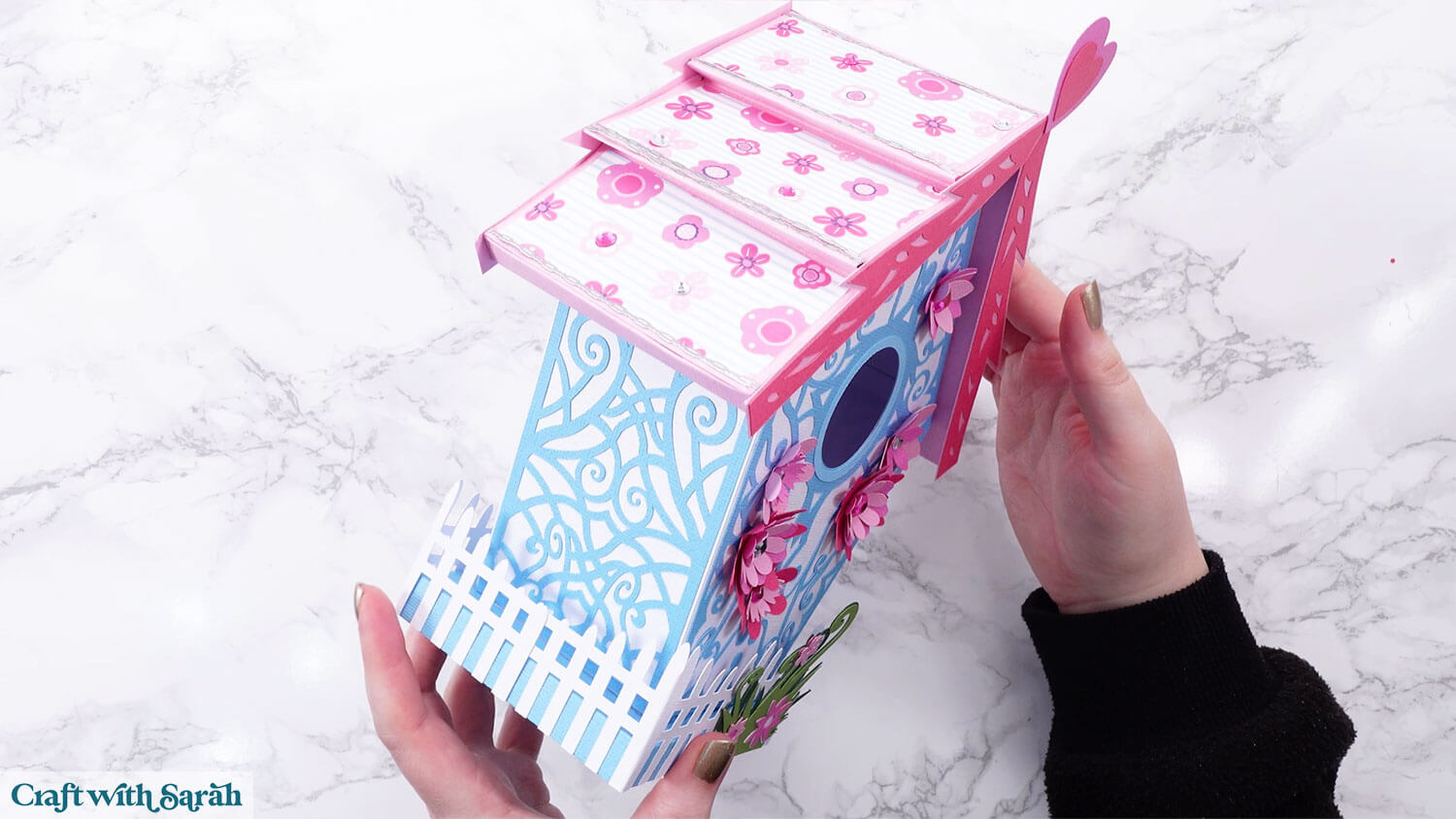
Beautiful bird house to make with a Cricut
I hope you enjoy making this lovely 3D bird house.
It’s definitely more of an “involved” project, but although it might seem a little bit daunting when you first load the SVG into Design Space, it is fairly straightforward to put together.
It takes a little while to cut out the swirly detail pieces, but the really do enhance the overall look to give it that delicate, hand-painted appearance.
Love 3D craft projects?
Check out these other (impressive!!) three dimensional Cricut crafts:
- 3D candelabra for Halloween
- Santa chimney advent calendar
- 3D turkey for Thanksgiving (free!)
- Phoenix lantern
- 3D star tree with snowflakes (free!)
Happy crafting,
Sarah x