
Birdhouse 3D SVG
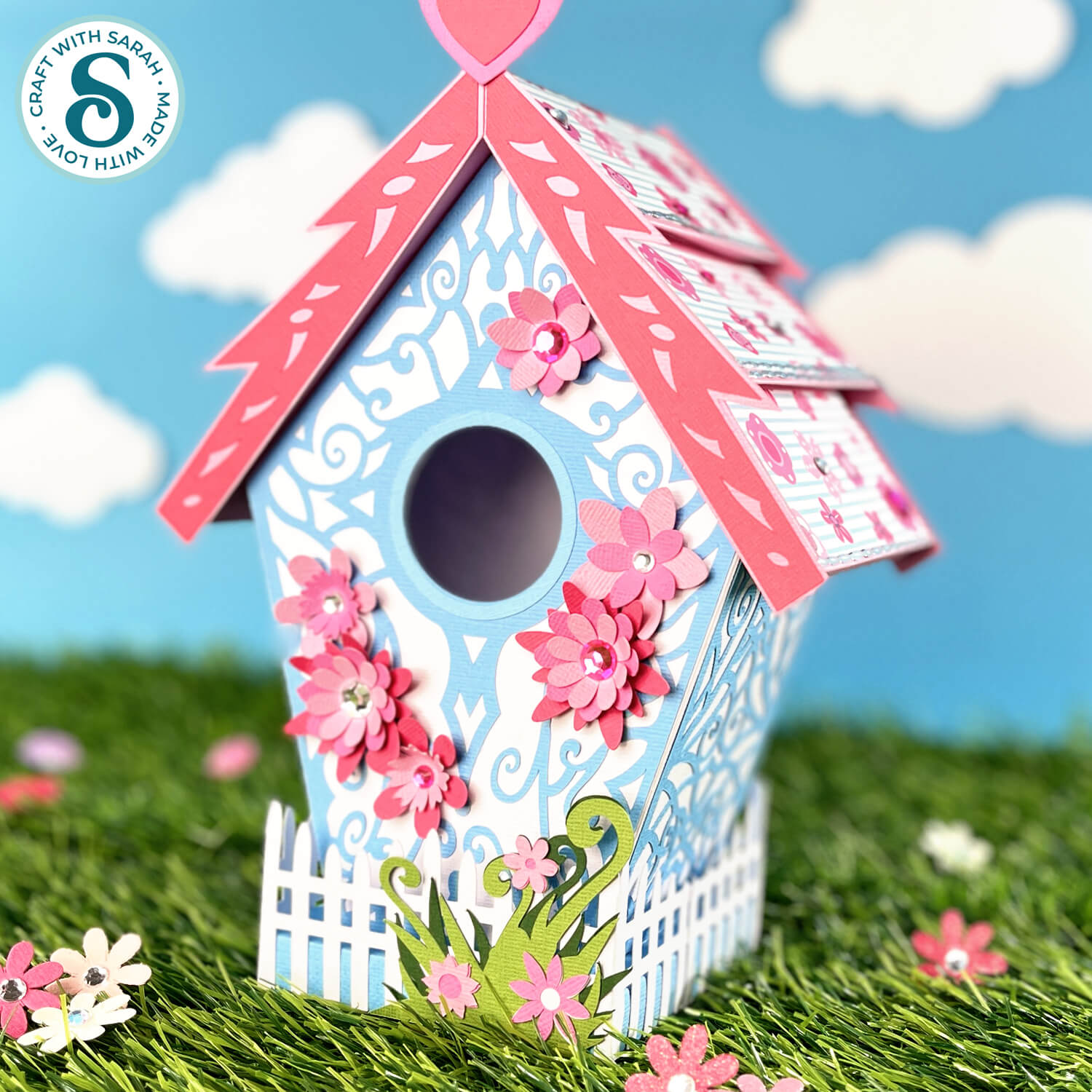
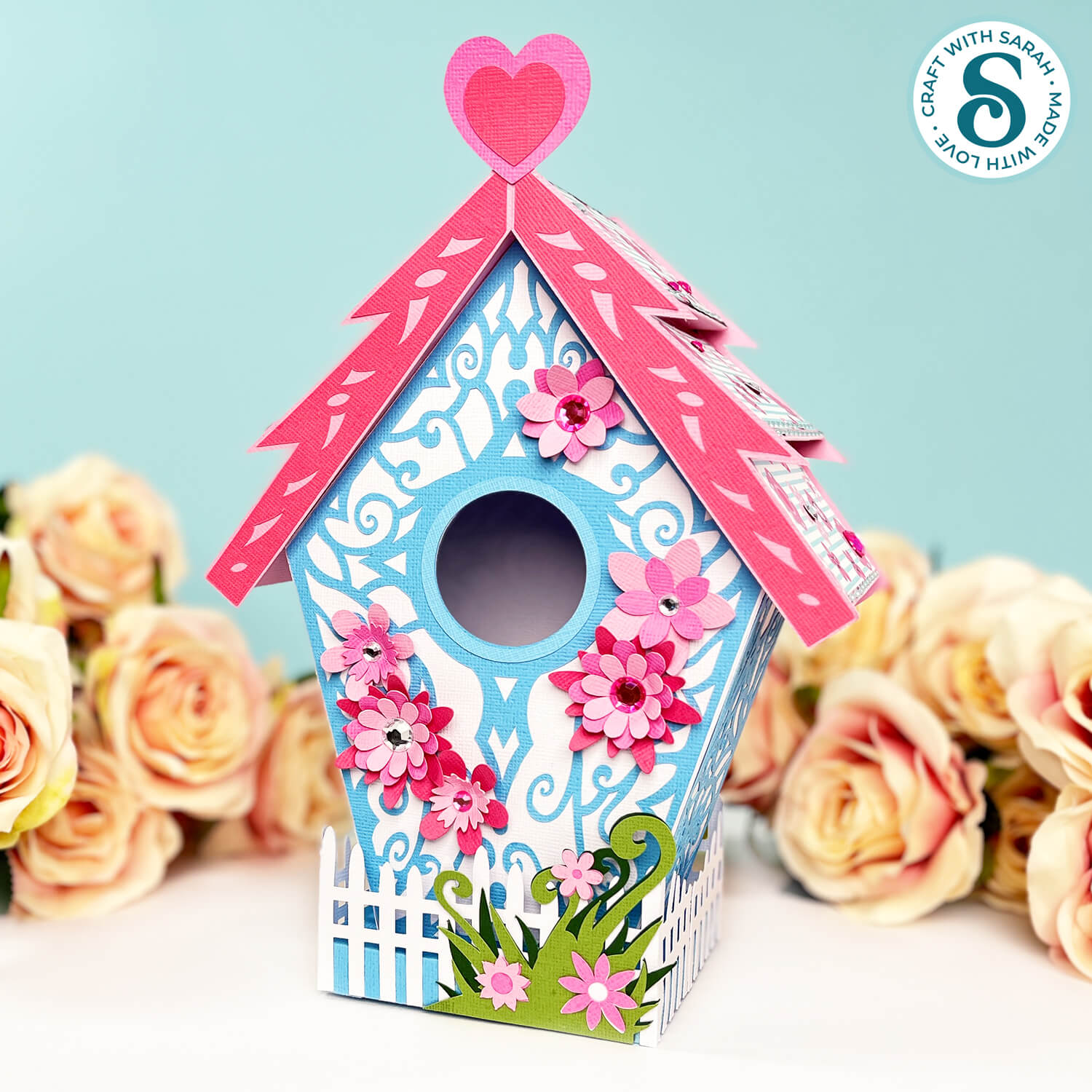
What is more perfect for spring than a beautiful flower-covered birdhouse to make with your Cricut.
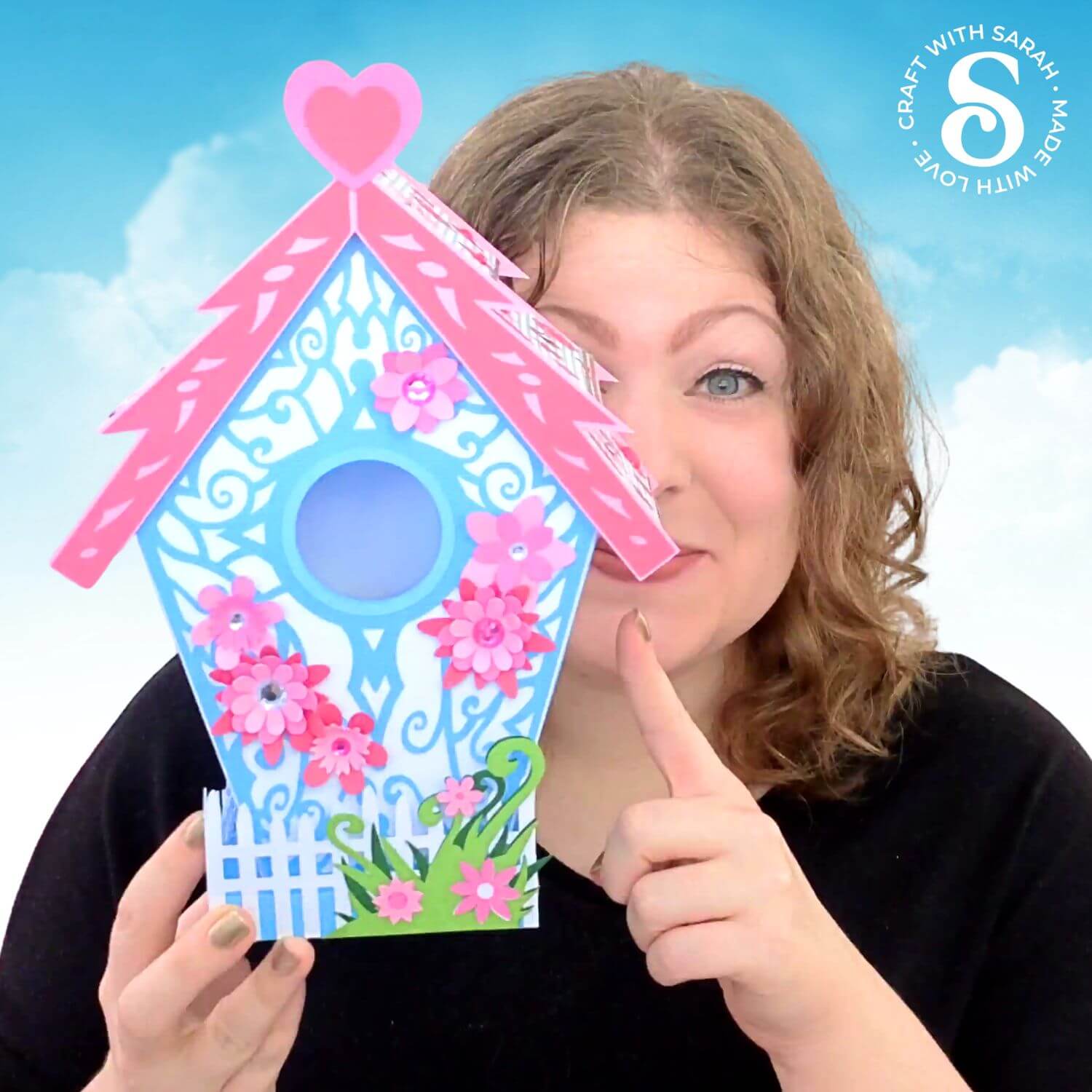
This impressive 3D bird house paper project is lots of fun to make, and so pretty with the pink and blue colours.
A white picket fence runs around the base, with layered flower detailing.
All sides of the bird house are decorated, so it looks lovely from every angle!
This product is included in the Spring Craft Countdown 2026
The Spring Craft Countdown contains 14 Spring themed craft projects, each with a detailed step-by-step video and video tutorial.
PLUS get 35 extra bonus layered designs and greetings cards too!
Find out moreAbout this Product
This is a digital download product. Nothing will be physically sent to you in the post/mail.
After purchase, you will be given a link to download the files. They are all contained in one download link as a zip folder.
You must unzip the downloaded folder before you can use the files.
If you are using a phone/tablet then you may need to install an app/program to allow you to unzip files.
This product is suitable for cutting with: Cricut machines, Silhouette machines, ScanNCut machines and other cutting/laser machines that can use SVG, DXF, EPS or PNG files.
For Cricut Design space, use the SVG file within the “01 Cricut Version” subfolder. This is one where the filename starts with svg-01- and ends in .svg
Check the size of the design before cutting. You may need to resize the design when it opens in your software (e.g. Cricut Design Space). All the layers are grouped, so you can easily resize them all at the same time and they will all stay in proportion with each other.
Printable PDF versions are included for hand-cutting, with each layer/piece shown separately on the pages.
Look in the “00 Instructions Read Me” subfolder for a link to written and video instructions on topics such as:
- How to unzip the download folders
- How to make layered cardstock designs on a Cricut, Silhouette, ScanNCut + more
- Software tutorials for Cricut Design Space, Silhouette Studio, CanvasWorkspace (for ScanNCut machines) + more
- How to resize the designs
- How to customize the designs (including changing the colours and removing patterns/pieces)
- + lots more tutorials; updated regularly
All Craft with Sarah customers have the opportunity to join my customer-only Facebook group where you can share your projects and get Cricut and Design Space help, including monthly LIVE Design Space training. The product download folder contains the link to follow to join the group. This bonus is only included with paid products, not free downloads.
Please familiarize yourself with the Craft with Sarah terms of use before purchase. Purchase/download of this product assumes acceptance of and agreement to these terms.