Slot-Together Woodland Animals & Tree
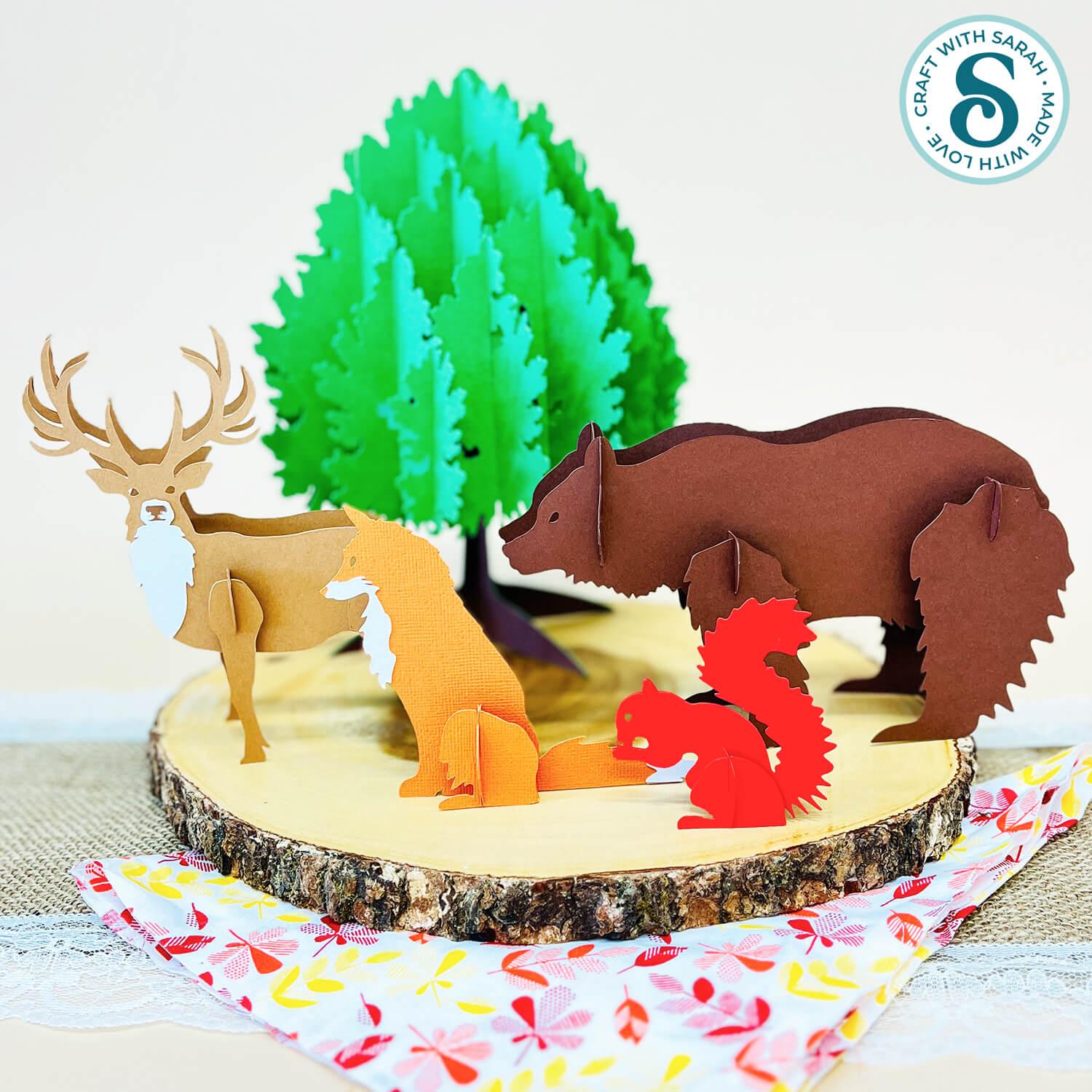
Create a beautiful woodland display for autumn with this collection of 3D slot-together animals and an impressive layered tree.
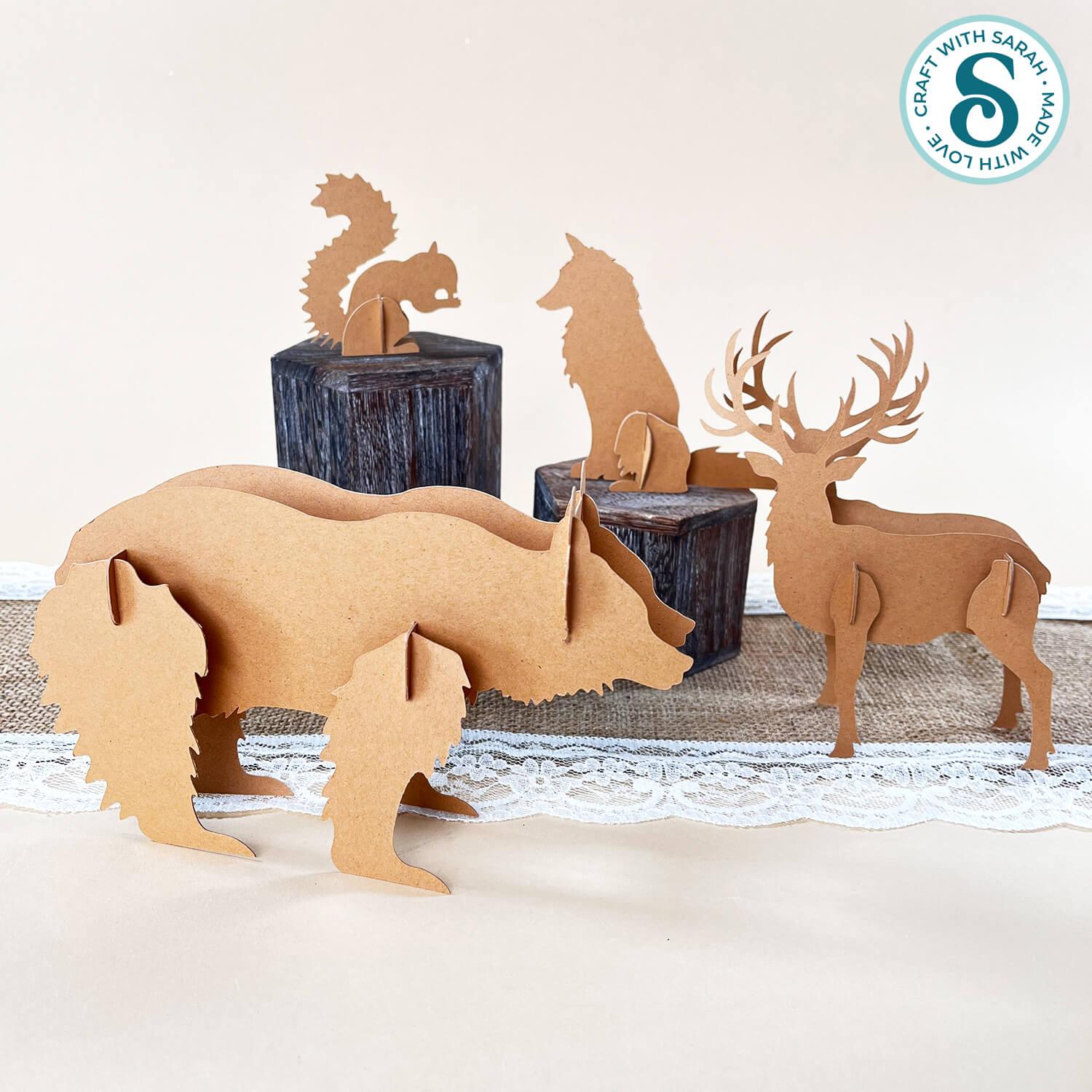
The digital cut file collection includes a fox, squirrel, stag, bear and a decorative tree, all designed to stand up without needing any glue for the finished assembly (apart from one small support inside the stag).
You can make the designs in multiple colours for a detailed woodland scene, or simplify them by cutting everything from one colour of cardstock or Kraft Board for a more rustic, Scandi-inspired look.
The pieces slot together and can be easily taken apart for storage. The tree folds flat, so you don’t need to take the pieces apart for that design.

This product is included in the Falloween Craft Countdown 2026
The Countdown contains 10 Fall and 10 Halloween themed craft projects, each with a detailed step-by-step video and video tutorial.
PLUS get 30 extra bonus files too, including layered designs, side edge cards and cute “mini” SVGs.
Find out moreAbout this Product
This is a digital download product. Nothing will be physically sent to you in the post/mail.
After purchase, you will be given a link to download the files. They are all contained in one download link as a zip folder.
You must unzip the downloaded folder before you can use the files.
If you are using a phone/tablet then you may need to install an app/program to allow you to unzip files.
This product is suitable for cutting with: Cricut machines, Silhouette machines, ScanNCut machines and other cutting/laser machines that can use SVG, DXF, EPS or PNG files.
For Cricut Design space, use the SVG file within the “01 Cricut Version” subfolder. This is one where the filename starts with svg-01- and ends in .svg
Check the size of the design before cutting. You may need to resize the design when it opens in your software (e.g. Cricut Design Space). All the layers are grouped, so you can easily resize them all at the same time and they will all stay in proportion with each other.
Printable PDF versions are included for hand-cutting, with each layer/piece shown separately on the pages.
Look in the “00 Instructions Read Me” subfolder for a link to written and video instructions on topics such as:
- How to unzip the download folders
- How to make layered cardstock designs on a Cricut, Silhouette, ScanNCut + more
- Software tutorials for Cricut Design Space, Silhouette Studio, CanvasWorkspace (for ScanNCut machines) + more
- How to resize the designs
- How to customize the designs (including changing the colours and removing patterns/pieces)
- + lots more tutorials; updated regularly
All Craft with Sarah customers have the opportunity to join my customer-only Facebook group where you can share your projects and get Cricut and Design Space help, including monthly LIVE Design Space training. The product download folder contains the link to follow to join the group. This bonus is only included with paid products, not free downloads.
Please familiarize yourself with the Craft with Sarah terms of use before purchase. Purchase/download of this product assumes acceptance of and agreement to these terms.